Fix 256GB Flash Drive Became 32GB
Fix a 256GB flash drive showing as 32GB. Learn why capacity shrinks after boot media creation and how to restore full USB capacity safely.
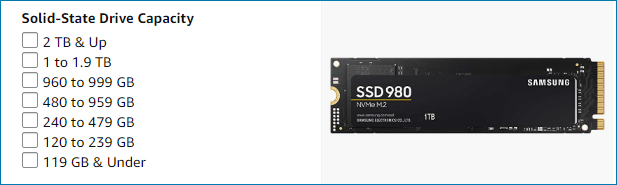
Why Capacity Shrinks
A large USB drive may show only 32GB after it was used as bootable media, formatted as FAT32, or split into hidden partitions. Windows File Explorer shows only the mounted partition, not always the whole device layout.
Check the Real Layout
- Open Disk Management and select the USB drive carefully.
- Look for unallocated space or extra small partitions.
- Back up files from visible partitions.
- Delete and recreate partitions only when the data is no longer needed.
Use Qiling Disk Master When Windows Tools Are Not Enough
Qiling tools give you a visual way to review the disk state, protect files, and confirm risky operations before Windows repair, formatting, resizing, or cloning changes are applied.
Step 1. Connect the 256GB flash drive and open Qiling Disk Master. Select the USB drive by capacity and removable-drive layout, not only by drive letter.
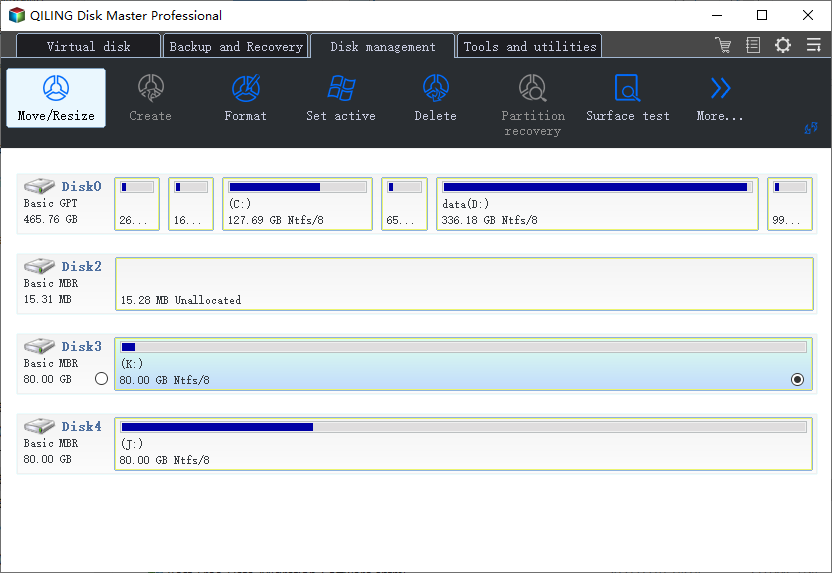
Step 2. Check whether the missing space is unallocated or hidden behind extra boot partitions. Back up visible files before changing the layout.
Step 3. If the USB was used as bootable media and the data is no longer needed, delete the extra small partitions.
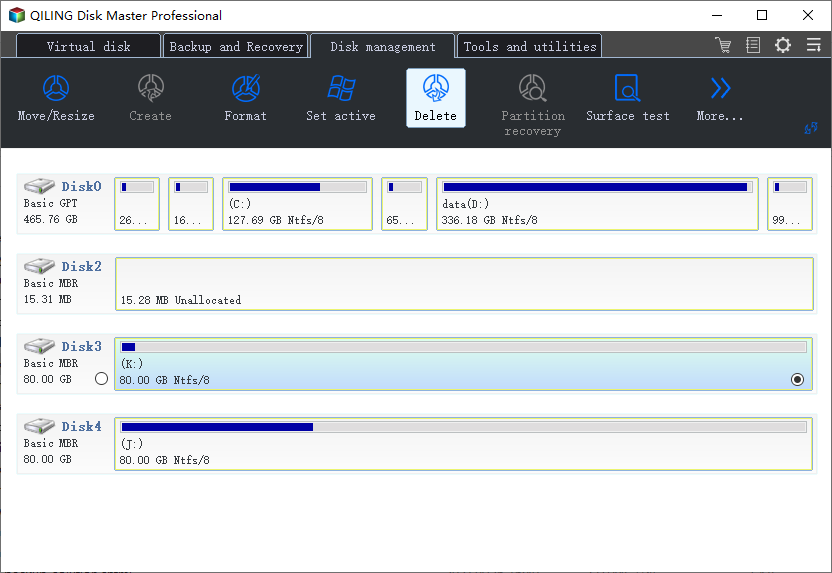
Step 4. Select the full unallocated space and choose Create. Use exFAT for broad compatibility or NTFS for Windows-only storage.
Step 5. Preview the delete and create operations. Confirm they apply only to the 256GB USB drive.
Step 6. Click Proceed. When finished, reconnect the USB drive and confirm File Explorer shows the full usable capacity.
Conclusion
Start with the Windows checks that match your symptom, protect important data before formatting or repartitioning, and use the Qiling workflow when you need a clearer, safer way to repair the disk or move data.
Related Articles
Products
Articles & Tutorials
- Data Recovery
- Data Backup
- File Recovery
- File Backup
- System Backup and Restore
- Disk and Partition Clone
- Technical articles
- Mobile articles
- Disk Master Help
- Windows Data Recovery Tutorials
- Windows Secure Delete Tutorials
- Windows Partition Management Tutorials
- Windows File Backup and Restore Tutorials
- Windows System Backup and Restore Tutorials
- Windows Disk Backup and Restore Tutorials
- Windows Clone Tutorials