External Hard Drive Will Not Format to exFAT
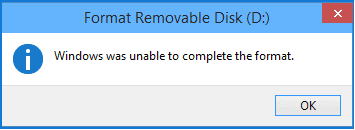
An external hard drive may fail to format to exFAT because of file system errors, write protection, a damaged partition table, bad sectors, or a program still using the drive.
Before You Start
- Copy or recover files before formatting.
- Try a different USB port or cable for external HDDs.
- Close File Explorer windows and apps using the drive.
- Check for write protection or hardware failure.
Windows Method
- Open Disk Management and locate the external drive.
- Delete the problem volume only after files are safe.
- Create a new simple volume from the unallocated space.
- Choose exFAT and Quick Format.
- If formatting fails again, check the drive health before reuse.
Use Qiling Disk Master to Rebuild and Format the External Drive
Step 1. Select the external hard drive by model and capacity.
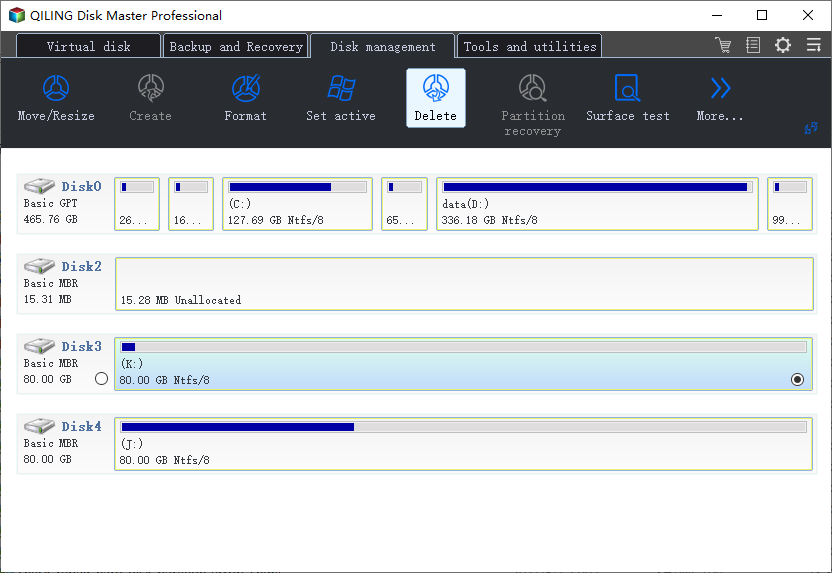
Step 2. If the old partition is damaged, choose Delete after backing up or recovering files.
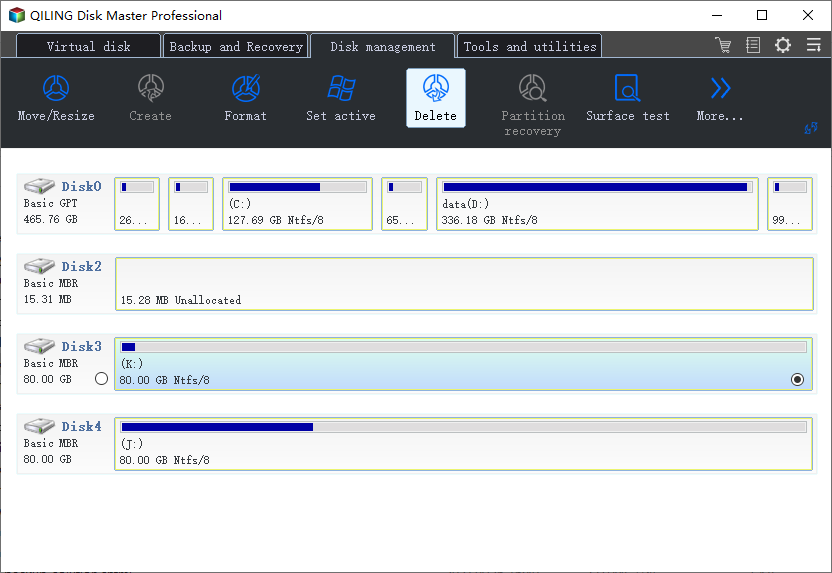
Step 3. Select the unallocated space and choose Create.
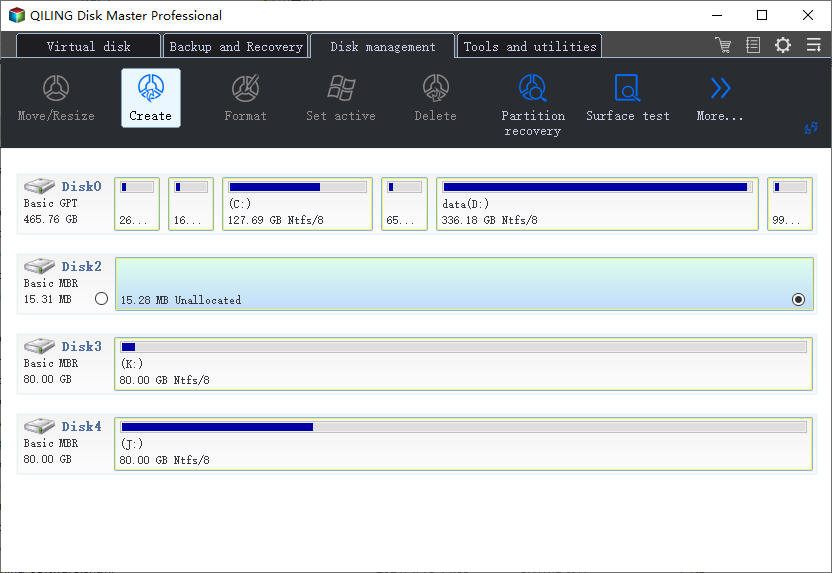
Step 4. Set the file system to exFAT, assign a drive letter, and enter a label.
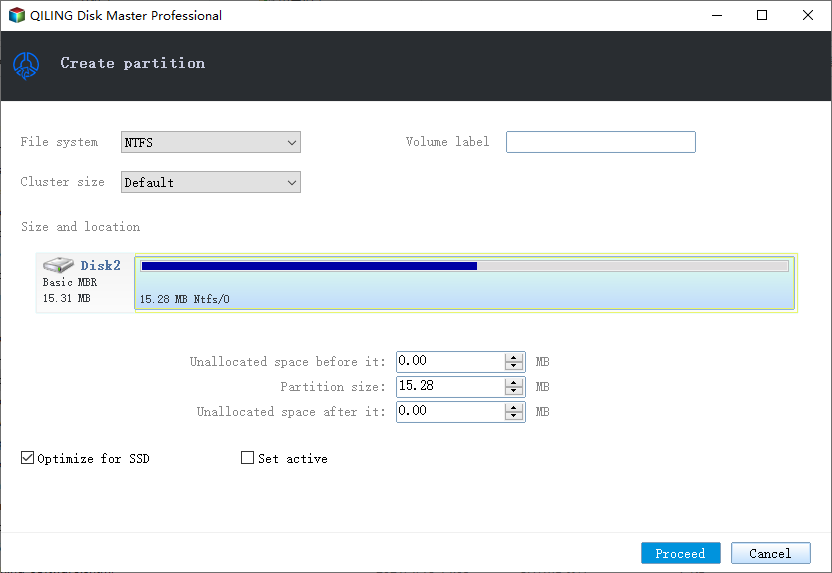
Step 5. Preview the layout and click Proceed.
Conclusion
If exFAT formatting fails repeatedly, do not keep forcing it. Protect files first, then check the disk health and rebuild the partition only when the drive is stable.
Related Articles
Products
Articles & Tutorials
- Data Recovery
- Data Backup
- File Recovery
- File Backup
- System Backup and Restore
- Disk and Partition Clone
- Technical articles
- Mobile articles
- Disk Master Help
- Windows Data Recovery Tutorials
- Windows Secure Delete Tutorials
- Windows Partition Management Tutorials
- Windows File Backup and Restore Tutorials
- Windows System Backup and Restore Tutorials
- Windows Disk Backup and Restore Tutorials
- Windows Clone Tutorials