Formatting Stuck at 54 Percent: What to Do
Formatting can get stuck at a specific percentage when Windows hits slow or unreadable sectors, the USB/SATA connection is unstable, the drive is failing, or another process interrupts the operation. A full format is more likely to reveal bad sectors because it scans the disk more deeply than Quick Format.
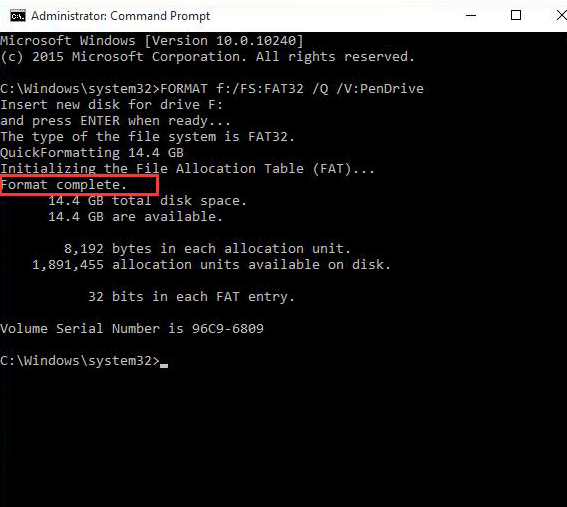
What to Know First
- Do not unplug the drive immediately unless it has been stuck for a long time and no activity is visible.
- Recover files first if the drive contains important data.
- Try another cable, port, or enclosure for external drives.
- Check disk health before trusting the drive again.
Windows Method and Background
- Wait long enough to rule out a slow full format.
- If it remains stuck, cancel safely if Windows allows it.
- Reconnect the drive and check whether it appears normally.
- Run a disk health or surface check before formatting again.
- Use Quick Format only after files are safe and the drive appears healthy.
Use Qiling Disk Master to Format or Test the Drive
After a format gets stuck, do not immediately repeat the same operation. First check whether files are needed and whether the drive is healthy enough to reuse.
Case A. The Drive Still Contains Needed Files
Step 1. Stop formatting if Windows allows it, then reconnect the drive without writing new data to it.
Step 2. Recover or copy important files before trying another format.
Step 3. After files are safe, check the disk surface or health status before reuse.
Case B. The Drive Is Empty or Files Are Backed Up
Step 1. Select the stuck drive by model and capacity.
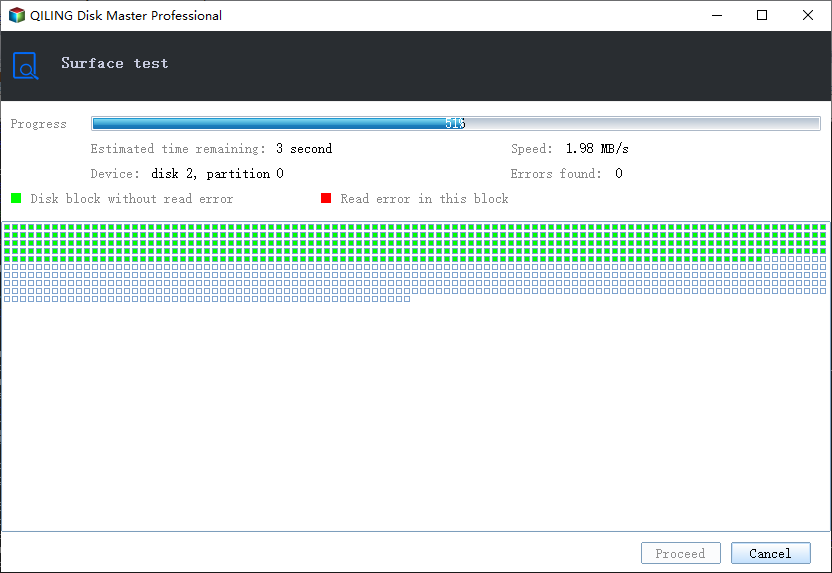
Step 2. Run a surface test if the drive is slow, noisy, disconnects, or gets stuck at the same percentage again.
Step 3. If the test shows no serious errors, choose Format and set NTFS for Windows storage or exFAT for removable use.
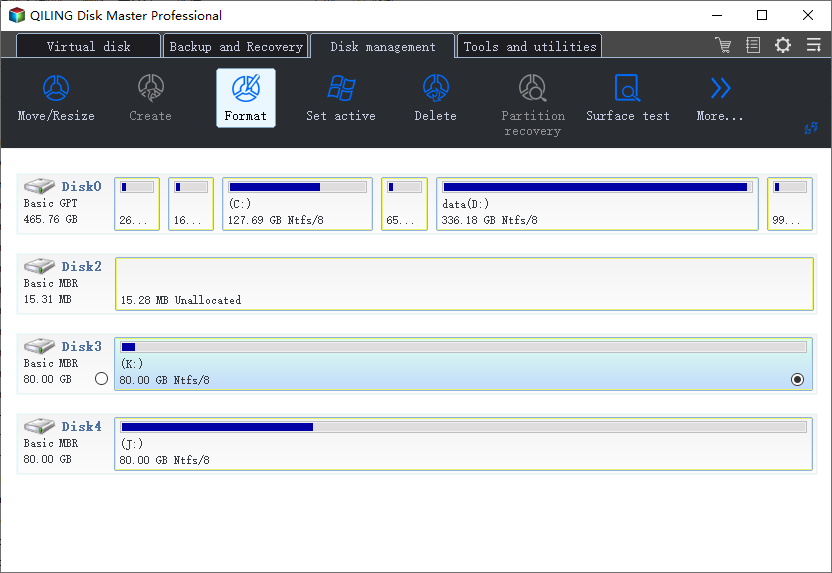
Step 4. Preview the task and click Proceed.
Case C. Errors Appear Again
Step 1. Try another cable, USB port, enclosure, or computer to rule out connection issues.
Step 2. Replace the drive if bad sectors, I/O errors, or repeated format stalls continue.
Conclusion
A format stuck at 54 percent often points to bad sectors or unstable connection. Check the drive before reusing it for important data.
Related Articles
Products
Articles & Tutorials
- Data Recovery
- Data Backup
- File Recovery
- File Backup
- System Backup and Restore
- Disk and Partition Clone
- Technical articles
- Mobile articles
- Disk Master Help
- Windows Data Recovery Tutorials
- Windows Secure Delete Tutorials
- Windows Partition Management Tutorials
- Windows File Backup and Restore Tutorials
- Windows System Backup and Restore Tutorials
- Windows Disk Backup and Restore Tutorials
- Windows Clone Tutorials