How Long Does It Take to Format a 1TB External Hard Drive
A 1TB external hard drive can format quickly or slowly depending on the method, connection speed, file system, and disk health. Quick Format is usually minutes; Full Format can take hours.
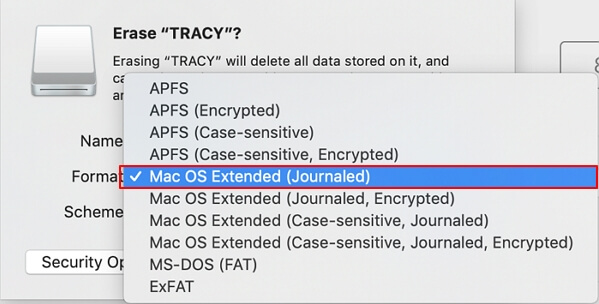
Before You Start
- Use Quick Format when the drive is healthy and you only need a new file system.
- Use Full Format when you want Windows to scan sectors during formatting.
- Use USB 3.x ports and a stable cable.
- Recover files first if the drive has errors or disconnects.
Windows Method
- Open Disk Management or File Explorer.
- Right-click the 1TB external drive and choose Format.
- Choose NTFS for Windows-only storage or exFAT for mixed devices.
- Select Quick Format for normal reuse. Clear it only when you intentionally want a full scan.
- Wait until formatting finishes before unplugging the drive.
Use Qiling Disk Master to Format and Check the Drive
Step 1. Select the 1TB external hard drive by model and capacity.
Step 2. Choose Format for the target partition.
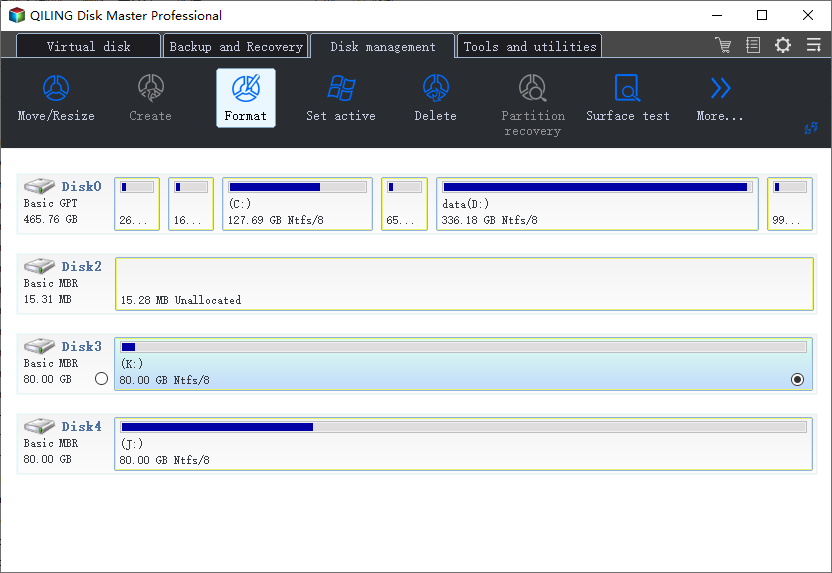
Step 3. Set NTFS or exFAT and confirm the volume label.
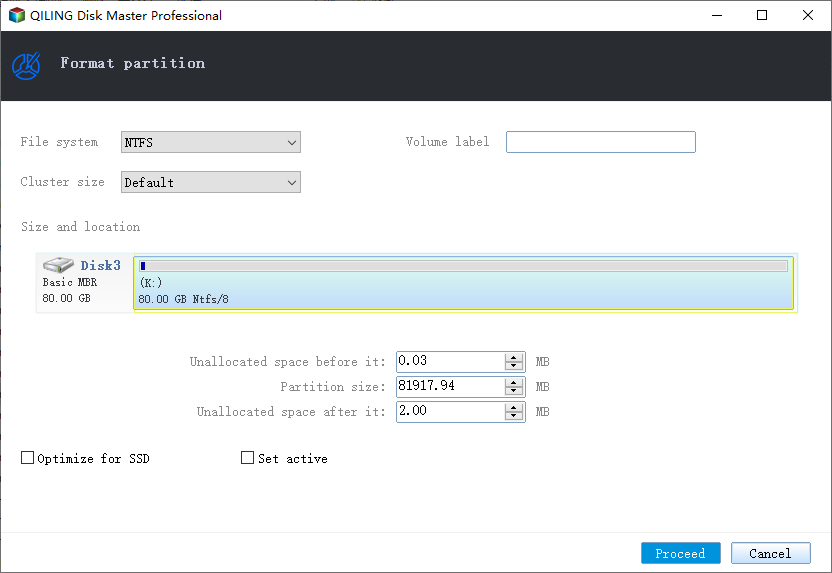
Step 4. Preview and click Proceed.
Step 5. If the process is unusually slow or fails, run a surface test before storing important data on the drive.
Conclusion
Quick Format is enough for most healthy 1TB external drives. A very slow or failed format is a sign to check the drive before trusting it.
Related Articles
Products
Articles & Tutorials
- Data Recovery
- Data Backup
- File Recovery
- File Backup
- System Backup and Restore
- Disk and Partition Clone
- Technical articles
- Mobile articles
- Disk Master Help
- Windows Data Recovery Tutorials
- Windows Secure Delete Tutorials
- Windows Partition Management Tutorials
- Windows File Backup and Restore Tutorials
- Windows System Backup and Restore Tutorials
- Windows Disk Backup and Restore Tutorials
- Windows Clone Tutorials