Fix Inaccessible Boot Device After Clone
Fix Inaccessible Boot Device after cloning Windows. Check BIOS mode, storage controller settings, boot order, cloning layout, and recovery options.
Why the Cloned Drive Fails to Boot
The error often appears when the cloned disk uses a different boot mode, the EFI/System Reserved partition is missing, the storage controller changed from SATA to RAID or AHCI, or the clone was made to a smaller SSD without proper partition alignment.
Check BIOS and Windows Boot Settings
- Enter BIOS/UEFI and move the cloned drive to the first boot position.
- Match UEFI/Legacy mode with the original Windows installation.
- Check SATA/NVMe controller mode.
- Run Startup Repair from Windows installation media.
- If the original disk still boots, recreate the clone with all required boot partitions.
Use Qiling Disk Master When Windows Tools Are Not Enough
Qiling tools give you a visual way to review the disk state, protect files, and confirm risky operations before Windows repair, formatting, resizing, or cloning changes are applied.
Step 1. If the original disk still boots, start from the original Windows installation and open Qiling Disk Master. Choose a full disk clone for a system migration, not only the C partition.
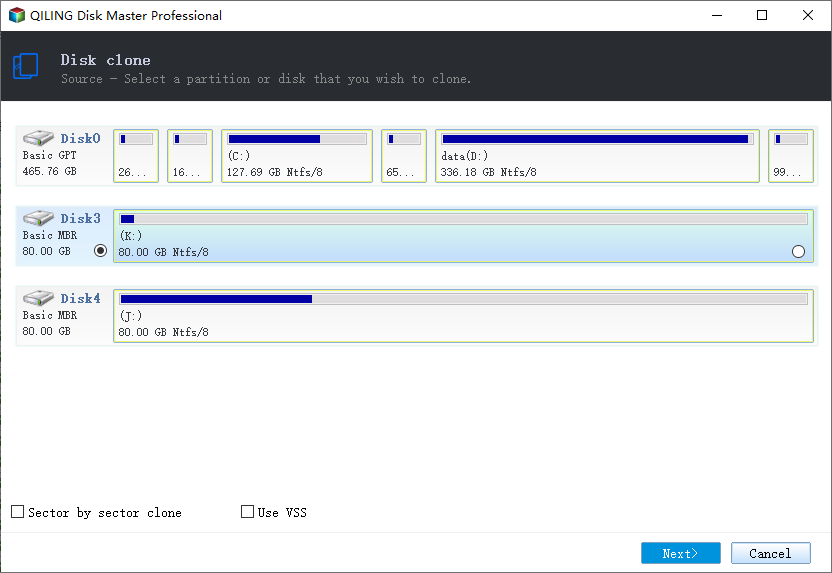
Step 2. Select the source system disk. Make sure EFI/System Reserved, MSR, C drive, and Recovery partitions are included.
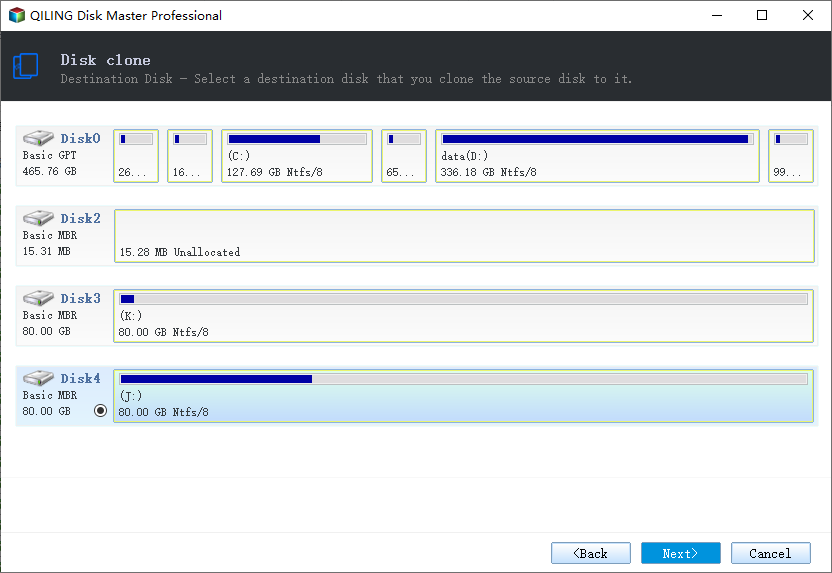
Step 3. Select the destination SSD or HDD. Confirm it has enough space and that any old data on it is already backed up.
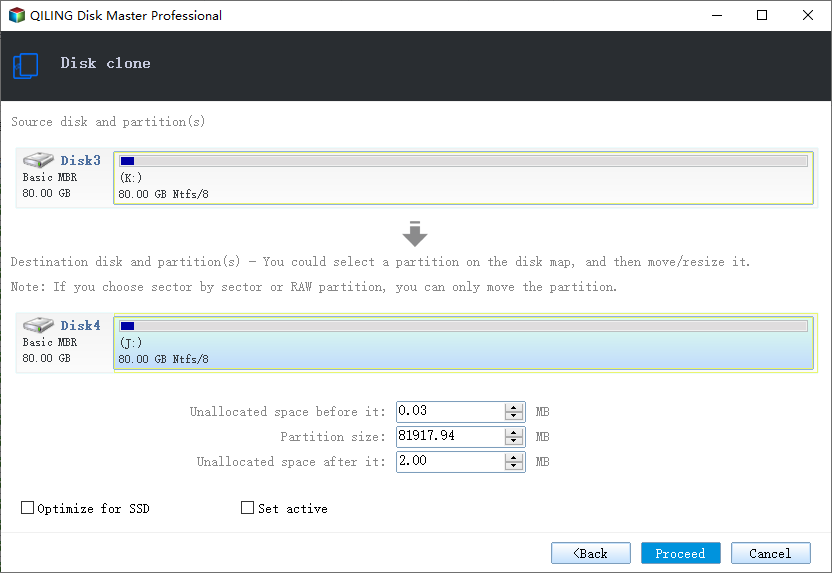
Step 4. Preview the cloned layout. Adjust partition size only if needed, and keep boot partitions in the correct order.
Step 5. Click Proceed to start cloning. Do not interrupt the process.
Step 6. After cloning, shut down the PC, disconnect the old disk for the first boot test, and set the cloned disk as the first boot device in BIOS/UEFI.
Step 7. If the error still appears, check UEFI/Legacy mode and SATA/AHCI/RAID settings before cloning again.
Conclusion
Start with the Windows checks that match your symptom, protect important data before formatting or repartitioning, and use the Qiling workflow when you need a clearer, safer way to repair the disk or move data.
Related Articles
Products
Articles & Tutorials
- Data Recovery
- Data Backup
- File Recovery
- File Backup
- System Backup and Restore
- Disk and Partition Clone
- Technical articles
- Mobile articles
- Disk Master Help
- Windows Data Recovery Tutorials
- Windows Secure Delete Tutorials
- Windows Partition Management Tutorials
- Windows File Backup and Restore Tutorials
- Windows System Backup and Restore Tutorials
- Windows Disk Backup and Restore Tutorials
- Windows Clone Tutorials