Is It Safe to Partition C Drive with Files on It
You can partition C drive while files are on it, but it is still a system-disk operation. A backup is important because power loss, disk errors, or choosing the wrong partition can cause trouble.
Before You Start
- Create a system backup or at least back up personal files.
- Make sure C drive is healthy and has enough free space.
- Leave room for Windows updates, apps, paging files, and restore points.
- Suspend BitLocker first if C drive is encrypted.
Windows Method: Shrink C Drive
- Open Disk Management.
- Right-click C drive and choose Shrink Volume.
- Enter the amount of space to shrink and confirm.
- Right-click the new unallocated space and create a new NTFS volume.
Use Qiling Disk Master to Partition C Drive
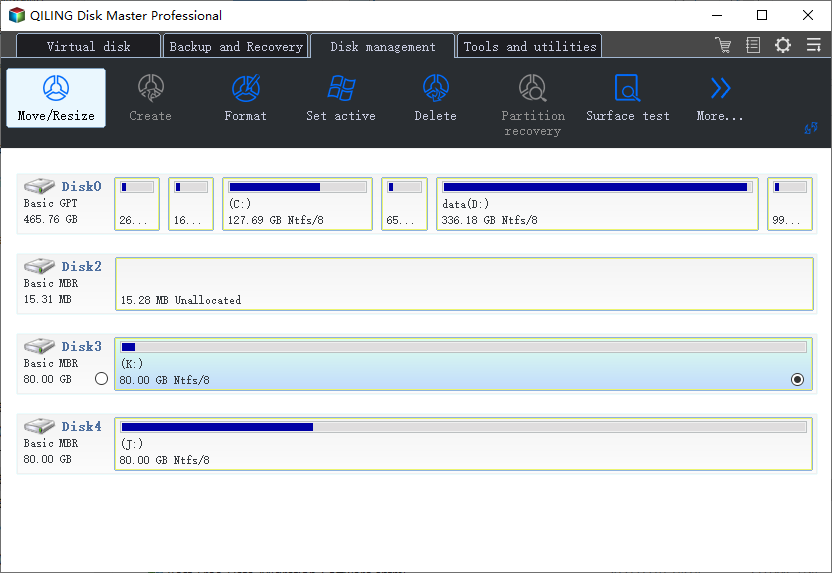
Step 1. Select C drive on the system disk and confirm it by drive letter and capacity.
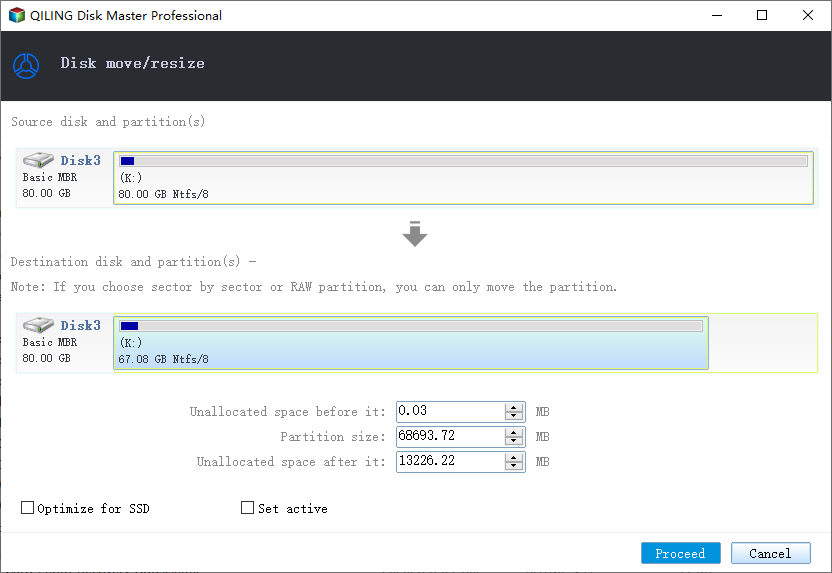
Step 2. Choose Resize/Move and shrink C drive to create unallocated space.
Step 3. Preview the resize operation and click Proceed. Restart if required.
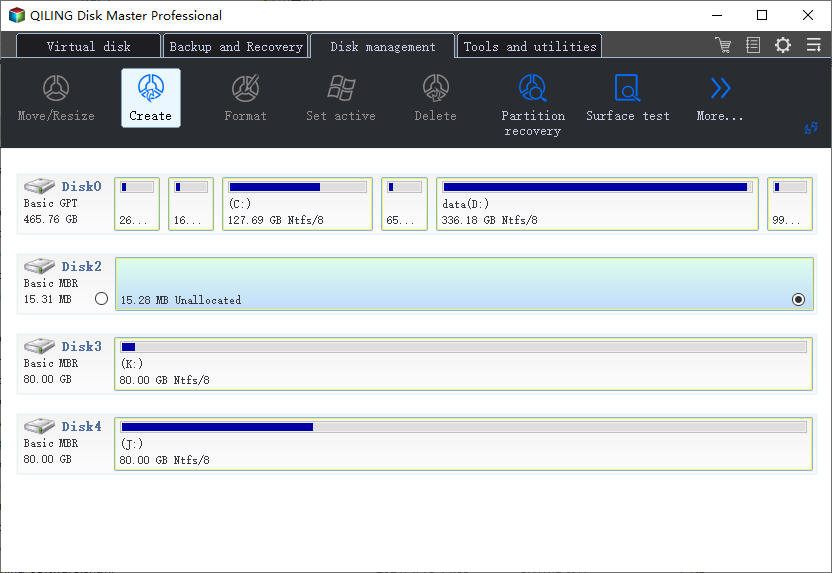
Step 4. Select the unallocated space after shrinking and choose Create.
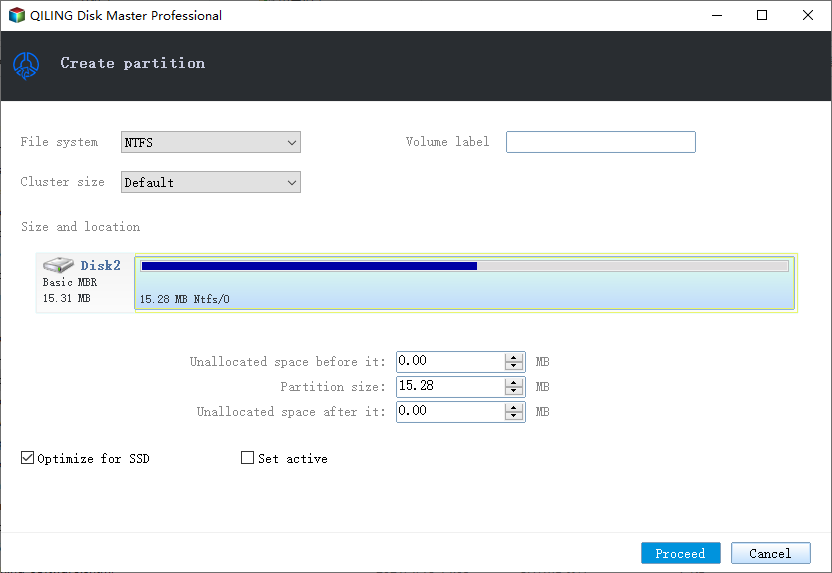
Step 5. Set size, drive letter, label, and NTFS, then click Proceed.
Conclusion
Partitioning C drive with files is possible, but do it with a backup and do not shrink C drive too much.
Related Articles
Products
Articles & Tutorials
- Data Recovery
- Data Backup
- File Recovery
- File Backup
- System Backup and Restore
- Disk and Partition Clone
- Technical articles
- Mobile articles
- Disk Master Help
- Windows Data Recovery Tutorials
- Windows Secure Delete Tutorials
- Windows Partition Management Tutorials
- Windows File Backup and Restore Tutorials
- Windows System Backup and Restore Tutorials
- Windows Disk Backup and Restore Tutorials
- Windows Clone Tutorials