Why Do I Have Two Recovery Partitions in Windows 10
Find why Windows 10 has two recovery partitions. Learn update causes, how to identify active WinRE, and when not to delete them.
Why Two Recovery Partitions Appear
Windows may create a new recovery partition when the old one is too small for WinRE updates. PC vendors may also add their own factory recovery partition. This is common after major Windows updates or disk cloning.
Do Not Delete Blindly
- Open Disk Management and note the partition order.
- Use reagentc /info to find the active WinRE location.
- Keep the active recovery partition.
- Back up before removing unused OEM or old recovery partitions.
Use Qiling Disk Master When Windows Tools Are Not Enough
Qiling tools give you a visual way to review the disk state, protect files, and confirm risky operations before Windows repair, formatting, resizing, or cloning changes are applied.
Step 1. Before deleting anything, run reagentc /info in Windows to identify the active Windows Recovery Environment location.
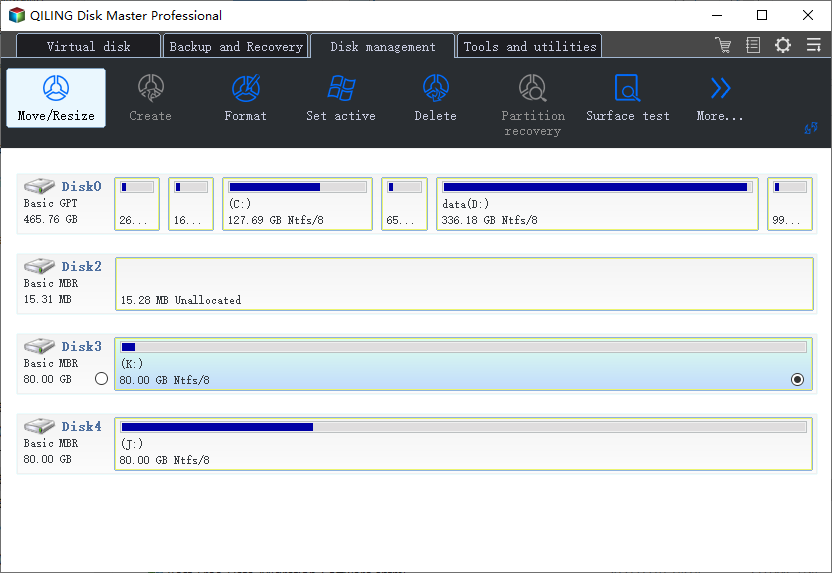
Step 2. Open Qiling Disk Master and compare the two recovery partitions by size, position, and label. Keep the active WinRE partition.
Step 3. If one partition is an old OEM or inactive recovery partition and you have a full backup, select that unused partition only.
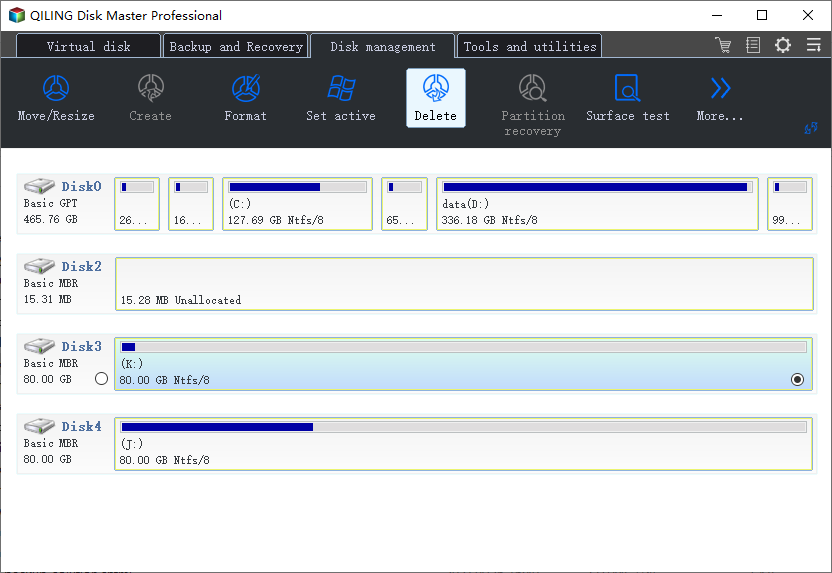
Step 4. Choose Delete only for the confirmed unused partition. Do not delete EFI, MSR, C drive, or the active recovery partition.
Step 5. Preview the operation. If you plan to extend C drive afterward, make sure the deleted space will become adjacent or can be moved into place.
Step 6. Click Proceed, then restart and run reagentc /info again to confirm WinRE still works.
Conclusion
Start with the Windows checks that match your symptom, protect important data before formatting or repartitioning, and use the Qiling workflow when you need a clearer, safer way to repair the disk or move data.
Related Articles
Products
Articles & Tutorials
- Data Recovery
- Data Backup
- File Recovery
- File Backup
- System Backup and Restore
- Disk and Partition Clone
- Technical articles
- Mobile articles
- Disk Master Help
- Windows Data Recovery Tutorials
- Windows Secure Delete Tutorials
- Windows Partition Management Tutorials
- Windows File Backup and Restore Tutorials
- Windows System Backup and Restore Tutorials
- Windows Disk Backup and Restore Tutorials
- Windows Clone Tutorials