Hard Drive Data Destruction: Secure Erase Before Disposal
Destroy hard drive data safely before selling, recycling, or repurposing a disk. Back up first, then wipe the right drive.
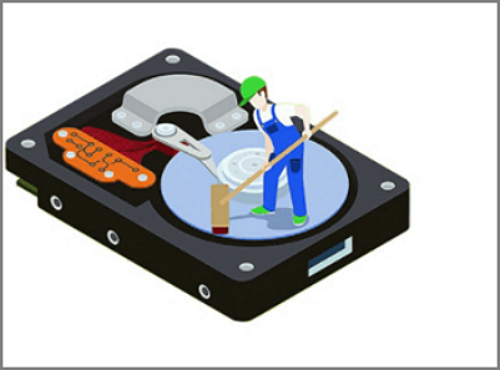
What Data Destruction Means
Deleting files or formatting a drive does not always erase the old data immediately. Data destruction means making the previous files unrecoverable by wiping, secure erase, encryption key destruction, or physical destruction.
Choose the Right Method
- Use wiping for reusable HDDs.
- Use secure erase or manufacturer tools for SSDs when available.
- Use physical destruction for failed drives that cannot be securely erased.
- Back up anything you may need before starting.
Erase a Hard Drive with Qiling Disk Master
Data destruction is permanent. Use wiping only when you are selling, recycling, returning, or repurposing a drive and no longer need the files on it.
Back Up and Select the Drive
- Copy any files you still need to another disk. Wiping cannot be undone by normal recovery software.
- Open Qiling Disk Master, choose the wipe option, and select the correct disk by model and capacity.
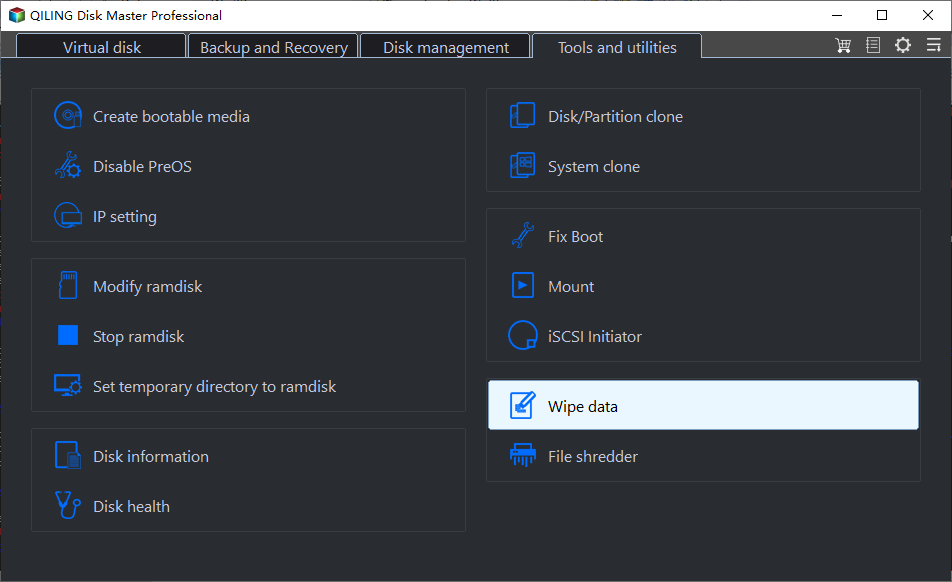
Confirm the Wipe Method
- Review the selected disk and wipe method. For SSDs, avoid repeated overwrite passes when a secure erase or manufacturer tool is more suitable.
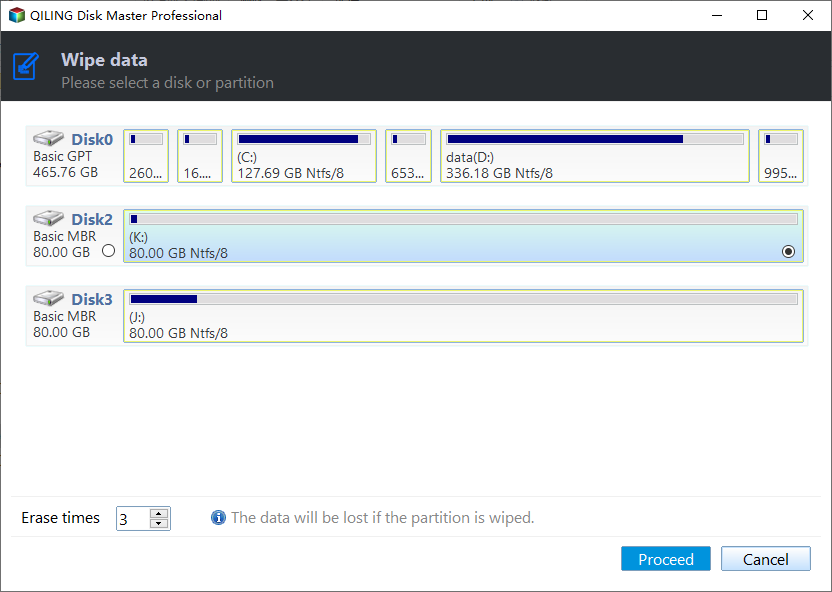
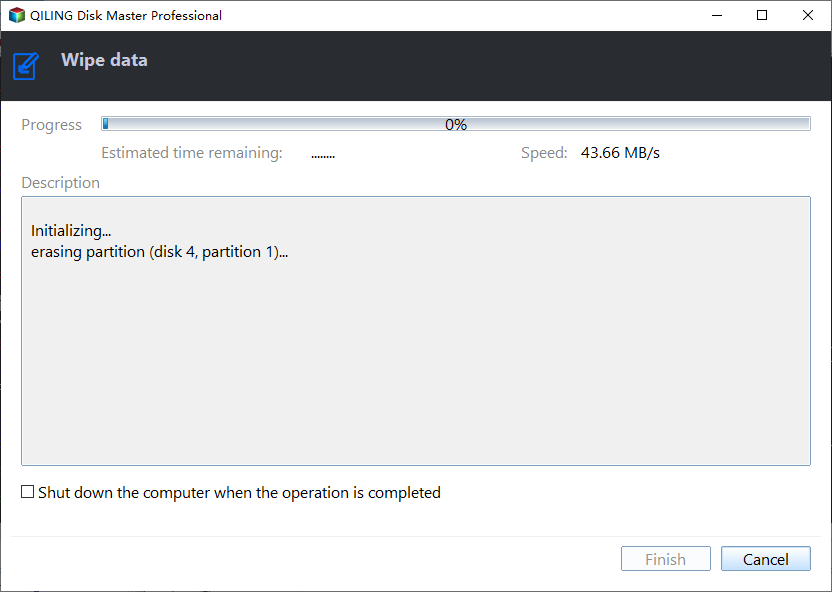
- Read the warning carefully, then click Proceed only when the target disk is correct.
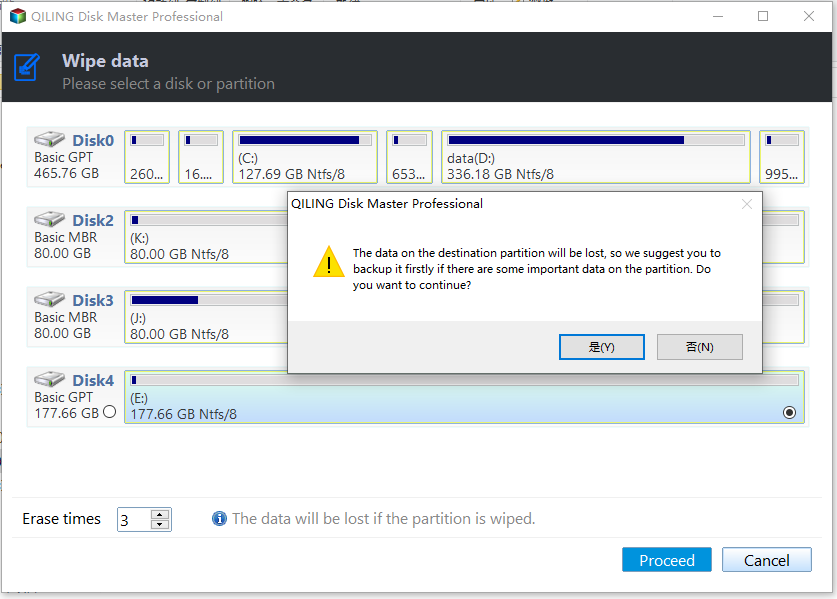
- Keep the computer powered on until the wiping process finishes.
Related Articles
- Windows Partition Management Tutorials
Find practical Windows partition guides for resizing, formatting, checking, converting, and repairing disks without unnecessary risk. - Windows System Backup and Restore Tutorials
Browse Windows backup and restore guides for system images, recovery drives, restore points, and safe repair preparation. - Hard Drive Cleaner for Windows - Qiling
Clean a hard drive in Windows safely. Learn the difference between junk cleanup, formatting, and secure wiping before deleting data.
Products
Articles & Tutorials
- Data Recovery
- Data Backup
- File Recovery
- File Backup
- System Backup and Restore
- Disk and Partition Clone
- Technical articles
- Mobile articles
- Disk Master Help
- Windows Data Recovery Tutorials
- Windows Secure Delete Tutorials
- Windows Partition Management Tutorials
- Windows File Backup and Restore Tutorials
- Windows System Backup and Restore Tutorials
- Windows Disk Backup and Restore Tutorials
- Windows Clone Tutorials