How to Edit Created Backup in Qiling Disk Master
I have created a backup in Qiling Disk Master, but I misnamed it. So I want to rename the backup. To this end, I need to edit the backup. Unfortunately, I cannot find this option. How can I edit a created backup in Qiling Disk Master? Thanks in advance!
In Qiling Disk Master, after completing a backup, you can right-click on the created backup to access the 'Edit Backup' option, allowing you to edit the backup once the task is finished.
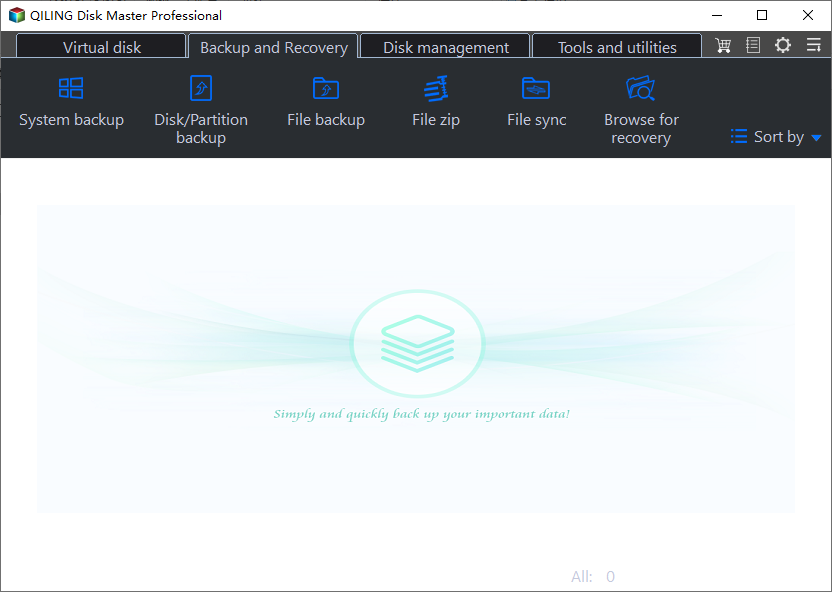
This feature allows you to customize and manage your backups, including renaming the backup, editing the image, deleting the backup, and opening the backup location, all within a user-friendly interface.
Qiling Disk Master is a user-friendly backup utility for Windows that offers fast backup speeds and real-time backup status updates.
It enables creating system images, backing up files, disks, partitions, and computer apps, with options for storing backups in various locations, including full, incremental, and differential backups.
In addition to its other features, this software also allows you to transfer an operating system from one computer to another, providing an added layer of convenience. Furthermore, it offers 250G free Cloud storage, enabling you to back up your data to the Cloud for enhanced data security.
To edit a created backup in Qiling Disk Master, right-click the backup task and select the desired option from the available choices.
Download Qiling Disk Master to Protect Computer Data!
To ensure seamless computer backup, consider cloud storage solutions like Google Drive, Dropbox, or OneDrive, which offer automatic syncing and access from anywhere. For data security, use strong passwords, enable two-factor authentication, and consider a reputable antivirus software.
Related Articles
- How Long Does a Windows Backup Take?
Do you know how long does a Windows backup take? This short will describe how long it takes to back up your computer and offer a professional backup program to help you back up your Windows computer. - Can I Reset Windows Without Losing APPs?
Can I reset Windows without losing apps? You are on the right page if you want to know the answer. This short article will tell you whether you can reset Windows without losing apps and how to reset Windows without losing apps. - The Best Choice for Samsung T7 SSD Backup Software
The Samsung T7 SSD backup software is a user-friendly tool that securely backs up and restores data from Samsung T7 SSDs, ensuring safe storage and easy recovery of important files and data. - Alternative to Shadow Copy Cloner Windows 7/8/10
You will learn how to backup system with Shadow Copy Cloner and a safer way in Windows 11/10/8/7. - 2 Simple Ways to Backup Gmail to Google Drive
There are many reasons to backup Gmail to Google Drive. So if you are looking for a reliable way to complete the task, this guide can help. On this page, we will explain the detailed procedures to help you save Gmail to Google Drive with no hassle. - [3 Simple Ways] How to Backup Thunderbird Profile
Backing up your Thunderbird profile is crucial to prevent losing emails and settings in case of a system crash. Fortunately, there are three ways to backup your Thunderbird profile, which will be outlined in this post.
Products
Articles & Tutorials
- Data Recovery
- Data Backup
- File Recovery
- File Backup
- System Backup and Restore
- Disk and Partition Clone
- Technical articles
- Mobile articles
- Disk Master Help
- Windows Data Recovery Tutorials
- Windows Secure Delete Tutorials
- Windows Partition Management Tutorials
- Windows File Backup and Restore Tutorials
- Windows System Backup and Restore Tutorials
- Windows Disk Backup and Restore Tutorials
- Windows Clone Tutorials