How Long Does It Take to Create a Recovery Drive?
Creating a Windows recovery drive may take from several minutes to more than an hour. The time depends on USB speed, system performance, whether system files are copied, and whether the recovery environment has to rebuild files.
What Affects Recovery Drive Creation Time?
- USB drive speed and health.
- Whether you choose to back up system files to the recovery drive.
- Windows system file condition and disk speed.
- Antivirus scanning or other heavy background tasks.
What a Windows Recovery Drive Actually Contains
A recovery drive is mainly a bootable USB that opens Windows recovery tools. If you choose to include system files, Windows copies more recovery data to the USB, so the process takes longer and needs a larger drive. It still does not work like a complete backup of your personal files and installed programs.
Use a reliable USB drive and keep the PC powered on during creation. If the process is stuck for a long time, try another USB port or another USB drive before assuming Windows is broken.
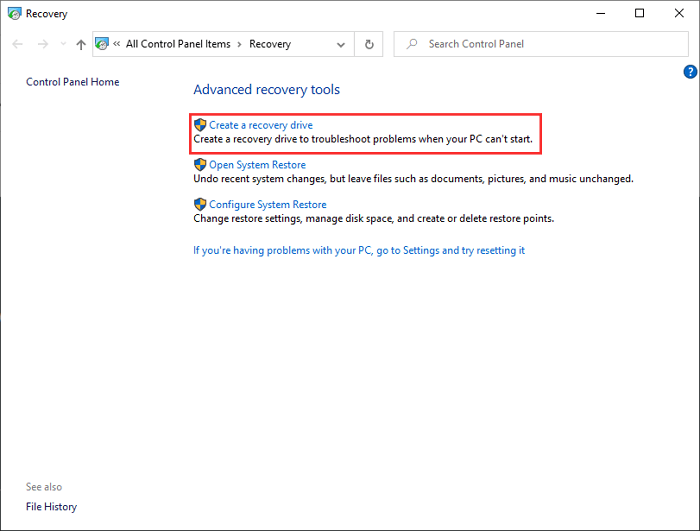
Recovery Drive vs System Backup
A recovery drive helps you boot repair tools. It is not the same as a full system image. If you want to restore Windows, installed apps, settings, and data, create a system backup too.
Create a Full System Backup with Qiling Backup
Step 1. Open Qiling Backup and choose System Backup.
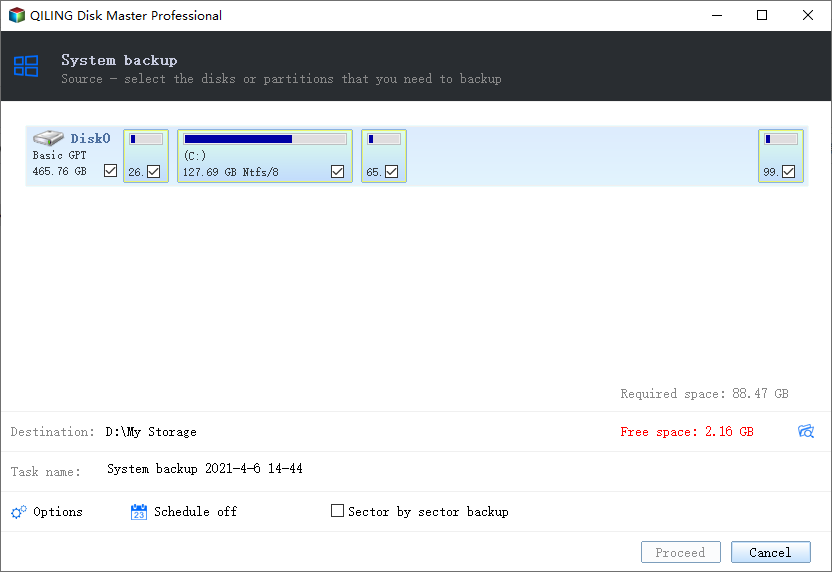
Step 2. Select an external drive, NAS, or another safe destination.
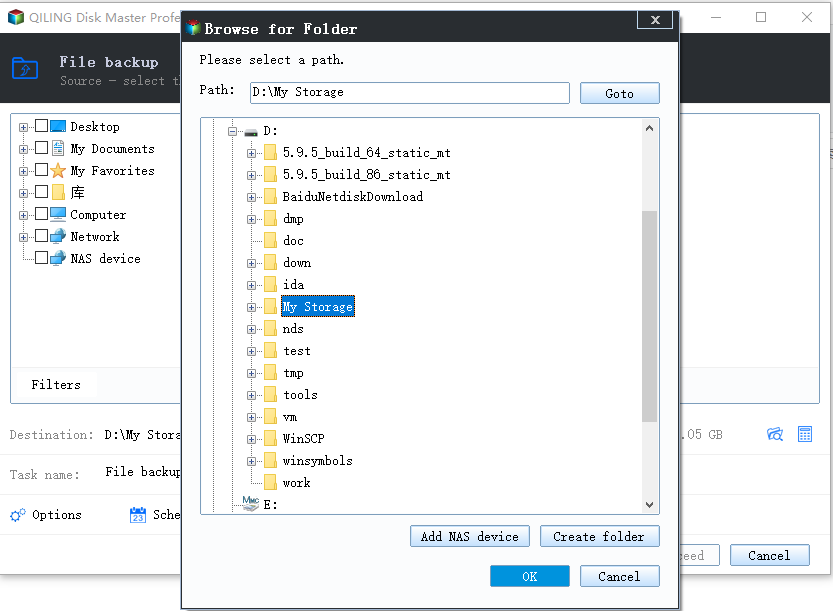
Step 3. Click Proceed and wait until the backup image is created.
Conclusion
A recovery drive is useful for boot repair, but its creation time varies. For a complete recovery plan, pair it with a full system backup stored on another drive.
Related Articles
- Windows Point-in-Time Restore vs Full Backup
- Keyboard or Mouse Not Working in Windows Recovery Environment
Products
Articles & Tutorials
- Data Recovery
- Data Backup
- File Recovery
- File Backup
- System Backup and Restore
- Disk and Partition Clone
- Technical articles
- Mobile articles
- Disk Master Help
- Windows Data Recovery Tutorials
- Windows Secure Delete Tutorials
- Windows Partition Management Tutorials
- Windows File Backup and Restore Tutorials
- Windows System Backup and Restore Tutorials
- Windows Disk Backup and Restore Tutorials
- Windows Clone Tutorials