Keyboard or Mouse Not Working in Windows Recovery Environment
Windows Recovery Environment can help you repair startup problems, uninstall updates, use System Restore, or reset Windows. If the keyboard or mouse does not work there, the issue is often related to USB ports, firmware settings, wireless receivers, or missing recovery drivers.
Quick Fixes to Try
- Use a wired USB keyboard and mouse instead of Bluetooth devices.
- Try the rear USB ports on a desktop or another USB port on a laptop.
- Disconnect unnecessary USB devices and restart into recovery mode again.
- Check BIOS or UEFI settings for USB legacy support if available.
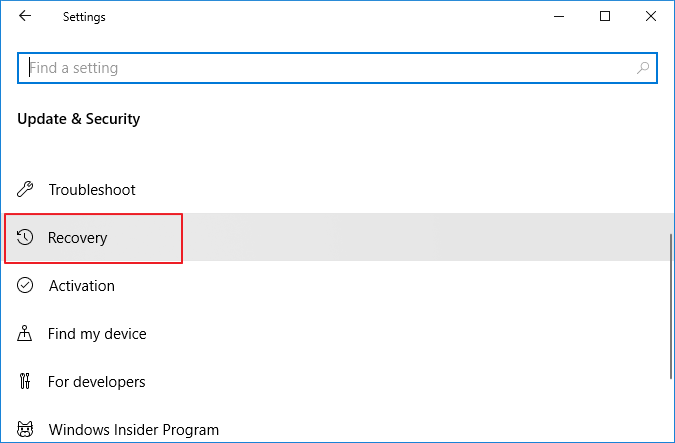
Create a Bootable Backup or Recovery Plan
If WinRE input does not work and you need to repair Windows, prepare a safer recovery path first. A system backup or bootable media can help you restore Windows without depending only on the built-in recovery screen.
Step 1. On a working Windows computer, install and open Qiling Backup. Choose System Backup if you want to protect Windows before repair.
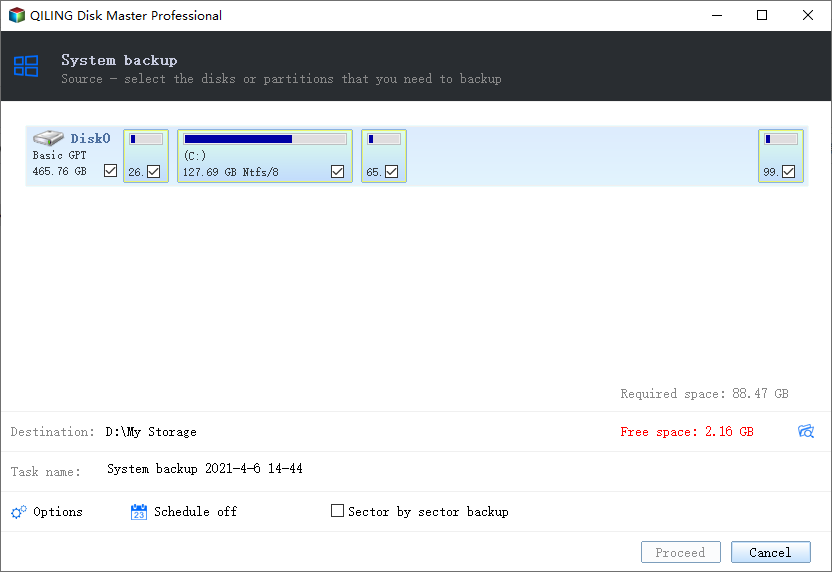
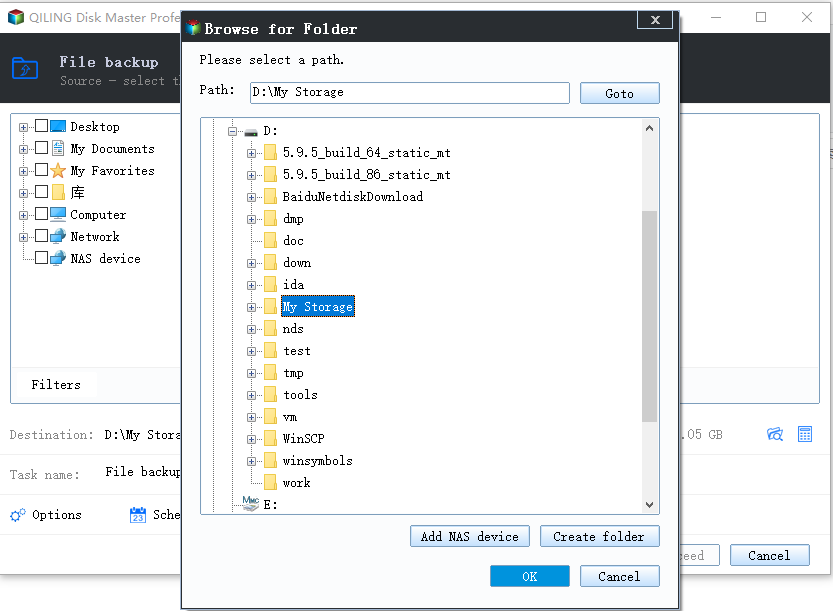
Step 2. Choose a safe destination, such as an external drive or NAS location.
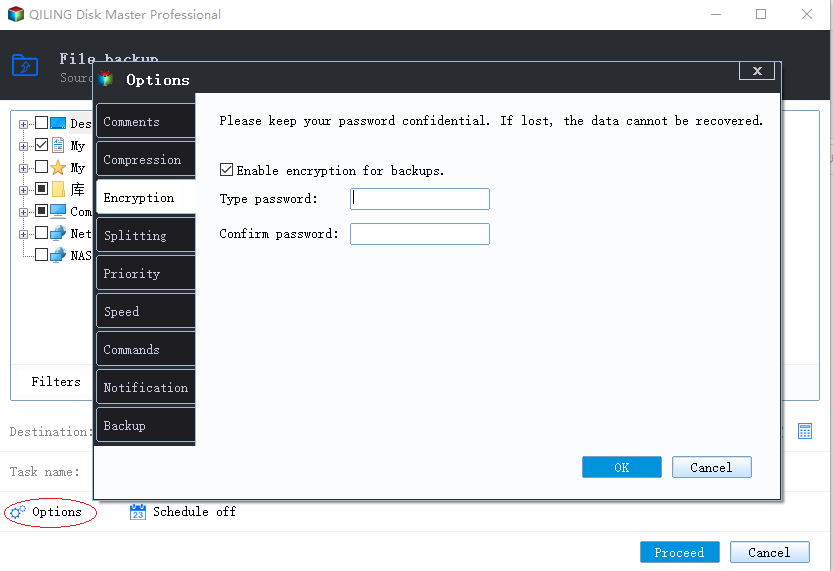
Step 3. Set options if needed and click Proceed to create the backup.
Other Ways to Repair Windows
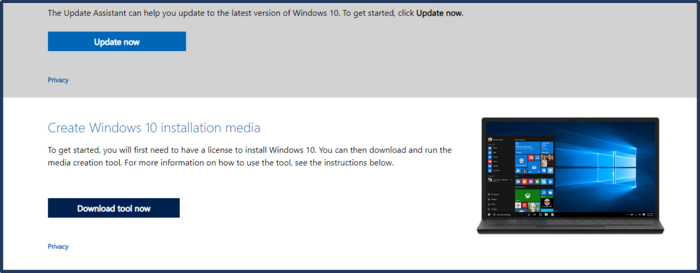
If the local recovery environment is unusable, create Windows installation media on another PC and boot from it. Then choose repair options. A different recovery environment may load USB drivers correctly.
Conclusion
When keyboard or mouse input fails in WinRE, start with wired devices and USB port changes. If repair is urgent, create external recovery media and back up important data before deeper system changes.
Related Articles
- Backup Before Windows 11 25H2 Update
- Windows Point-in-Time Restore vs Full Backup
- Fix Windows 11 Mouse Not Working (2026 Guide)
- Fix Windows 11 Touchpad Not Working (2026 Guide)
Products
Articles & Tutorials
- Data Recovery
- Data Backup
- File Recovery
- File Backup
- System Backup and Restore
- Disk and Partition Clone
- Technical articles
- Mobile articles
- Disk Master Help
- Windows Data Recovery Tutorials
- Windows Secure Delete Tutorials
- Windows Partition Management Tutorials
- Windows File Backup and Restore Tutorials
- Windows System Backup and Restore Tutorials
- Windows Disk Backup and Restore Tutorials
- Windows Clone Tutorials