Windows Backup App: What It Backs Up and What It Misses
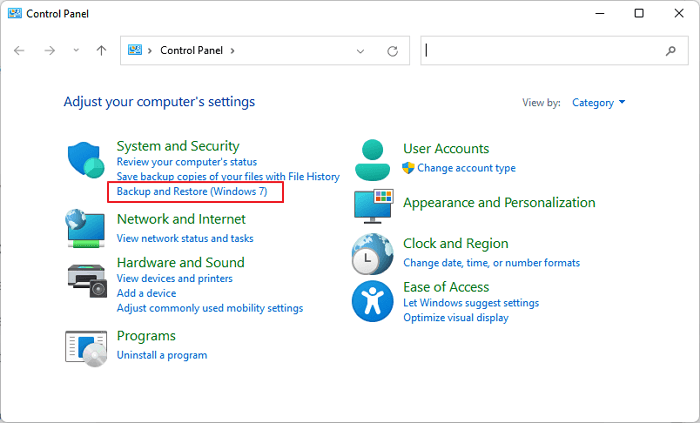
The Windows Backup app helps save selected folders, apps list, preferences, and credentials through a Microsoft account. It is helpful for basic PC setup, but it is not a complete disk or system image backup.
What Windows Backup Can Help With
- Sync Desktop, Documents, Pictures, and settings when configured.
- Remember some app and Windows preferences.
- Help restore a familiar setup on a new Windows PC.
What It Does Not Replace
It does not clone a disk, image all partitions, or guarantee every local file and program can be restored. For full rollback after disk failure or failed updates, create a system image.
Create a Full Backup with Qiling Backup
Step 1. Choose System Backup, File Backup, or Disk Backup.
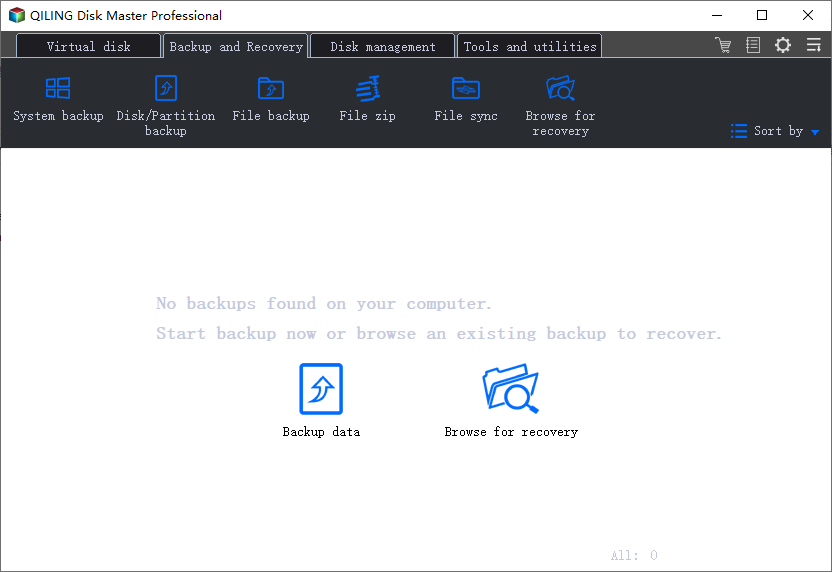
Step 2. Select the content to protect. Use System Backup for Windows rollback, File Backup for selected folders, or Disk Backup for a whole drive.
Step 3. Select a safe destination such as an external hard drive, NAS, or another internal disk.
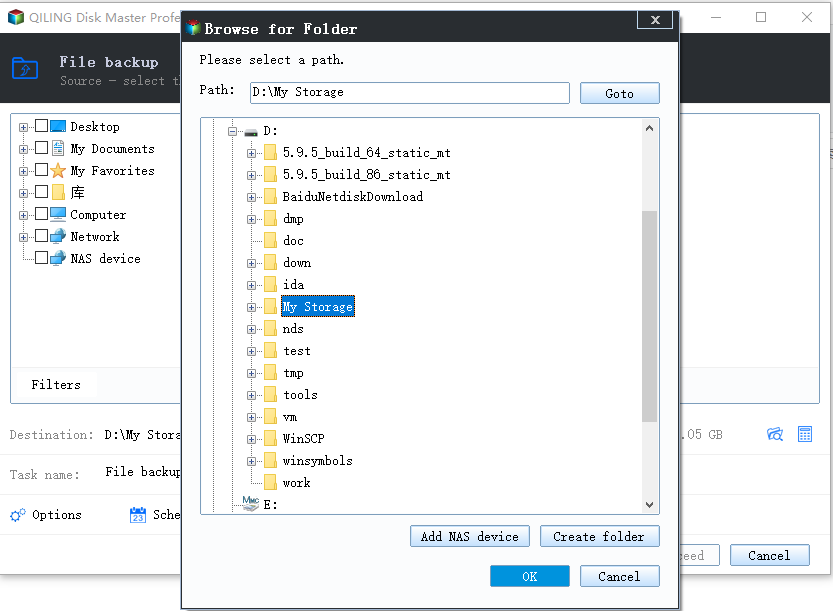
Step 4. Set schedule, compression, or password options if needed.
Step 5. Click Proceed and verify the backup image after the task finishes.
How to Use the Windows Backup App
- Open Settings and sign in with a Microsoft account.
- Open Accounts or search for Windows Backup.
- Choose whether to back up folders, apps list, preferences, and credentials.
- Make sure important files are actually stored locally or synced to OneDrive.
- Use the backup during Windows setup on a new PC to restore supported settings.
Use Windows Backup for convenience. Use Qiling Backup when you need a local image that can restore Windows or files even if cloud sync is unavailable.
Conclusion
Use the Windows Backup app for convenience and account-based settings. Use Qiling Backup when you need a recoverable system, disk, or selected folder backup.
Related Articles
Products
Articles & Tutorials
- Data Recovery
- Data Backup
- File Recovery
- File Backup
- System Backup and Restore
- Disk and Partition Clone
- Technical articles
- Mobile articles
- Disk Master Help
- Windows Data Recovery Tutorials
- Windows Secure Delete Tutorials
- Windows Partition Management Tutorials
- Windows File Backup and Restore Tutorials
- Windows System Backup and Restore Tutorials
- Windows Disk Backup and Restore Tutorials
- Windows Clone Tutorials