Benchmark SSD Software for Windows: Test Speed Safely
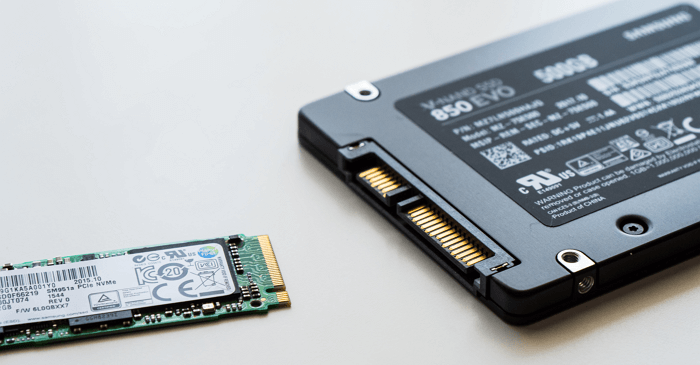
SSD benchmark software measures read and write speed. It helps compare drives, find slow ports, and check whether an SSD performs as expected after installation or cloning.
What a Benchmark Can Tell You
- Sequential read/write speed for large files.
- Random read/write speed for system responsiveness.
- Whether the SSD is connected through the right PCIe, SATA, or USB mode.
- Whether performance drops because the SSD is nearly full or overheating.
Prepare Before Testing
- Close large apps and pause file copies.
- Keep at least 15% to 20% free space on the SSD.
- Connect laptops to power.
- Check whether the SSD firmware and chipset drivers are current.
- Do not run long write-heavy tests repeatedly on a drive that may be failing.
Use Qiling Disk Master Around SSD Benchmarking
If a benchmark shows the SSD is slow because of layout or free-space problems, Qiling Disk Master can help resize partitions, check disk layout, and prepare a new SSD before migration.
Step 1. Open Qiling Disk Master and review the SSD partitions and free space.
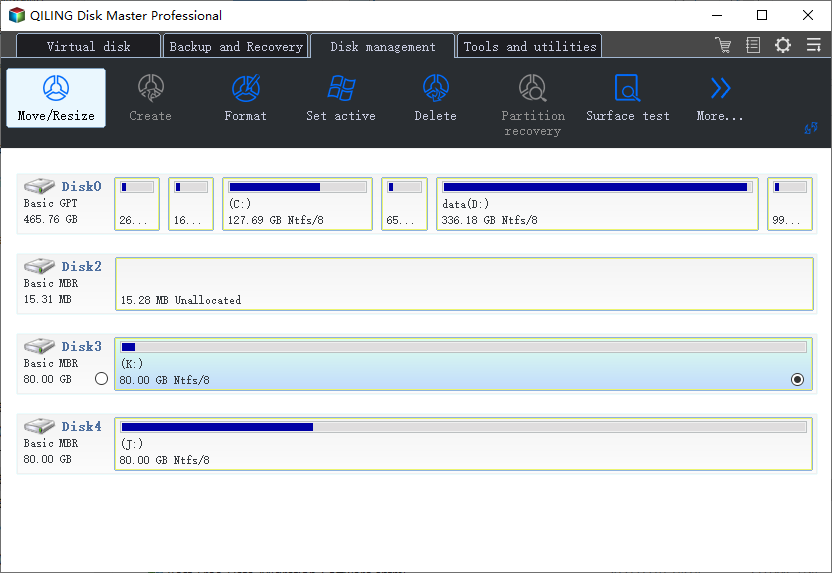
Step 2. Resize partitions if the system partition is too full.
Step 3. Preview the layout and confirm the target partition.
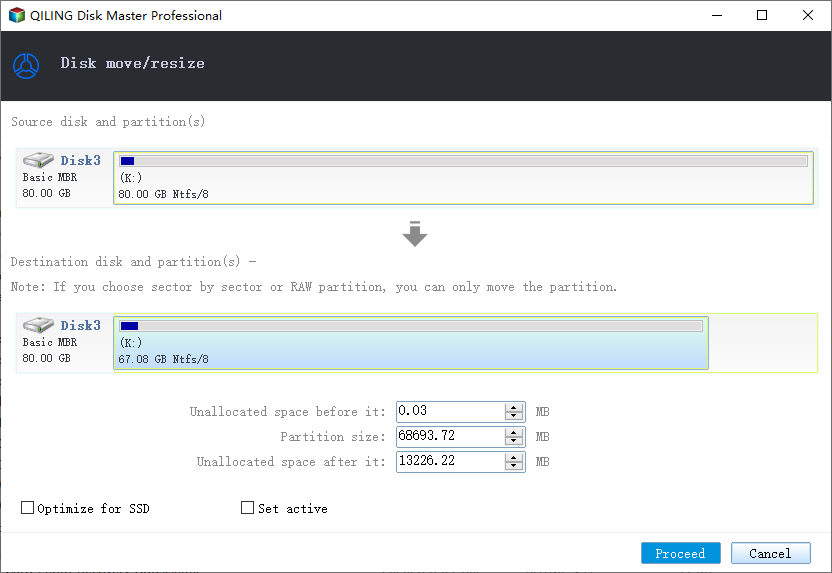
Step 4. Click Proceed, restart Windows, and run the benchmark again under the same conditions.
Conclusion
SSD benchmarks are useful when interpreted with context. Test under stable conditions, avoid unnecessary write stress, and fix partition or capacity problems before judging the drive.
Related Articles
Products
Articles & Tutorials
- Data Recovery
- Data Backup
- File Recovery
- File Backup
- System Backup and Restore
- Disk and Partition Clone
- Technical articles
- Mobile articles
- Disk Master Help
- Windows Data Recovery Tutorials
- Windows Secure Delete Tutorials
- Windows Partition Management Tutorials
- Windows File Backup and Restore Tutorials
- Windows System Backup and Restore Tutorials
- Windows Disk Backup and Restore Tutorials
- Windows Clone Tutorials