How Many Megabytes Are There in a Gigabyte
- What Is Megabyte?
- What Is Gigabyte?
- How Many Megabytes Go in a Gigabyte?
- Examples of Megabyte and Gigabyte
- Final Thoughts
Megabytes (MBs) and Gigabytes (GBs) are common computer storage terms that we use in everyday life, such as sharing photos, downloading music, ebooks, and apps. Despite their prevalence, many of us don't fully understand these terms beyond the basics. This article aims to provide a detailed guide to MBs and GBs, including the often-overlooked question of how many Megabytes are in a Gigabyte. By reading this article, you can gain a deeper understanding of these fundamental SI terms.
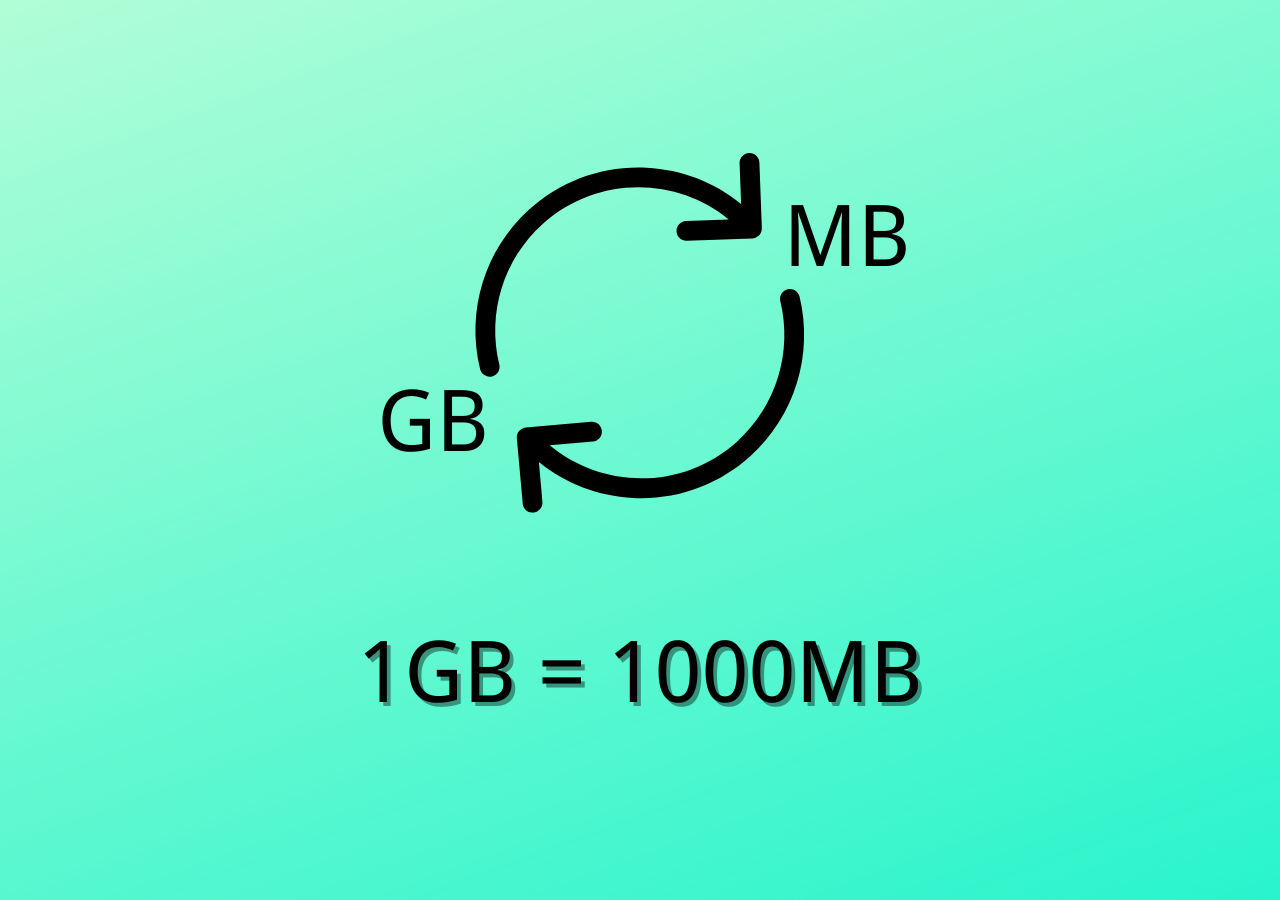
Let's break down megabytes and gigabytes into simple terms. A megabyte (MB) is a unit of digital information that represents one million bytes.
What Is Megabyte?
Understanding megabytes starts with grasping the basics of bits and bytes. Since a megabyte (MB) is composed of multiple bits and bytes, it's essential to have a solid foundation in these concepts to truly comprehend what a megabyte is. By knowing how bits and bytes work together, you'll be better equipped to understand the size and capacity of digital files and data.
Bits and Bytes are the smallest units of digital data, used as a starting point for measuring digital information.
Bits are binary digits that can have a value of either 0 or 1, representing a single unit of information, similar to a yes or no answer, or on or off switch.
When we combine eight bits, it forms one byte, which is a fundamental unit of digital information. Notably, the terms "bits" and "bytes" have distinct use cases: bytes are used to measure computer storage, while bits are used to express transmission speed. For instance, internet speed is measured in bits, whereas downloading an eBook or music is an example of bytes, highlighting the different contexts in which these terms are applied.
Let's now talk about Megabyte.
A megabyte (MB) is made up of 1,000,000 bytes, which is equivalent to 8,000,000 bits. It's a unit of digital information that can store a large amount of data.
The definition of a megabyte changed after the implementation of new binary prefixes in 1998, with one megabyte now comprising 1,048,576 bytes when discussing computer memory, as stated by computer scientists and Microsoft Press Computer Dictionary.
A megabyte is equivalent to 1024 kilobytes (KBs), rather than the previously used 1000 KBs, due to the binary nature of computer storage.
Megabyte equation in decimal:
1 MB = 1000 KB = 1,000,000 Bytes
Megabyte equation in binary:
1 MB = 1024 KB = 1,048,576 Bytes
Megabytes are a unit of measurement used in various fields such as science, engineering, data transmission, commerce, and computing. Examples of megabytes include an MP3 file, JPEG image, floppy disk, and compact disk. For instance, a 3.5-inch floppy disk has a storage capacity of up to 1.44 MB, which is equivalent to 1.44 x 1000 x 1024 bytes. The term megabyte is widely used in these fields to measure the storage capacity of digital files and devices.
What Is Gigabyte?
A Gigabyte is a storage data measurement unit that combines multiple bytes, storing digital information in binary form (0 or 1). One GB is equivalent to 1 billion bytes, but in real-life scenarios, it's actually 1,073,741,824 bytes.
In telecommunications, a gigabyte (GB) is equal to one billion bytes. However, when it comes to computer storage, the definition changes to 1,073,741,824 bytes due to the binary nature of computers.
1 GB is equivalent to 1024 MB in binary (computing) terms, but in decimal terms, it is 1000 MB. Both definitions are commonly used depending on the context.
A Gigabyte is a unit of digital storage that is commonly used to measure the storage capacity of devices such as smartphones and computers. For example, a smartphone might come with 64GB, 128GB, or 256GB of storage, while a computer's hard drive might have a storage capacity of 1TB (which is equal to 1024GB).
1 GB = 1,024 MB = 1,048,576 KB = 1,073,741,824 Bytes
1 GB is equal to 1024 MBs, which is equivalent to 1,048,576 KBs or 1,073,741,824 Bytes. This shows the structure of a Gigabyte.
How Many Megabytes Go in a Gigabyte?
In computing, 1 GB (gigabyte) is considered 1024 MB (megabytes) or 1,073,741,824 bytes, but in some cases, it's also referred to as 1000 MB. This variation in measurement is due to the binary system used in computing, which is different from the decimal system used in everyday life. As a result, there are two different ways to measure 1 GB, depending on the context.
Examples of Megabyte and Gigabyte
Megabyte is a common term used in data sharing, communication, and networking. A good example of MB is your broadband connection, which is often tested using speed testing tools like Fast.com that display the speed in Megabits Per Seconds. This metric measures the amount of data your broadband can download and share over the internet every second.
Megabytes play a significant role in data transmission, with the amount of data being transmitted increasing exponentially, producing zettabytes of data every minute, as detailed in an article by Forbes.
Here are four real-world examples of Megabytes:
- 3.5-inch HD Floppy Disk - 1.44 MB
- One Kindle eBook File Size - 2.6 MB
- 1-Minute MP3 File - 1 MB
- One BitMap Image - 9 MB
Smartphones and computers often use storage measured in GBs and TBs, making it a crucial aspect of their functionality. A smartphone's storage capacity directly affects its performance, with more storage allowing for faster and more efficient processing of tasks. As a result, users often prefer smartphones with larger storage capacities to hold more data, making it an essential consideration when choosing a device.
Here are four real-world examples of Gigabytes:
- A Flash Drive - 32 GB
- Adobe Photoshop CS6 64-bit - 1.26 GB
- A Single Layer DVD Disc - 4.7 GB
- One Hour Of Video - 2 GB
Final Thoughts
A gigabyte (GB) is equal to 1024 megabytes (MB), and one megabyte (MB) is made up of 1024 kilobytes (KB). In binary form, one megabyte is 1,048,576 bytes, and one gigabyte is 1,073,741,824 bytes. This guide has provided an explanation of the difference between megabytes and gigabytes, and hopefully, it has answered any questions or doubts you may have had.
Related Articles
- [Solved] What Happens If I Interrupt System Restore Windows 10?
- What Is NVMe: One of the Fastest SSD Data Storage [2022 All You Need to Know]
- What Is Boot Disk? Get A Boot Disk for Abnormal System Startup
- What Are the System Recovery Options on Windows? [Detailed Description]
- What Is Immutable Backup? [All You Need to Know]
Immutable backup creates tamper-proof data copies that cannot be modified or deleted. Learn how immutable backups protect against ransomware and ensure data integrity for your business. - QILING Fast Cache Tutorials
Read this guide to learn QILING Fast Cache Tutorials with clear steps, practical tips, and safer troubleshooting methods.
Products
Articles & Tutorials
- Data Recovery
- Data Backup
- File Recovery
- File Backup
- System Backup and Restore
- Disk and Partition Clone
- Technical articles
- Mobile articles
- Disk Master Help
- Windows Data Recovery Tutorials
- Windows Secure Delete Tutorials
- Windows Partition Management Tutorials
- Windows File Backup and Restore Tutorials
- Windows System Backup and Restore Tutorials
- Windows Disk Backup and Restore Tutorials
- Windows Clone Tutorials