15 Best Backup Software Examples in 2022 Backup Tools List
What Is the Backup and Recovery of Data?
Data retrieval and backup involves creating secure systems to recover lost data, allowing you to restore all your information. This process is essential for accidental recovery and is a crucial element of any smart and logical restoration plan. It's also important to know how to backup data without booting into Windows 10.
How to Choose Examples of Backup Software?
We select backup software based on our specific requirements, in addition to recommendations from large IT companies. Our criteria include Synback, Gs richcopy 360, Duplicati, SecureCopy, Syncthing, Carbonite, and GoodSync as examples of software that meet our needs.
Choosing the right data backup and recovery solution is crucial for businesses. Once you've selected a suitable software that meets your drive and device requirements, you can confidently connect it to your device and configure it. After this process is complete, you can run your business with ease, knowing that your data is secure and easily recoverable.
If you're looking for the best free backup software for Windows 10, you can learn more by reading this article, which provides information on a top choice.
What Is the Best Free Backup Software for Windows 10?
Backing up your computer data is a great step in protecting your digital assets, and there are many free backup software options available. If you're looking to take your data protection to the next level, consider one of the top 8 best free backup software options listed here, each with its own unique features and benefits.
There are three recognized types of plans for choosing backup software, which is quite interesting.
The lazy person's plan: You can easily transfer your data to the new phone with minimal effort, as you only need to backup photos, contacts, songs, and scanned documents, which is a relatively quick and hassle-free process.
The Goldilocks Plan: This requires a small investment, but the backup plan has the potential for greater value, or it can be considered a mid-level effort with a significant restoration option.
The perfectionist plan: In this plan, three copies of your files are made. The first copy remains on your device as the original, the second is created through an online file-synching service, and the third is saved as a backup on a primary locked hard drive.
Check the Backup Tools List of 15 Best Backup Software Examples
- Example 1. Qiling Backup
- Example 2. Clonezilla Backup
- Example 3. Macrium Reflect Backup
- Example 4. Acronis True Image Backup
- Example 5. R-drive Image Backup
Example 1. Qiling Backup

The software, known as "securing the whole future", offers robust backup capabilities with a simple user interface. It allows for backups to be made at the disk, OS, partition, and file levels, and supports storing backups on cloud, NAS, network, and local drive locations.
Its unique features include cloud backup, system image, file backup, and disk/partition backup. Additionally, it offers advanced options such as encrypted backup, differential backup, incremental backup, scheduled backup, image reserve policy, and more, making it the best incremental backup software.
This software is ideal for implementing the 3-2-1 backup rule, which involves saving data to a cloud drive, external hard drive, or network drive for multi-path backup storage.
What steps can I take to resolve issues with the backup tool?
Step 1. Click the "File backup" button to start backup.
Step 2. Local and network files will be listed on the left, allowing you to expand directories to select files for backup.
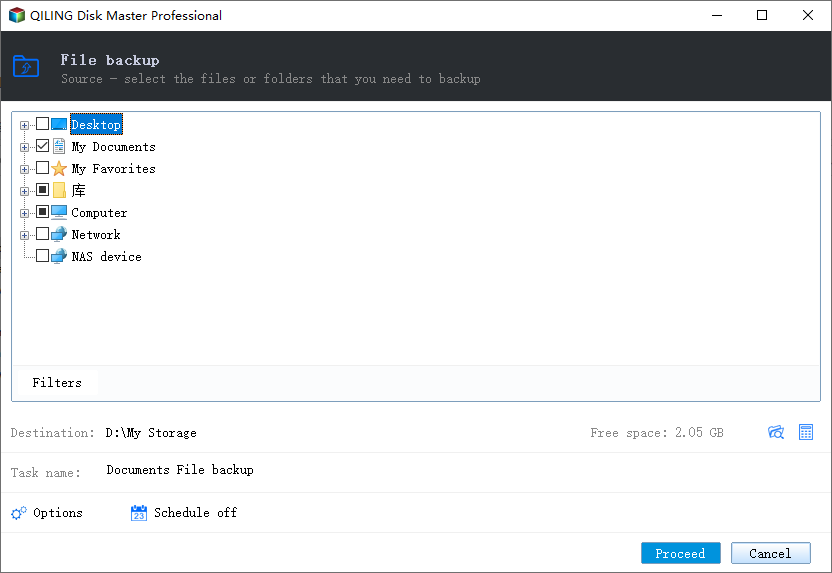
Step 3. Select the destination where you want to save the backup, following the on-screen guide.
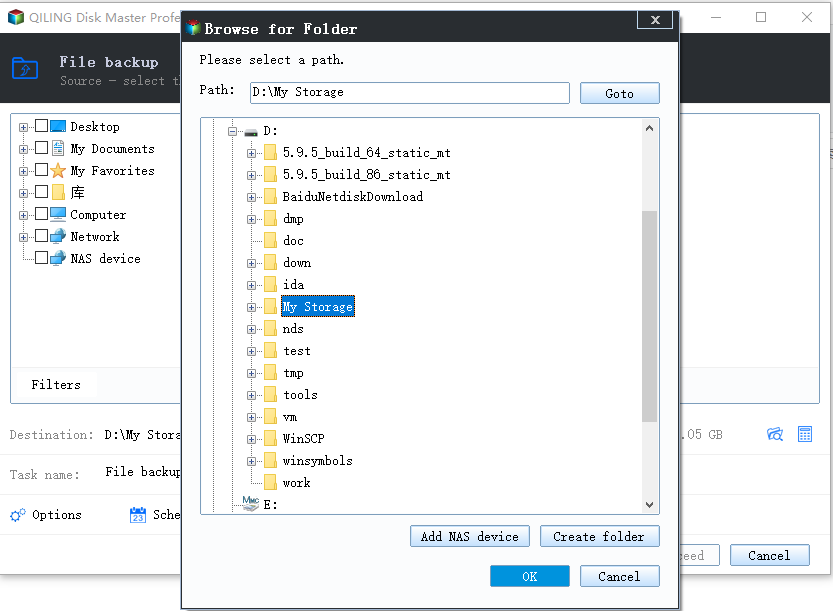
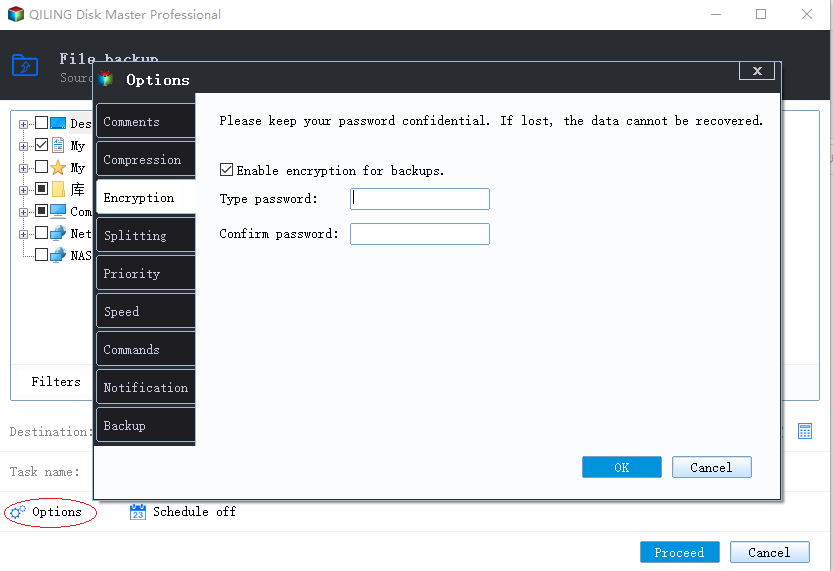
Step 4. Click "Options" to encrypt the backup with a password in "Backup Options", where you can also explore and customize other backup settings according to your needs.
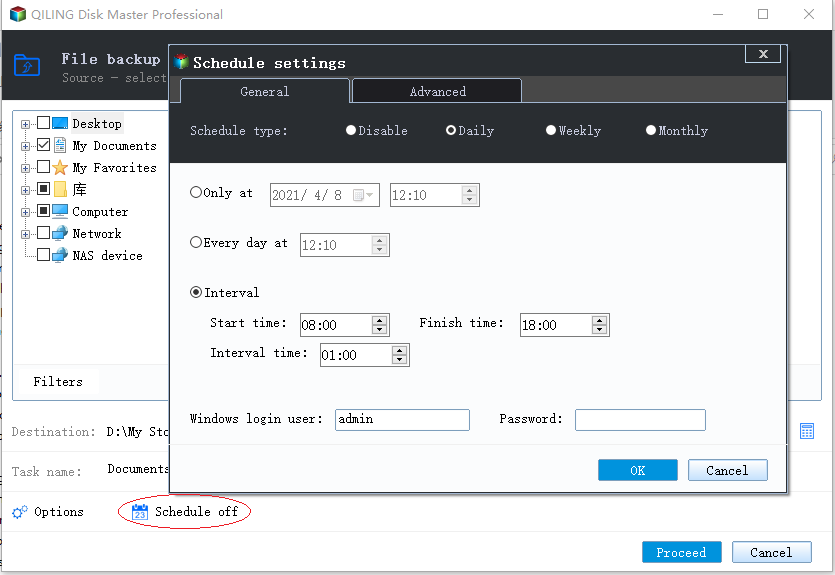
Set the backup schedule and choose to start back up at a certain event in the "Backup Scheme" section.
Step 5. You can store the backup to a local drive, Qiling's cloud service, or a Network-Attached Storage (NAS).
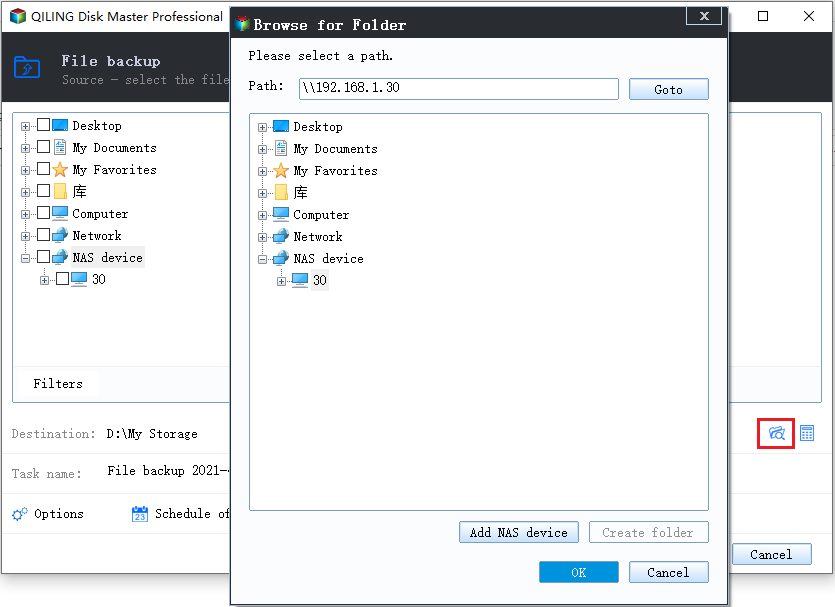
Step 6. Qiling Backup allows users to back up data to both external cloud drives and its own cloud storage service.
To back up data to a third-party cloud drive, select Local Drive, scroll down to add a Cloud Device, add and log in to your account.
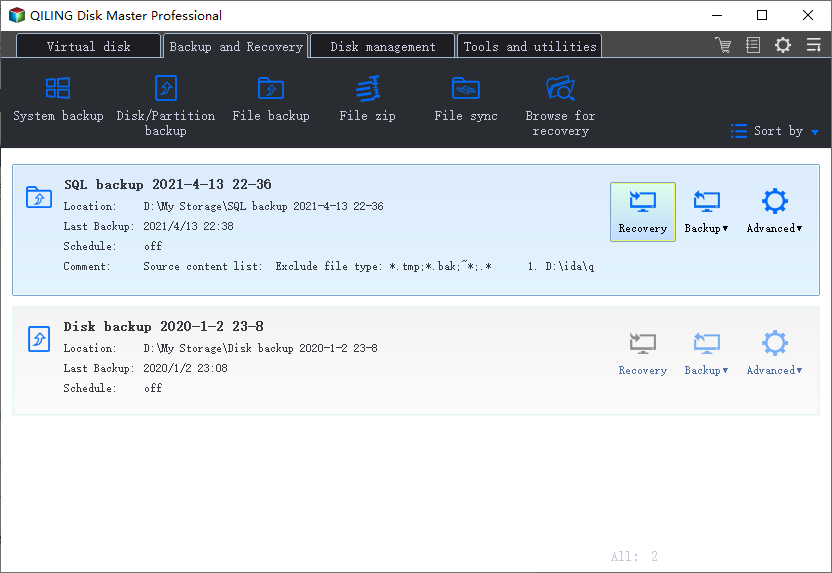
Step 7. Click "Proceed" to start the backup process. Once the task is completed, it will be displayed as a card on the left side of the panel. You can manage the backup task by right-clicking on it.
Example 2. Clonezilla Backup

It's a program that clones or images disks and partitions, similar to Norton Ghost and True Image.
Its features include multi-This tool supports various features, including file-system support, LVM2 under GNU/Linux, LUKS, syslinux and boot reloader or re-installer, both GPT and MBR partition formats, and unattended mode. It also supports image encryption, Multicast, and BitTorrent (BT) for efficient distribution.
This software is ideal for single-machine backup and restore, storing and saving only used blocks on your hard drive. It also offers bare metal recovery and backup, as well as system deployment, making it a comprehensive solution with numerous unmentioned features.
Example 3. Macrium Reflect Backup
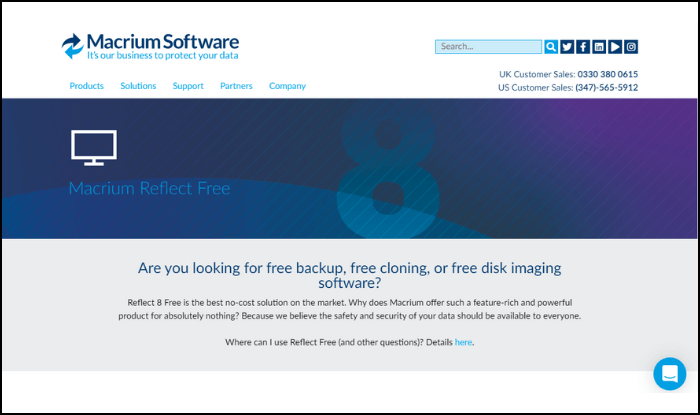
Macrium Reflect Free is a free backup and imaging software that provides a high level of data security and safety, making it a top choice in the software world without any cost.
The improved and new features of this software include a user-friendly drag and drop interface, server redeploys, an integrated email component, direct disk cloning, the ability to resize and reorder partitions, and the capacity to restore multiple partitions, among other enhancements.
Qiling Disk Master Free is a free backup software that also offers free cloning and imaging capabilities. It's a great option for those looking for a reliable and user-friendly solution for backing up their data. With Acronis True Image, you can create a full image of your hard drive, clone your operating system, and perform backups of individual files and folders.
Example 4. Acronis True Image Backup

This software provides comprehensive cyber protection solutions, safeguarding applications, systems, and data across all locations. It effectively mitigates risks from cyber attacks, human errors, natural disasters, and hardware failures, ensuring robust protection and continuity.
Qiling Backup offers a wide range of features, including full image backups, active disk cloning, and Microsoft 365 backup, as well as file sync, share, and backup, and dual protection with cloud restore and non-stop backups. It also supports event-based backups, incremental and differential backup, resume-able replications, version control, and virtual environment support, along with memory card backup and more.
If you're experiencing issues related to cyber protection, it's highly recommended that you take action to address them.
Example 5. R-drive Image Backup
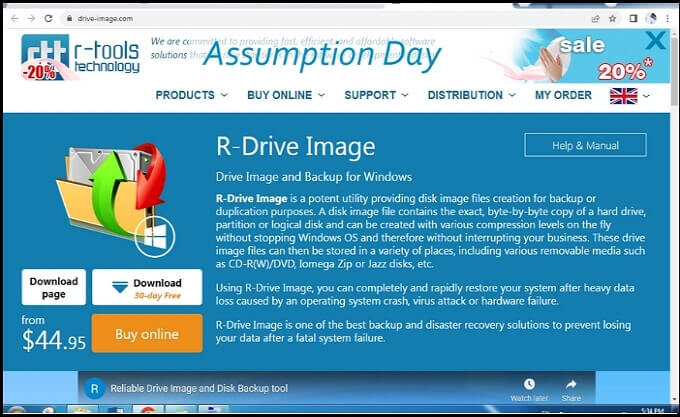
This software is fantastic as it can duplicate and backup disc image files, making them highly beneficial for keeping byte-by-byte copies of hard drives, logical disks, partitions, and compression levels without affecting Windows OS or business operations.
Its best features include disk-The software offers a range of features, including a to-disk copy, scheduler, startup version, unattended script and actions, and supports a broad range of file systems, file imaging, and advanced drive and image restoration capabilities.
If you're a victim of a system crash, hardware failure, virus attack, or heavy data loss, this software is the best option to rapidly restore your Windows.
- Example 6. Cobian Backup
- Example 7. Retrospect Solo Backup
- Example 8. Iperius Backup
- Example 9. MSP 360 Backup
- Example 10. FileCloud Backup
Example 6. Cobian Backup
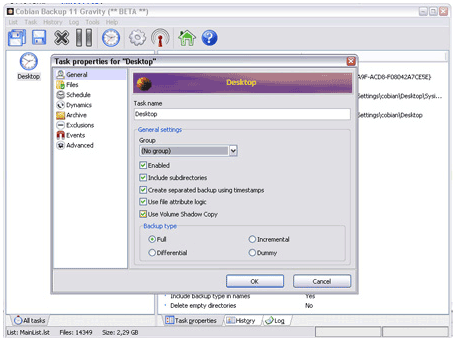
Automatic File Backup is a program that creates automatic backups of your documents. It can be run as a regular application or a service, and supports encryption and compression. The software also allows you to store your backup data on a different location on the same computer.
The most valuable features of Cobian Backup 11 include remote access, automatic backup, support for Unicode file names, command line use, and the ability to run as an application or a service, among others.
If you're looking for a user-friendly backup solution for commercial use, Cobian is a top recommendation.
Example 7. Retrospect Solo Backup
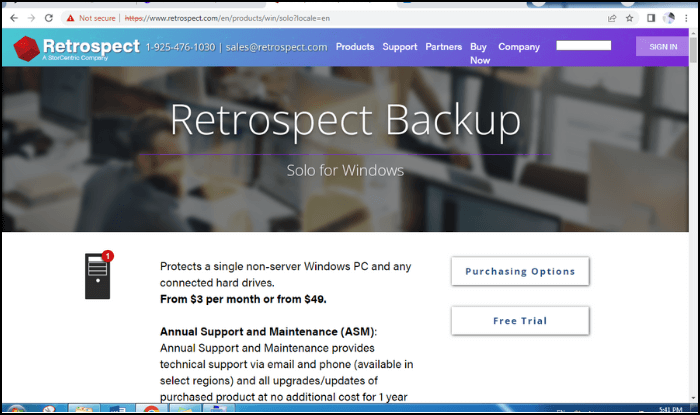
This software protects connected hard drives to a Windows PC and offers annual maintenance and support, including technical support through phone and email contact sources.
The key features of this solution include complete data protection, proactive AI, cloud backup, email protection, centralized management, end-to-end security, cross-platform support, smart incremental backup, and more, making it a comprehensive and secure solution that fits any storage budget.
If you're looking for backup software that you can monitor on your iPhone, whether you're using 3G/4G or Wi-Fi, this one is the top recommendation.
Example 8. Iperius Backup
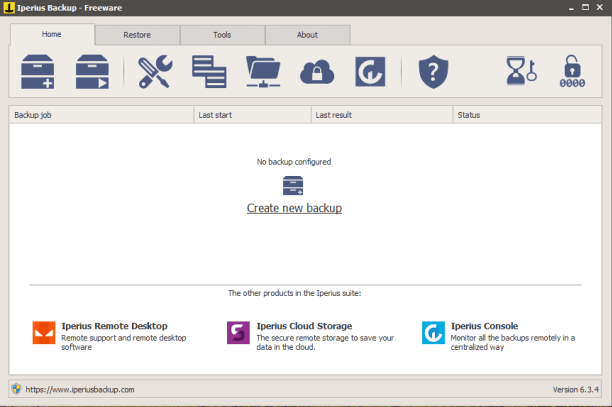
If you're looking to enhance and extend your data protection, Iperius Backup is a great option. Additionally, if you're away from your laptop, you can still customize and set up backup jobs and scheduling using this software.
Iperius Remote offers a range of features, including connection time statistics, unattended access, full rebranding, file transfer, remote desktop capabilities for Windows, iOS, and Android, user and group permission policy management, SQL database management, and Office 365 backup, among other functionalities.
If you're a businessman running a company, this remote backup software is a great tool to monitor your customers and all systems remotely, allowing you to stay on top of everything from anywhere.
Example 9. MSP 360 Backup
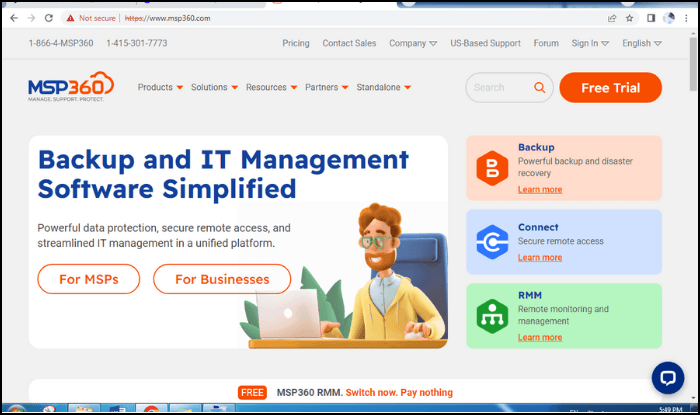
This cross-Platform backup is a user-friendly solution for reporting, monitoring, and centralized management, among other benefits. It is also natively integrated into most public cloud services, providing top-notch data protection for Microsoft 365 and Windows systems.
The software offers remote access backup and recovery, IT management, and a full synthetic backup, with no storage limits, making it a comprehensive solution for data protection. It also covers image and database backup, providing a robust and reliable way to safeguard critical information.
You're looking for a simplified IT management software that provides remote access to streamlined IT management and powerful data protection on a single platform. This software is the best option for you.
Example 10. FileCloud Backup
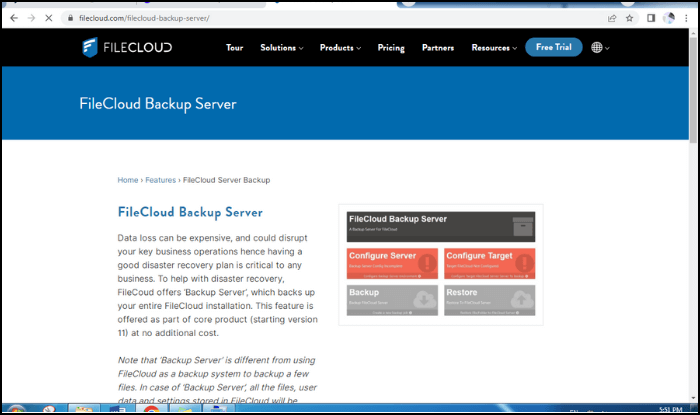
It is a cloud-A cloud-based backup software allows users to access their backed-up data from anywhere, at any time. The software continuously creates a copy of their data, enabling them to recover it from any location worldwide.
Its best features include affordability, scalability, automated backups for protection against cyber crimes, and secure servers. Additionally, it offers file recovery, unlimited versioning, secure file sharing, uploading large files, document previews, and custom branding.
If you have valuable data in MS office 365, it's a good idea to use a backup software that offers a free trial. Simply agree to the terms and you're good to go.
- Example 11. IvyBackup
- Example 12. IDrive Backup
- Example 13. Backblaze Backup
- Example 14. O&O DiskImage Backup
- Example 15. Veeam Backup & Replication
Example 11. IvyBackup
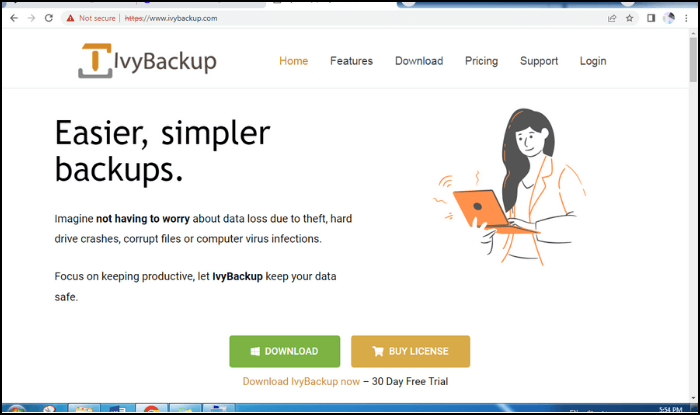
This user-Friendly backup software for Windows is incredibly intuitive and easy to use, saving you from big headaches and protecting your time and money. It allows you to safeguard your data from partial or total loss on the spot, making it an efficient and lightweight solution.
The tool has features such as command line options, Backup Manager automatic backup test cloud integration, and more.
It's recommended mainly due to its ease of use, efficiency, and fast progress.
Example 12. IDrive Backup
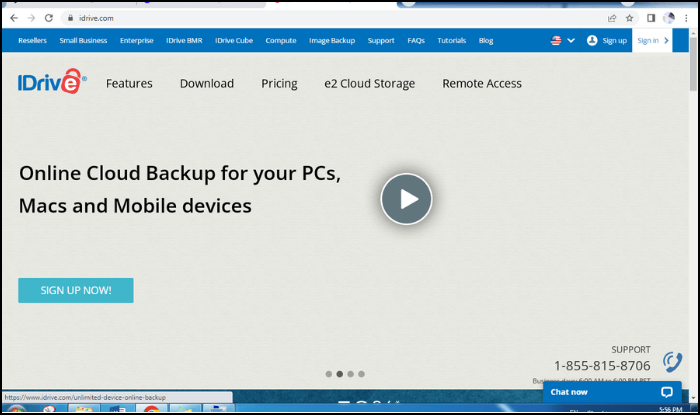
Backblaze is a top-rated online cloud backup service that offers excellent security and a hassle-free experience, recommended by major IT brands. It's a paid service, but considered the cheapest cloud storage option available.
This tool allows for the secure tracking and protection of internal drive data, including significant versions of Windows, and the entire machine, making it a valuable asset for users.
If you're looking for a paid version of any backup software, this might be the best option for you due to its high trustworthiness.
Example 13. Backblaze Backup
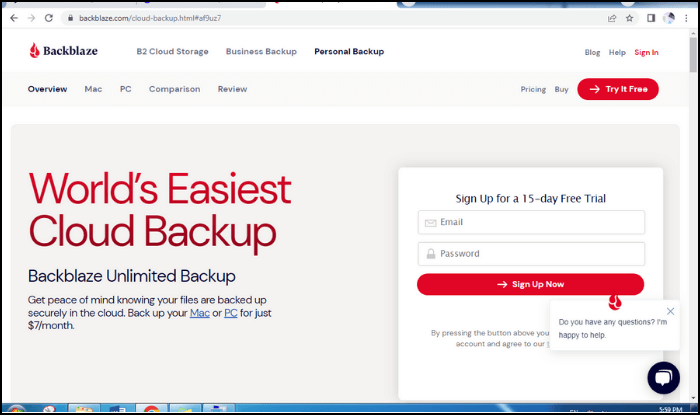
This software promises to be the world's most accessible computer backup, ensuring that you never lose a file, making your digital life worry-free.
The best feature of this service includes unlimited file retention, automatic backups, unlimited file size, secured and encrypted storage, unlimited storage capacity, and offsite backup capabilities.
The software has received praise from several prominent tech and media outlets, including The New York Times, The Verge, Tom Guide, TNW, PC World, Lifewire, 9to5 Mac, and Daring Fireball.
Example 14. O&O DiskImage Backup
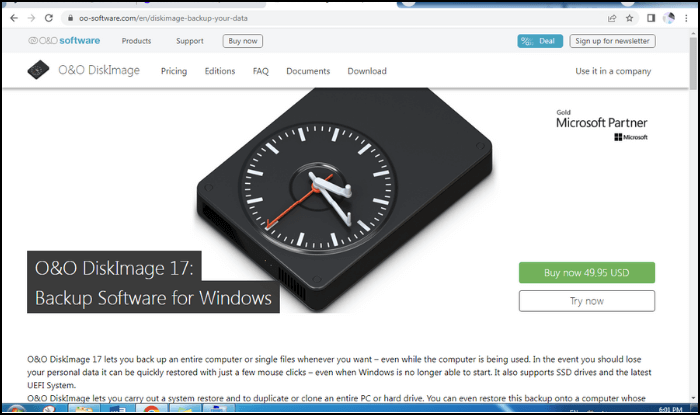
This software allows you to backup your entire computer while running other programs on it, making it easy to recover lost personal data with just a few mouse clicks. It also provides assistance in situations where your Windows system is unable to start, and supports the latest UEFI system and SSD drives.
The software has all the standard features of a backup program, but its standout feature is the ability to back up a computer while it is still in use, allowing for continuous data protection and minimizing downtime.
This backup software is recommended for users who want to restore data from their old Windows to their new one.
Example 15. Veeam Backup & Replication
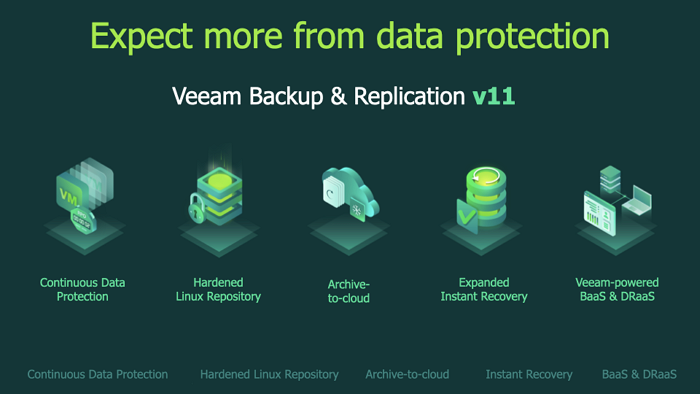
This backup software is ideal for those with the hybrid cloud version, offering modern data protection with four key attributes: simplicity, power, reliability, and flexibility.
This backup software is highly recommended due to its 2 distinct features: long-term retention and disaster recovery (DR) options in the cloud. It provides a single platform for all workloads, making it a great choice for users who want a comprehensive backup solution.
To conclude, all backup soft-The best software for running the system on Windows are distinct from each other, with only minor differences. Fortunately, most of these options are available in their free versions, allowing you to utilize them while saving money and time.
FAQs About Backup Software Examples
Here we have collected several hot topics about backup software examples. You can check the topics below to see if there has more information you need.
1. What are the 3 types of backups?
There are three common types of backups: differential, full, and incremental. A differential backup only includes files and documents that were present in the last complete backup, while an incremental backup only includes changes made since the last backup. In contrast, a full backup involves copying the entire data location, starting from scratch.
2. What is the best example of free backup software?
Qiling Backup is a top-notch free backup software that offers a free trial with recommendations from leading IT companies. It provides all the essential features you need, making it a reliable third-party tool with limited storage but high potential. This software gives you more confidence and security compared to other free options, making it a great choice for your backup needs.
3. Why do we need a backup software?
Backup copies allow data to be restored from an earlier point in time to help the business recover from an unplanned event, and storing the copy on a separate medium is crucial to protect against primary data loss or corruption.
Related Articles
- Should I Backup Before Windows 10 Upgrade/Reinstallation? 2022 New!
- Create Windows 7 Recovery Disk from Another Computer In-Depth Guide 2022
- Outlook Backup and Restore in 2 Ways [with Video]
- What is File Level Backup? 5 Best File Level Backup Software Recommends 2022
- How to Free Up C Drive Space in the Windows Server?
When the C drive becomes cluttered with backup, temp, and other unwanted files, it can significantly slow down a PC's performance and speed. To resolve this issue, there are four effective methods to free up C drive space in Windows Server, which can help restore optimal system speed and efficiency. - 5 Solutions to Fix How to Free Up Space on C Drive Windows Server 2008 (R2)
How to free up space C drive on Windows Server 2008 R2? This article provides ways to resolve Windows Server 2008 C drive that keeps filling up.
Products
Articles & Tutorials
- Data Recovery
- Data Backup
- File Recovery
- File Backup
- System Backup and Restore
- Disk and Partition Clone
- Technical articles
- Mobile articles
- Disk Master Help
- Windows Data Recovery Tutorials
- Windows Secure Delete Tutorials
- Windows Partition Management Tutorials
- Windows File Backup and Restore Tutorials
- Windows System Backup and Restore Tutorials
- Windows Disk Backup and Restore Tutorials
- Windows Clone Tutorials