Top 6 Best Hard Drive Data Recovery Services
What Is Exactly an HDD Data Recovery Service
Hard drive data recovery services are a type of service that helps users recover accidentally or mistakenly lost, deleted, and corrupted hard drive data from desktops, laptops, and servers.
There are many companies that offer this service, but the top six best ones are:
- 1. Qiling Manual Data Recovery Service
- 2. Stellar Data Recovery Lab-services
- 3. CleverFiles Data Recovery Service
- 4. Ontrack Data Recovery Service
- 5. Secure Data Recovery Service
- 6. We Recover Data Recovery Service
When to Use Hard Drive Data Recovery Service
A data recovery service is necessary when significant files are deleted from hard drives, especially when data recovery software fails or files are extremely corrupted.
In situations where hard drive-related errors lead to the sudden loss of data, attempting multiple solutions and data recovery software may not yield results. In such cases, seeking professional hard drive data recovery services is recommended.
If you're experiencing situations that may lead to data loss, such as a crashed computer, water damage, or a virus, you may need a reliable hard drive data recovery service to recover your important files and data.
- System boot errors occur.
- Lost partitions need to be restored.
- Data loss due to various situations.
- The drives are mistakenly formatted.
- Corrupted RAID or RAW drives need to be repaired.
- Disk failures are caused by system breakdowns and reboots.
6 Best Data Recovery Services for Hard Drives
Among the numerous hard drive data recovery services, six top-notch options stand out, offering ideal solutions for recovering lost data from hard drives. These services provide comprehensive data recovery, catering to various needs and circumstances, and are often considered the best in the industry.
1. Qiling Manual Data Recovery Service
Qiling Manual Data Recovery Service tops the list of recommended hard drive data recovery services, specializing in retrieving lost data caused by various hard drive issues. This service offers remote technical support, allowing users to recover lost data from hard drives with minimal effort required.

Highlights of Qiling Manual Data Recovery Service:
- Recover lost partitions and HHD/RAID data.
- Offer a free diagnosis before providing services.
- Data loss problems are caused by various situations.
- Help recover data at both your own home and workplace.
- Provide cost-effective one-on-one technical support remotely.
- Repair an unbootable OS/damaged RAW drive/virtual disk file.
- Support for easy and convenient connection via TeamViewer software.
Steps to obtain Qiling Manual Data Recovery Service:
Step 1. Clearly state your problems with Qiling experts through support@idiskhome.com.
Step 2. You can ask the doctor for a free diagnosis for your device after the appointment.
Step 3. Get the quotation for service after diagnosis via remote connection.
Consult with Qiling data recovery experts for one-on-one manual recovery service, where we offer a range of services after a FREE diagnosis, including repairing damaged RAID structures and restoring data from all RAID levels, utilizing the expertise of our decades-experienced engineers.
- Data can be restored from all RAID levels, including RAID 0, RAID 1, RAID 5, RAID 6, RAID 10, etc. This includes restoring data from striped sets (RAID 0), mirrored sets (RAID 1), parity-based sets (RAID 5 and RAID 6), and combined sets (RAID 10).
- Recover data from enterprise-grade RAIDs like QNAP, Synology, WD, Buffalo, and others, which are commonly used in businesses and organizations for storing and managing large amounts of data. These systems are designed to provide high-capacity storage and redundancy, but can still be vulnerable to data loss due to hardware failure, user error, or other factors.
- Retrieve lost RAID data caused by any issues
- Fix disks that become GPT protected partitions
- Recover data from RAID remotely, no need to ship
2. Stellar Data Recovery Lab-services
URL: https://www.stellarinfo.com/services/data-recovery.php
Stellar provides professional data recovery services when data recovery software is unable to address complicated data loss problems. Its Data Recovery Lab services offer technical assistance to help users restore missing data from one of the Stellar Data Recovery Labs.
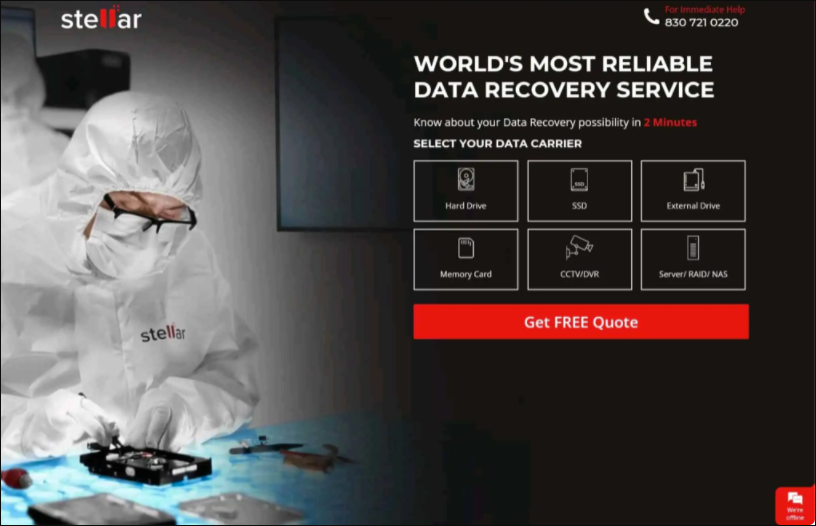
Highlights of Stellar Data Recovery Lab-services:
- Recover HHD/SSD/Servers data.
- Diagnose errors without charging any fees.
- Restore data from Android and iOS systems.
- Allow users to decide the lead time for data recovery.
- Repair failed drives on Windows/Mac and recover data.
- DHL Express Service offers free transportation to the Stellar Data Recovery Labs.
3. CleverFiles Data Recovery Service
URL: https://www.cleverfiles.com/data-recovery-center.html
CleverFiles' data recovery center employs experienced professionals who provide top-quality data recovery services. When you're unable to recover data on your own, you can send your damaged drive to their labs, and they'll repair and recover your data.
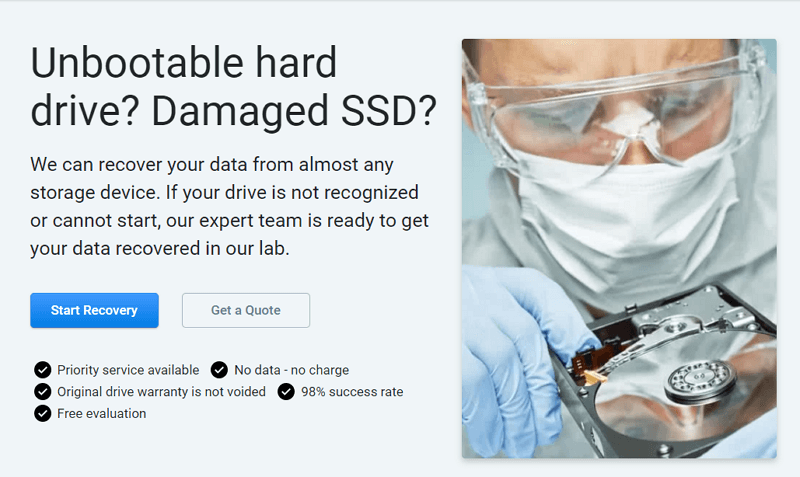
Highlights of CleverFiles Data Recovery Service:
- Repair damaged drives.
- Recover data from broken drives.
- Charge no fees without data recovery.
- Restore data even from dead drives.
- Address various physical damages, even the most gruesome ones.
4. Ontrack Data Recovery Service
URL: https://www.ontrack.com/en-hk/data-recovery
Ontrack, a leading global data recovery company, offers services to recover lost files and documents from various devices, including PCs, mobile devices, RAID, NAS, and servers. To provide efficient data recovery, they employ experienced engineers to handle a wide range of data recovery issues.
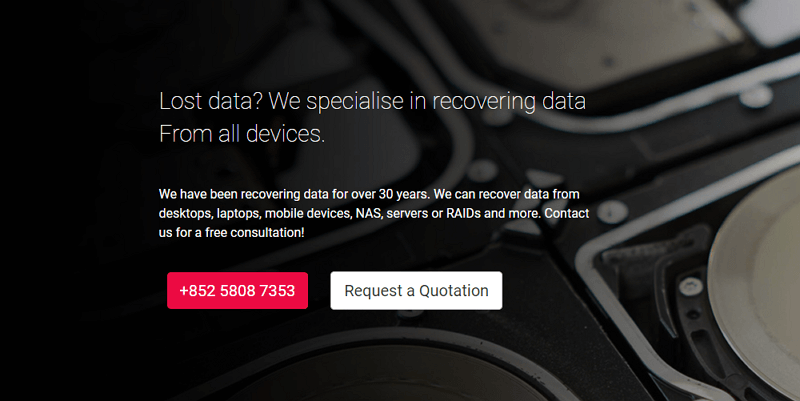
Highlights of Ontrack Data Recovery Service:
- The success rate reaches 98%.
- Use proprietary tools and techniques to recover data.
- Return already fixed hard drives via next-day delivery.
- Provide free diagnosis and evaluation within 24 hours of receipt.
- Offer free phone consultations and the most cost-effective solutions.
- Recover data from various devices, such as hard disk drives (HDD), network-attached storage (NAS), and CCTV DVR systems, among others.
5. Secure Data Recovery Service
URL: https://www.securedatarecovery.com/
Secure Data Recovery has been providing data recovery services since 2007, achieving a 96% success rate. The company is certified to the SSAE 16 Type II standard and offers various services, including Standard (4-9 days), Expedited (2-4 days), 24/7 Emergency (48 hours), and RAID server emergency services.
Highlights of Secure Data Recovery Service:
- Reach a success rate of 96%.
- Offer data recovery consultation 24x7.
- Provide free evaluation and problem diagnosis.
- Own a bunch of professional engineers and advanced technology.
- We provide data recovery services for a wide range of devices and systems, including but not limited to computers, laptops, mobile phones, external hard drives, USB drives, and more. Our services can help recover lost or deleted data due to various reasons such as accidental deletion, hardware failure, software corruption, or other unforeseen circumstances.
6. We Recover Data Recovery Service
URL: https://www.werecoverdata.com/
We Recover Data is a global leader that invests in data recovery research and development, offering a service that suits various storage media and devices, including hard drives, tapes, and memory cards, thanks to its state-of-the-art techniques and high level of expertise.
Highlights of We Recover Data Recovery Service:
- Provide 24/7 Emergency Service.
- located in different cities around the globe.
- Recover data in a relatively short time.
- Charge no fees if data recovery is not successful.
- Recover data for Personal/Enterprises/Government/Healthcare organizations.
How Much Does an HDD Data Recovery Service Cost
When dealing with data recovery companies, be prepared for charges for their services, including repairing damaged devices and recovering lost or deleted data. To make an informed decision, compare the prices of these services and choose a company that fits your budget and expected costs.
Comparing the costs of the top six data recovery services can be a daunting task, but a table can help make it easier. By looking at the table, you can see at a glance the pricing for each service, making it simpler to decide which one is the best fit for your needs and budget.
| Data Recovery Service | Problem diagnosis and evaluation | HDD repair and data recovery |
| Qiling Manual Data Recovery Service | Free | Quotation based on services |
| Stellar Data Recovery Lab-services | Free |
Quotation based on services 20% Student Discount provided |
| CleverFiles Data Recovery Service | Free |
Quotation based on services ($300–$2,000+) |
| Ontrack | Free | Quotation based on services |
| Secure Data Recovery Service | Free | Quotation based on services |
| We Recover Data Recovery Service | Free | Quotation based on services |
To save costs, it is suggested that you use data recovery software to offer a free trial first, as most data recovery services charge based on specific services needed.
Deep Data Recovery offers a free trial of 5 GB for data recovery, cutting down costs, and effectively recovers permanently lost files from various devices.
Qiling data recovery software can help recover lost or deleted data from hard drives. To use it, first, download and install the software on your computer.
Step 1. Choose file types and click "Fast Scan" to start
Launch Deep Data Recovery. Choose file types and click "Fast Scan" to start the recovery process.
Note: You can choose different search modes based on where and why the data was lost.
Step 2. Scan the hard drive partition
Select the drive where the files were lost or deleted, click "Scan", and let the software scan for all lost data and files on the selected drive.

Step 3. Check the results
When the scan is finished, you can use the "Filter" feature or click on "Search files or folders" to locate the missing files on the hard drive.

Step 4. Restore lost hard drive data
Select the files you want to recover and click "Recover" to save them to a safe location.
Additional Tips: Select the Most Appropriate Hard Drive Service
Choosing the right hard drive service is crucial for successful data recovery. To select the most suitable service, consider factors such as the type and extent of data loss, the condition of the hard drive, and the service provider's expertise and reputation. This will help you make an informed decision and ensure that your data is handled with care and expertise.
Availability: When considering a data recovery service, it's essential to check if it's available in your region. If it's not accessible in your area, it can significantly increase the cost of data recovery.
Success Rate: Due to the limitations of hard drive repair, not all data can be completely recovered even after the drive is fixed. To maximize the chances of restoring data from damaged drives, it's essential to consider the success rate of data recovery companies.
Guarantees: Before selecting a data recovery service, it's a good idea to check if they have a "No Data, No Charge" guarantee or refund policy, which can protect you from spending money without getting anything in return. This way, you can avoid the risk of losing money and still have a chance to recover your lost data.
Technology: While serious data loss issues may seem insurmountable, advanced technology and tools can often provide a solution. To increase the chances of successful data recovery, it's recommended to choose companies with sophisticated techniques, ensuring efficient and effective recovery processes.
Customer reviews: Before choosing a data recovery service, customers can read reviews from other users. This can give them an idea of the service's reliability and quality. If many users have had positive experiences, it may be a good option. However, if there are many complaints, it's best to look elsewhere. Reviews can also provide insight into potential issues and how the service handles them.
Conclusion
When dealing with a hard drive data recovery problem, you may consider one of the six best data recovery services for help, but these services come at a cost. Alternatively, you can use Qiling data recovery software to recover lost files and documents from hard drives, and take advantage of its 5 GB free trial for data recovery.
Related Articles
- Free PDF Recovery: Recover Deleted, Unsaved, and Corrupted PDF File
- How to Recover Locked SD Card Pictures/Files
- How to Create, Find and Watch Valorant Replays 2022
- [Real Fix] There Is No Option to Empty Recycle Bin on Windows 10
- The 5 Data Recovery Services Near Me in Columbus, OH (2023)
In Columbus, data recovery services are commonly accessible. You may recover any digital data that was mistakenly lost with the assistance of these local businesses. We provide a list of data recovery services in Columbus, OH. - The Best 6 Data Recovery Services Near Me in Dallas, TX
How can I locate the top data recovery services in Dallas nearby? This chapter shows about 10 excellent data recovery services in Dallas, Texas. Once you've read the section, you'll receive comprehensive information.
Products
Articles & Tutorials
- Data Recovery
- Data Backup
- File Recovery
- File Backup
- System Backup and Restore
- Disk and Partition Clone
- Technical articles
- Mobile articles
- Disk Master Help
- Windows Data Recovery Tutorials
- Windows Secure Delete Tutorials
- Windows Partition Management Tutorials
- Windows File Backup and Restore Tutorials
- Windows System Backup and Restore Tutorials
- Windows Disk Backup and Restore Tutorials
- Windows Clone Tutorials