What Are the Best External Hard Drive for PS5 [Pros & Cons]
On this page, you can find a checklist of the top 10 best external hard drives for PS5.
This article is based on thorough research to provide you with factual knowledge about the best external hard drives for PS5. Please note that we are not affiliated with any of the products mentioned. Prices may vary over time. An external hard drive is essential for expanding your PS5's storage capacity, allowing players to store more games and content without needing frequent console updates or replacements.
Why External Hard Drive for PS5 Matters
The PlayStation 5 (PS5) offers an exceptional gaming experience, but its limited internal storage can quickly become a problem, getting filled up with games, apps, and other files. To address this issue, an external hard drive is often necessary, and we'll be discussing the best options for PS5, including their pros and cons.
After reading this post, you'll be able to choose the right external hard drive for your PS5, whether you're a casual gamer or a hardcore gamer. You'll learn how to select the best external hard drive that fits your gaming needs, storage requirements, and budget.
Best External Hard Drive for PS5 - 2023 Newest Top 10 Checklist
Choosing the right external hard drive for your PS5 can be overwhelming due to the numerous options available in the market, but don't worry, we've got you covered. We've curated a list of the top 10 best external hard drives for PS5, making it easier for you to find the perfect one.
- WD Black P50 Game Drive
- Toshiba 1TB Canvio Advance
- Samsung T7 Shield
- SanDisk Extreme Portable SSD
- Crucial X6
- Seagate Game Drive
- LaCie Rugged SSD Pro
- Toshiba Canvio Basics
- WD My Passport
- WD Black D10
So don't skip and check out our top 10 list now:
1. WD Black P50 Game Drive
The WD Black P50 is the top pick, a PS5 SSD hard drive that offers fast read speeds of up to 2000MB/s, making it ideal for loading and downloading games quickly. While it may be pricey, it's a reliable option.
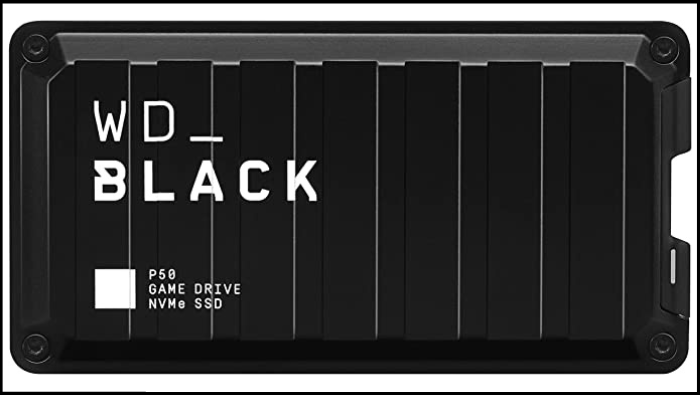
See more information about it in the table below:
| Price Range | Capacity | Pros | Cons | Targeted Users |
|---|---|---|---|---|
| $129 to $500 | 500GB, 1TB, 2TB, 4TB |
Stable, shock-resistant enclosure Five-year warranty |
Expensive Short cable A bit hefty |
Built for gaming |
2. Toshiba 1TB Canvio Advance
Toshiba is the world's top manufacturer of storage and hard drives, making both SSD and HDD drives. Their products are designed to optimize gaming experiences by freeing up space on consoles, allowing game collections to grow as skills improve. If a PS5 runs out of storage, Toshiba external hard drives can be used to expand memory, with the 1TB Canvio Advance being a cost-effective option.
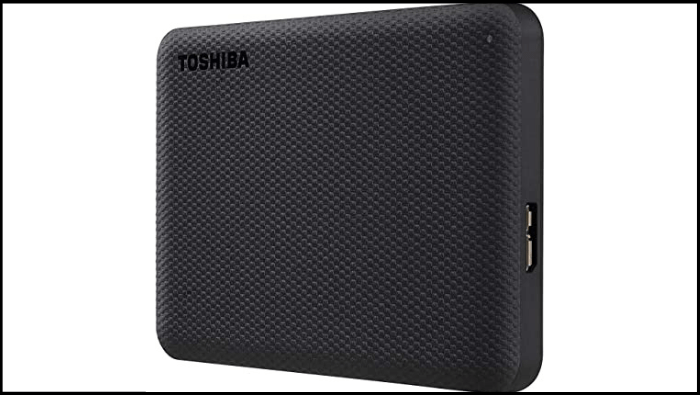
You can see more information in the table below:
| Price Range | Capacity | Pros | Cons | Targeted Users |
|---|---|---|---|---|
| $52 | 1TB |
Cost-effective Data encryption Relatively slim |
Limited storage, only 1TB No travel pouch Short cable |
Low-budget users |
3. Samsung T7 Shield
The Samsung T7 Shield is a secure external SSD that can be used with various devices, offering a data transfer speed of 1050 MB/s, which is up to 9.5 times faster than other external hard drives. It comes in 1 or 2-TB models.
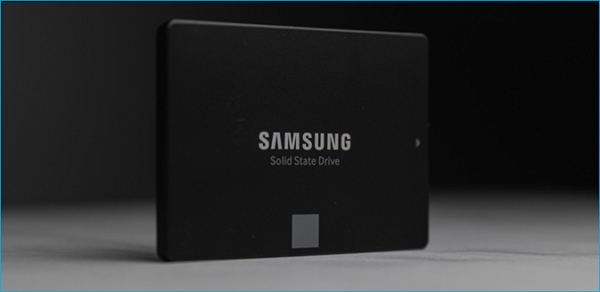
See more from the table below:
| Price Range | Capacity | Pros | Cons | Targeted Users |
|---|---|---|---|---|
| $99 to $409 | 1TB - 4TB |
Fast with up to 1,050 MB/s speeds Excellent long-lasting design Samsung software contained |
Short cable Only three-year warranty 4K performance isn't ideal |
Medium-budget users |
4. SanDisk Extreme Portable SSD
The SanDisk Extreme Portable SSD is a great external hard drive for PS5, offering fast speeds, shockproof, waterproof, and dust-proof design, making it a reliable option for storing and transferring data.
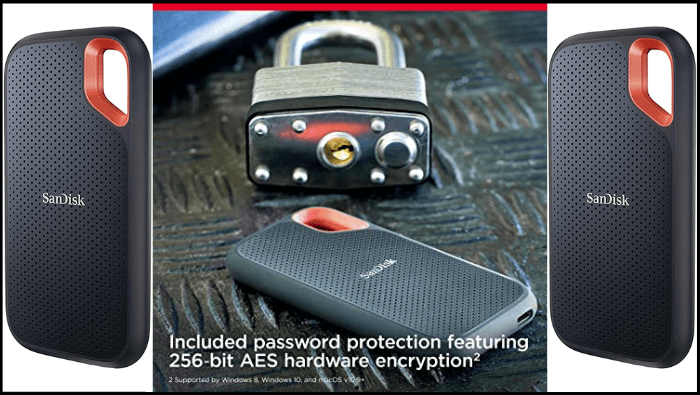
See more information about Sandisk in the table:
| Price Range | Capacity | Pros | Cons | Targeted Users |
|---|---|---|---|---|
| $88 to $297 | 250GB - 2TB |
Shockproof, waterproof, & dust-proof Perfect writing and reading speeds USB-C |
No power indicator Short cable for desktop |
Medium-budget users |
5. Crucial X6
This portable SSD has a compact design, offering a 2TB capacity, and can withstand falls of up to 2 meters, as well as shock, vibration, and high temperatures. It's lightweight, weighing only 39 grams, and can fit in the palm of your hand. It also boasts incredible speeds, with a sequential write speed of 540 Mbps.
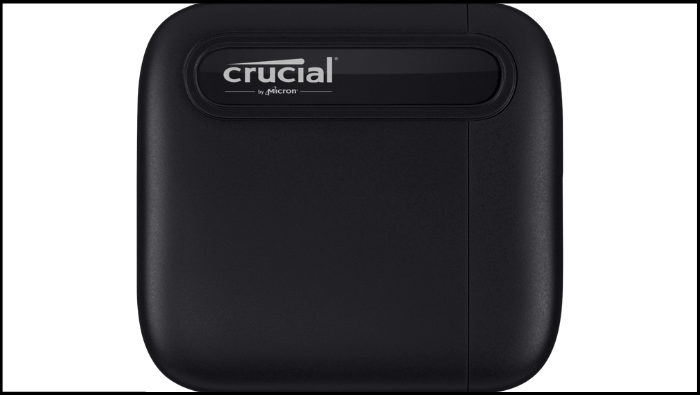
There is a table for you to learn more:
| Price Range | Capacity | Pros | Cons | Targeted Users |
|---|---|---|---|---|
| $49 to $239 | 500GB - 4TB |
Cost-effective Lightweight and pocketable Suitable for medium-level tasks |
Only 540 MB/s speed No USB-C-to-A adapter or cable in the box No activity light |
Best for low-budget users |
6. Seagate Game Drive
The Seagate Game Drive is a PS5-compatible external hard drive that holds a license from Sony, allowing it to work seamlessly with the console. With a storage capacity of up to 4TB, it can store up to 100 games, and is easy to configure, ready for use in under three minutes. The drive also features a USB 3.0 cable for compatibility and can be used on both PS4 and PS5.
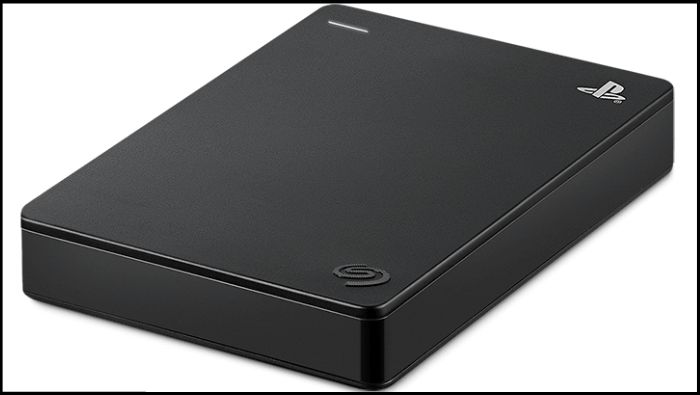
See the detailed features in the table below:
| Price Range | Capacity | Pros | Cons | Targeted Users |
|---|---|---|---|---|
| Starts at $109 | 2TB - 4TB |
Official PS5 license Easy to set up Compatible with various devices |
Slower than others A bit heavier than others Capacity may not be sufficient for future PS5 games |
Medium-budget users Own multiple devices |
7. LaCie Rugged SSD Pro
The LaCie Rugged SSD Pro is the best option for PS5, offering fast file transfers, with read and write speeds of up to 1,050 MB/s and 1,000 MB/s respectively, and a universally compatible USB Type-C interface.
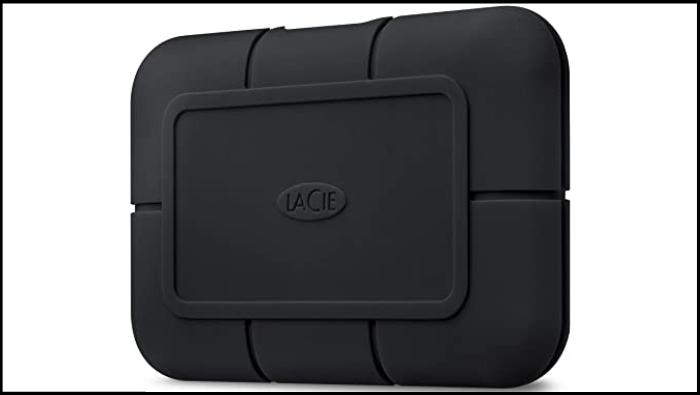
See more information in the table below:
| Price Range | Capacity | Pros | Cons | Targeted Users |
|---|---|---|---|---|
| Starts at $299 | 1TB - 2TB |
Very fast Resist capability for dust/water/shock Five-year warranty |
Expensive Short cable Lacks 256-bit AES hardware encryption |
Suitable for hardcore gamers |
8. Toshiba Canvio Basics
Toshiba Canvio Basics is a budget-friendly option that performs well, being one of the most sold and recommended storage solutions. While it may not deliver top-notch performance, it's suitable for saving games on your PS4 or PS5, and can also store your PC game collection. It's available in capacities ranging from 500 GB to 4 TB, making it a convenient option for gamers with large collections.
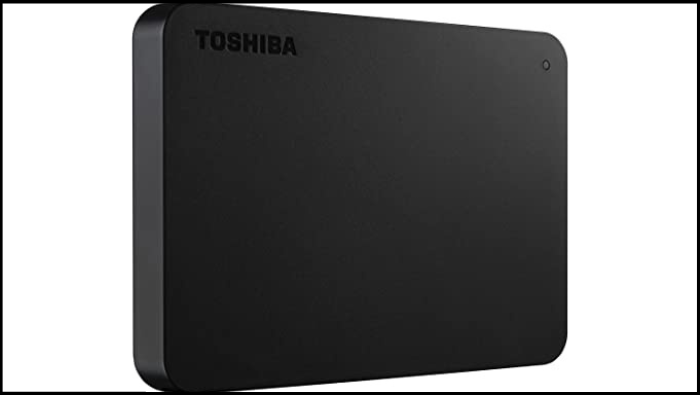
You can get more details about Toshiba here:
| Price Range | Capacity | Pros | Cons | Targeted Users |
|---|---|---|---|---|
| $48 | 1TB |
Cost-effective Good speed result Easy to set up on Mac |
Limited capacity No backup utility No password protection |
Good for low-budget users |
9. WD My Passport
The WD My Passport is a widely used external hard drive that can be set up with a PS5, despite potentially taking some time. It is available in various capacities, including 1TB to 5TB, at affordable prices.
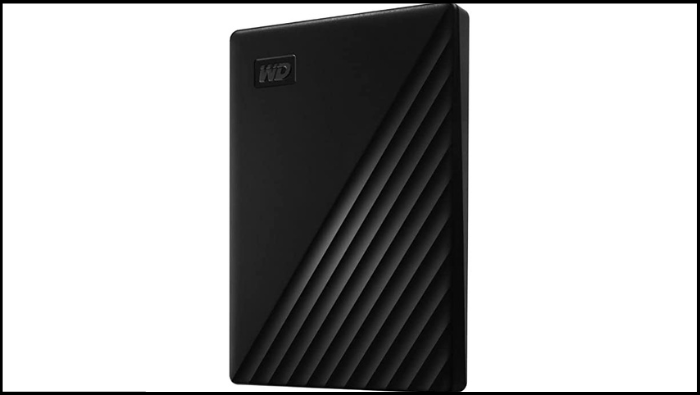
See more information about WD My Passport:
| Price Range | Capacity | Pros | Cons | Targeted Users |
|---|---|---|---|---|
| Starts at $89 | 1TB - 4TB |
Cost-effective Backup utility 256-bit AES hardware encryption |
Slow transfer Short cable Not eye-catching |
Medium-budget users Traveller |
10. WD Black D10
The WD Black D10 Game Drive offers large storage capacities, making it ideal for storing a large collection of PS4 games, which can be accessed at PS4 speeds. It's available in up to 8TB capacities, allowing you to store all your favorite games. It's designed for desktops and features extra USB ports for charging controllers or expanding your PS5's USB connectivity, making it a great choice for storing downloaded games, media, and more.
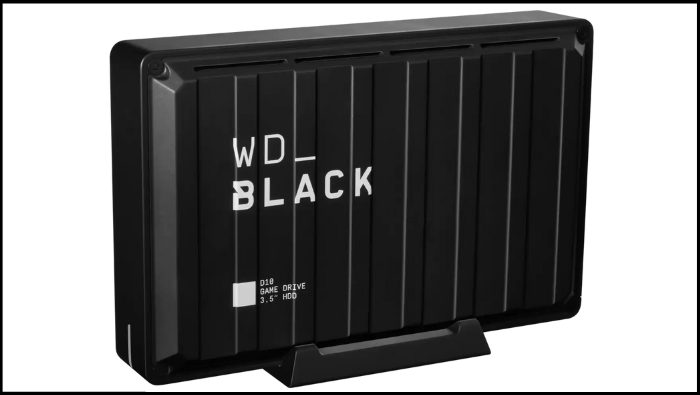
The table displays more details here:
| Price Range | Capacity | Pros | Cons | Targeted Users |
|---|---|---|---|---|
| $170 | 8TB |
High capacity Good cooling system |
Slower than SSD Relatively heavier than others Short cable |
Medium-budget users |
Conclusion
The best PS5 external hard drive for you depends on your specific needs and preferences. If you only play at home and don't need to take your games on the go, portability isn't a concern. However, if you plan to play on different devices or need to store a large game library, a portable external SSD with sufficient storage capacity is essential, as games continue to grow in size, requiring more storage over time.
When moving your external hard drive, it's essential to check its durability to prevent data loss. Look for a drive that is shockproof, waterproof, and dustproof to ensure it can withstand any bumps, spills, or dusty environments during transport. This will give you peace of mind knowing your valuable information is protected.
When choosing an external hard drive for your PS5, consider the transfer speed and compatibility with your console, as a slow speed can be frustrating and a non-compatible drive can be a waste of money.
Read Also:
Related Articles
- What Is macOS? Full Information About macOS
- What Is MRT Process Mac: High CPU Usage [Updated 2023]
- What Is 4K Ultra HD [All You Need to Know]
- What Is DISM Command? How to Repair Windows Image with It?
- All You Need to Know about GTA V File Location
Learn where GTA V files are stored on PC, how to find the GTA 5 file location, and how to move or manage game files safely. - Hades 2 Save File Location & Config File Location on PC/Steam/Xbox
If you're having trouble finding your Hades 2 save file location, this article is for you. we will guide you through different methods to locate your game saves and config files on PC, Steam, or Xbox, including how to back up your game saves using Qiling Disk Master.
Products
Articles & Tutorials
- Data Recovery
- Data Backup
- File Recovery
- File Backup
- System Backup and Restore
- Disk and Partition Clone
- Technical articles
- Mobile articles
- Disk Master Help
- Windows Data Recovery Tutorials
- Windows Secure Delete Tutorials
- Windows Partition Management Tutorials
- Windows File Backup and Restore Tutorials
- Windows System Backup and Restore Tutorials
- Windows Disk Backup and Restore Tutorials
- Windows Clone Tutorials