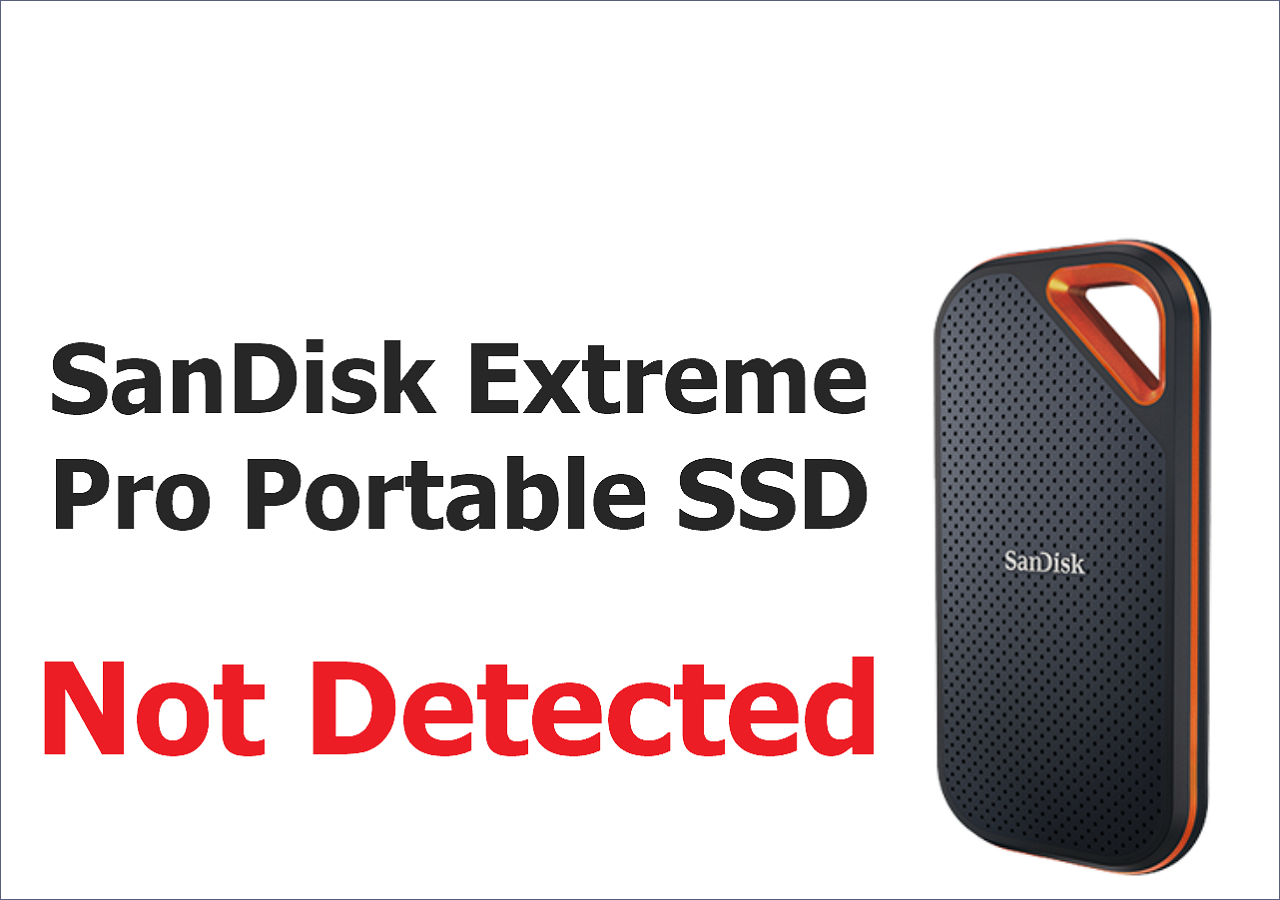
SanDisk Extreme Pro Portable SSD Not Detected: Troubleshooting and Data Recovery
The SanDisk Extreme Pro Portable SSD is an excellent portable SSD device that offers convenience for various users, including computer users, mobile phone users, and photographers. With a focus on portability and ease of use, it comes in three storage sizes: 1TB, 2TB, and 4TB.
SanDisk Extreme Pro Portable SSD is a high-performance storage device that can be damaged like other external devices, and users may encounter issues such as the SSD failing or being undetected.
I just had a SanDisk Extreme Portable Pro 2TB SSD fail on me (bought it less than a month ago) – ARGH! Any suggestions on reliable SSDs I should look into? Would love any other advice/suggestions on this topic
I was cloning ALEXA Mini footage with Resolve and now the SSD no longer mounts on my Mac (I've tried everything – going to look into data recovery in the meantime). from Reddit
For this user's situation, Qiling data recovery should be his first choice to recover lost data on SanDisk SSD, as it is the most suitable solution for his needs. However, if you're experiencing the issue of your SanDisk Extreme Pro Portable SSD not being detected, this article can provide you with reasons and expert solutions to resolve the problem.
SanDisk Extreme Pro Portable SSD Not Detected Reasons
The SanDisk Extreme Pro Portable SSD may not be detected on your PC due to various reasons. Before diving into the solution, it's essential to understand the possible causes of this issue. Multiple factors can contribute to the SSD not being recognized, and knowing the underlying reasons can help you resolve the problem more effectively.
- The SanDisk Extreme Pro Portable SSD may not be detected due to file system corruption, although the exact cause has not been officially stated by the company.
- The cable you are using to connect SanDisk SSD needs to be checked. Is the cable damaged or faulty? Try replacing it with a new one to see if that resolves the issue.
- The outdated SanDisk SSD driver is causing the undetected issue, which will not be resolved unless the driver is updated.
- File system corruption on a Windows or macOS system can cause an external hard drive to be undetected, resulting in system failure.
- SanDisk SSD can't be used normally if it has been physically corrupted or damaged.
Keep reading to learn the detailed expert's solutions to troubleshoot this error.
Troubleshoot SanDisk Extreme Pro Portable SSD Not Detected
Before attempting to solve the issue, try to rescue data from your SanDisk Extreme Pro Portable SSD first. You can recover deleted files on SSDs using professional SSD data recovery software, such as Deep Data Recovery, which has successfully resolved many SanDisk Extreme Portable SSD data loss issues and is relatively easy to operate.
Here are the steps to perform SanDisk Extreme Pro recovery with Qiling:
- Download and install the Qiling SSD recovery tool on your PC, then launch it.
- Choose the SanDisk Extreme Pro Portable SSD and click "Scan".
- Select the files you want to recover and click "Recover" to start the recovery process. Make sure to choose the correct location to save the recovered files.
- After previewing the files, you can recover them.
If you're experiencing issues with your SanDisk SSD being detected, there are several methods you can try to resolve the problem. First, ensure that the SSD is properly connected to your computer, then restart your system to see if the issue resolves itself.
Fix 1. Update SanDisk Pro Portable SSD Driver and Firmware
An outdated driver may cause the issue, so updating or uninstalling drivers in Windows Device Manager, or updating macOS on an iMac or MacBook, may help resolve the problem. Updating the SSD firmware can also help.
- 00:10 SanDisk SSD firmware issue introduction
- 01:36 Find the updated files on your computer
- 02:22 Different messages of SSD update complete
Updating PC drivers can improve PC performance and ensure better hardware compatibility, leading to a better user experience.
Fix 2. Repair SanDisk Extreme Pro Portable SSD File System Errors
SanDisk SSDs can be repaired using Command Prompt on Windows and Mac Disk Utility on macOS.
- For Windows: To run a disk check on your computer, open the Command Prompt as an administrator, type `chkdsk C: /f /r /x` (replacing `C:` with the actual drive letter you want to check), and press Enter. The `/f` option forces the check, `/r` option scans for bad sectors, and `/x` option allows the disk check to run even if it's being used by the operating system. This command will initiate a disk check on the specified drive, which may take some time to complete.
- For macOS: To repair your SanDisk Extreme Pro Portable SSD, use Spotlight to access Disk Utility, select your SSD, and click "First Aid" to run a repair process. Follow the on-screen instructions to complete the repair.
Fix 3. Repair SanDisk Extreme Pro Portable SSD with Data Recovery Services
When the SanDisk SSD is not detected, you can't update the firmware or repair it yourself, so it's best to seek help from experts. Many users choose Qiling data recovery services. Their engineer team can recover and repair SSDs and HDDs, and can also help with SanDisk SSD not detected issues, allowing you to recover essential data.
Contact the service by clicking the link below to get professional help!
Qiling data recovery experts offer a one-on-one manual recovery service after a free diagnosis, providing various services including data recovery, data transfer, and data backup.
- The system is experiencing issues with a corrupted RAID structure, an unbootable Windows OS, and a corrupted virtual disk file, making it difficult to access and utilize the system's full capabilities.
- Recover/repair lost partition and re-partitioned SSD drive
- To repair a BitLocker-encrypted drive that's been reformatted, you'll need to restore the operating system and then reactivate BitLocker. This process involves booting from a Windows installation media, selecting the "Repair your computer" option, and then choosing the "Troubleshoot" option.
- Fix disks that become GPT-protected partitions
Avoid Data Loss on SanDisk Extreme Pro Portable SSD
Data loss on an SSD can occur even on a new drive, making it essential to take preventive measures. To avoid losing data, consider backing up your SSD regularly, using a cloud storage service or an external hard drive. Additionally, it's crucial to ensure your SSD is properly formatted and configured, and to regularly check for firmware updates to prevent potential issues.
- Backing up your SSD to the cloud can provide a lower risk of losing data compared to traditional storage methods, as cloud storage is less prone to physical damage or loss.
- Extreme temperatures, fire, and water can cause damage to your SSD, so it's best to avoid using it in such conditions.
- To update the firmware of your SanDisk Extreme Pro Portable SSD, you can visit the SanDisk official website and follow the instructions provided. The website will guide you through the process of downloading and installing the latest firmware version for your specific device, ensuring it stays up-to-date and functions optimally.
- Don't download unknown files or software on your SSD.
The Bottom Line
You should be careful when using a portable SSD as it's easy to physically damage it when taking it with you. If your SanDisk Extreme Pro Portable SSD is not detected on your Mac or Windows, rescuing data with Deep Data Recovery is a good first choice.
If a SanDisk Extreme SSD is detected but files are inaccessible, the SanDisk Extreme SSD recovery guide explains when to copy first, scan, or stop because the hardware is unstable.
Related Articles
- [5 Quick Fixes] Samsung Data Migration Not Working
- Guide on Recovery Partition Not Showing in My Computer | Find Missing Recovery Partition Easily
- Do I Need a Heatsink for My M.2 SSD [2024 Full Guide]
- Universal Control Not Working? How to Fix on Mac/iPad
Consider this article to learn about the Universal Control not working error on the macOS and iPadOS. If you're wondering how to fix Universal Control not working on macOS, it shows the top 6 ways to eliminate the error. - [Fixed] Function Keys Not Working | 6 Tested Methods
Do you need help with the issue of Function keys not working? Discover six proven methods to fix this problem in the article below! - Games Keep Crashing on Windows 10/11 - 13 Quick Fixes
Fix games that keep crashing on Windows 10 or 11. Check drivers, overheating, game files, system resources, and compatibility issues.
Products
Articles & Tutorials
- Data Recovery
- Data Backup
- File Recovery
- File Backup
- System Backup and Restore
- Disk and Partition Clone
- Technical articles
- Mobile articles
- Disk Master Help
- Windows Data Recovery Tutorials
- Windows Secure Delete Tutorials
- Windows Partition Management Tutorials
- Windows File Backup and Restore Tutorials
- Windows System Backup and Restore Tutorials
- Windows Disk Backup and Restore Tutorials
- Windows Clone Tutorials