How Do I Get 100GB Free Cloud Storage
100GB of cloud storage is equivalent to storing about 20,000 to 40,000 average-sized photos, or approximately 10,000 to 20,000 average-sized documents, or around 2,000 to 4,000 average-sized videos. This means you can store a large number of files, including photos, documents, videos, and more, in the cloud, making it a convenient and accessible way to store and manage your digital content.
100GB of cloud storage can hold up to 8 1080p HD movies or a large collection of personal photos and videos.
Here, you can store more than 3000 pictures of 3 to 4MB each, and around 5000 ebooks, making it a great storage solution for those who love photos and reading.
Cloud Backup vs. Cloud Storage: What's the Difference
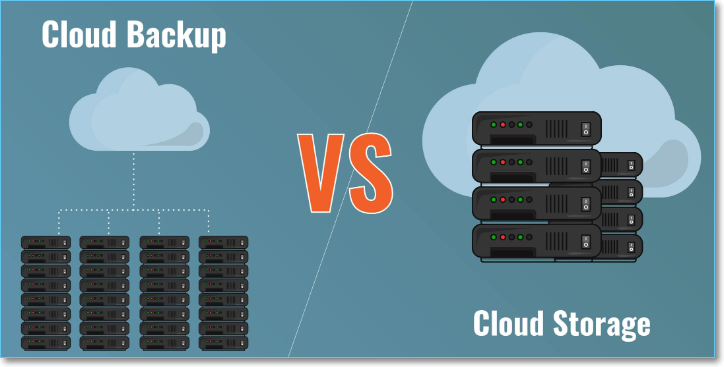
cloud backup and cloud storage are often confused with each other, but they serve different purposes. cloud backup is a service that allows users to store copies of their files and data in a remote location, typically for disaster recovery and data protection purposes. On the other hand, cloud storage is a service that enables users to store and access their files from anywhere, often with the ability to share and collaborate with others. In essence, cloud backup is about preserving data, while cloud storage is about accessing and sharing files. Users who need to protect their files from loss or damage should opt for cloud backup, while those who need to store and share files should choose cloud storage.
How to Get 100GB of Free Cloud Space
Most cloud storage services have limited storage capacity, typically ranging from 2GB to 15GB, and require a paid subscription to access additional storage.
Some cloud storage providers, like Degoo and Mega, offer generous storage capacities of 50-100GB. Additionally, certain options allow users to gain extra storage space through referral-based tricks.
Here is the list of cloud drive products:
1. Degoo
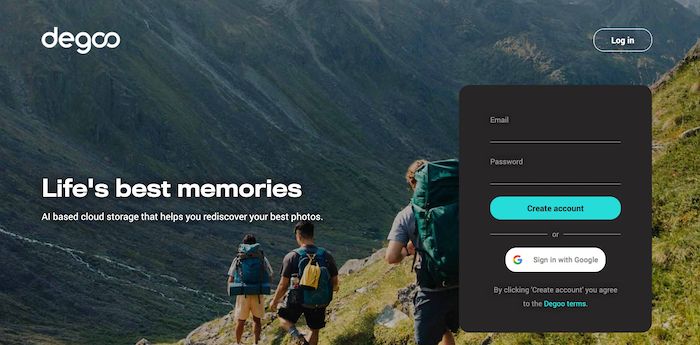
Degoo, one of the top-notch AI-based cloud storage services, offers 10TB storage with subscription fees, and provides 100GB of free storage. It allows secure storage, access, and sharing of files, photos, and movies through various devices.
Degoo is a backup system that allows users to back up videos, documents, and photos from a hard drive, but it may delete files after 90 days if the account is inactive.
To get more online storage on Degoo, sign up, visit your account, tap 'Get Extra Space', and then watch ads, invite friends, or upgrade your account to get extra free space.
Pricing plan for paid version:
Cloud storage offers 100GB free space. To get 10TB, it costs $9.99/month. For 500GB, it's $2.
Key features
- 256-bit end-to-end encryption
- Intuitive and simple interface
- Storage maximizer tool
2. MEGA
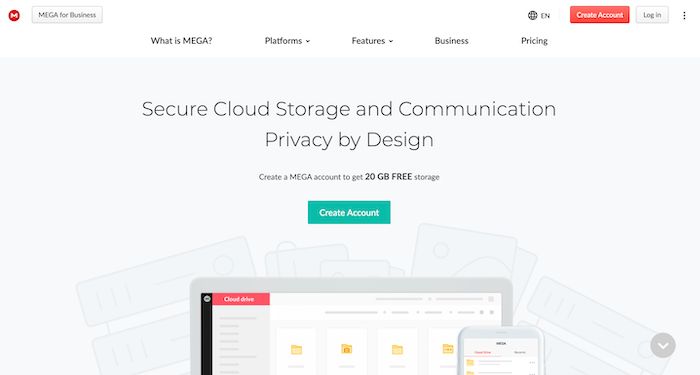
MEGA is the second most popular cloud storage service and offers a generous 50GB of free space, perfect for storing cherished memories. However, this free storage is only available for the first month after signing up, after which the storage space is limited to 15GB.
To get extra free space, you can complete the MEGA Achievement, install MEGASync on your device for a 40GB bonus transfer and 20GB bonus storage, and install the MEGA mobile app for a 30GB bonus transfer and 15GB bonus storage.
By inviting friends to join MEGA, users can receive a 20GB bonus transfer and 10GB bonus storage, but the bonus is only available for 180 days.
Pricing plans for the paid version
MEGA offers storage plans starting at $5 for 400GB, $10 for 2TB, $20 for 8TB, and $30 for 16TB.
Key features
- AES-128 end-to-end encryption
- Clear source code
- Compliant with GDPR
- Supports 2FA
3. Google Drive
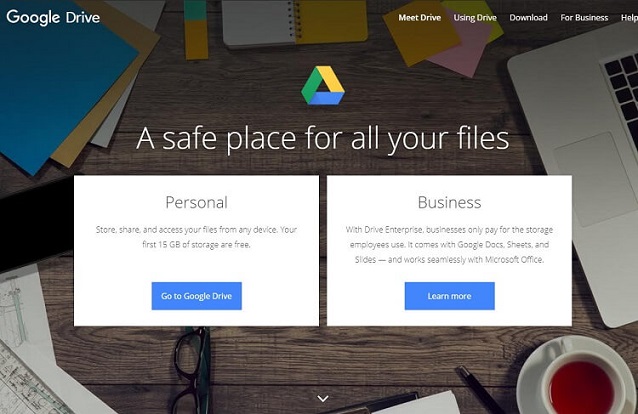
Google Drive is a widely used cloud storage service, offering 15GB of free space, making it the best choice for new cloud users looking to connect with Google Photos and Gmail.
By completing a task, you can unlock an extra 2GB of free space, and both the free and paid versions offer features like Slides, Sheets, Docs, and translation capabilities.
Google Drive's accessibility through Android and iOS devices makes it a popular choice, thanks to its exciting features.
Pricing plans for the paid version
Google Drive's monthly subscription fee is more affordable than most cloud storage options, with a basic 100GB plan starting at 2 USD/month and a premium 2TB plan costing 8 USD/month.
Key features
- Easy team collaboration
- Share files with anyone
- Automatic conversion of files to docs editor format
- Starred files and folders
4. Box

Box offers 10GB of free cloud storage, compatible with over 1400 storage services, including G Suite, Office 365, and more. However, one drawback is that the free storage cannot be increased.
Pricing Plans for the paid version
Box's monthly paid membership starts from $25 for a basic business plan, increasing to $35 for enterprise-level backup and storage solutions.
Key features
- Help prevent data breaches with Box Shield
- Advanced backup policies
- Compliant with multiregional data residency needs
5. Sync
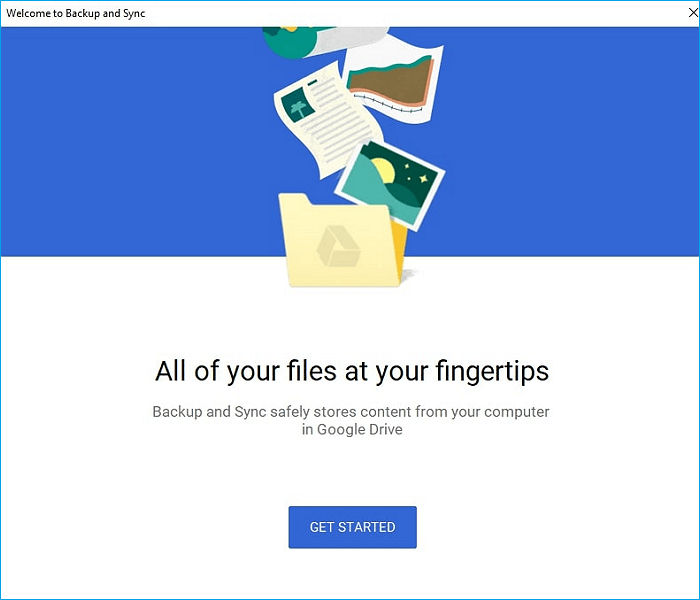
Sync offers 5GB of storage with no expiry date, providing users with a generous amount of space to store their files. Despite not being a traditional cloud storage service, Sync still offers a wide range of features, including those typically found in paid versions, making it a viable option for those looking for a free cloud storage solution.
The drive offers bonus storage by completing simple achievements, such as email verification, app installation, and getting referrals, which can give up to 20GB of free storage. It also has two-factor security authentication, 2048-bit encryption, and remote device lockout for added security.
Pricing plans for the paid version
The monthly subscription fee for Sync starts at just $5.
Key features
- Retention & Archiving
- Collaboration tools
- Audit trail
- Content management
6. OneDrive
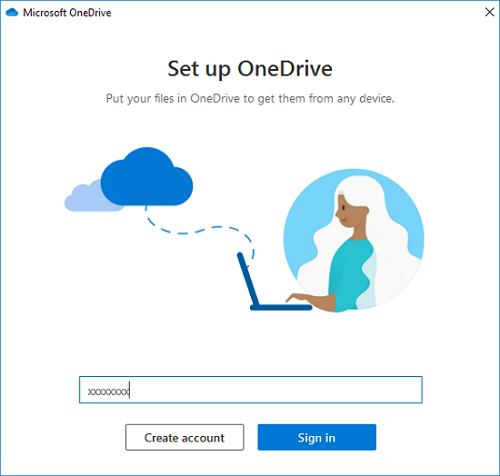
OneDrive offers 5GB of free storage, which can be increased to 1TB for students and educators with a university or school email address, but others require a paid membership for additional storage.
With OneDrive, you can back up and protect your data and files, and also collaborate with others using Office apps, even if you lose your device.
Pricing plans for the paid version
The annual subscription for OneDrive is available at $75
Key features
- Personal vault
- Document scanning
- Access files without consuming space on the PC
- Access, share, and edit files from all devices
7. Dropbox
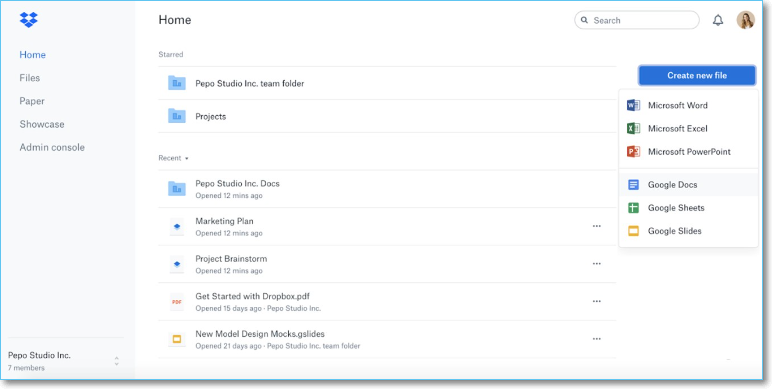
Dropbox offers 2GB of free storage, but you can get up to 16GB by referring friends.
Dropbox offers 500MB of free space with each signup, but syncing lots of files with the app can interrupt its smooth performance, which can be maintained by syncing only the website or specific folders.
Pricing plans for the paid version
Dropbox's paid version, available in two options, includes a Plus (individual) plan for $11.99/month and a Family (multi-user) plan for $19.99/month.
Key features
- Access and share files from anywhere
- Automated backup
- Easy collaboration
- End-to-end encryption
- Integration of scanner, e-signature, Slack, and Zoom
8. Qiling Backup
Qiling Backup provides 250GB of free cloud storage, allowing users to access their backups anywhere, anytime. It offers customizable backup options, including full C Drive backups, and automatically connects to popular cloud services like Google Drive, OneDrive, and Dropbox.
Pricing plans for the paid version
You can upgrade to Qiling Backup Home from Qiling Backup Free for a yearly subscription fee of $39.95, or start with a 30-day free trial first.
Key features
- Disk/Partition backup and recovery
- System image backup and recovery
- Cloud backup
- Bootable backup
- Disaster recovery
To use Qiling Backup, follow these steps: first, download and install the software from the official website; next, launch the program and follow the on-screen instructions to create a backup plan; then, select the files and folders you want to back up; after that, choose a storage location and set up the backup schedule; finally, click "Start Backup" to initiate the backup process.
Step 1. To initiate a backup, click the File backup button in the Backup and recovery page.

Step 2. On the left, both local and network files will be shown. You can expand the directory to select the backup files.
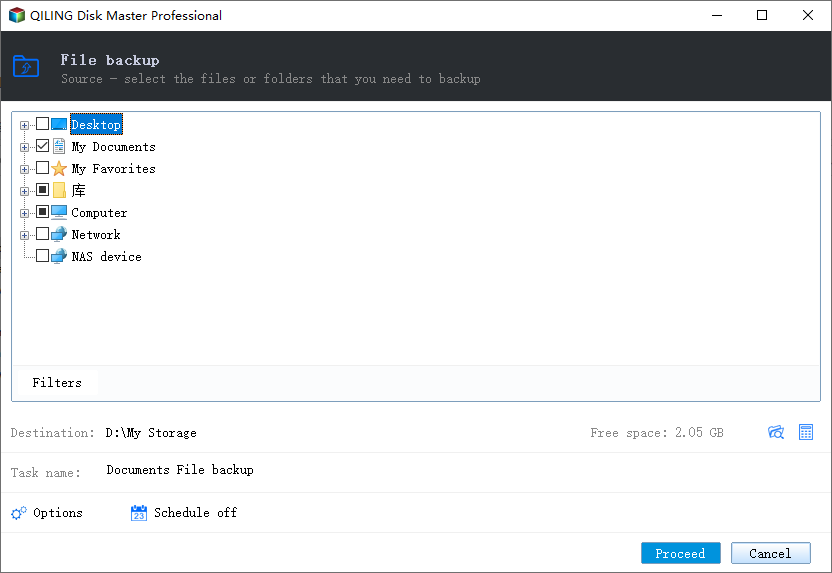
Step 3. Follow the on-screen instructions to choose a location to store the backup.
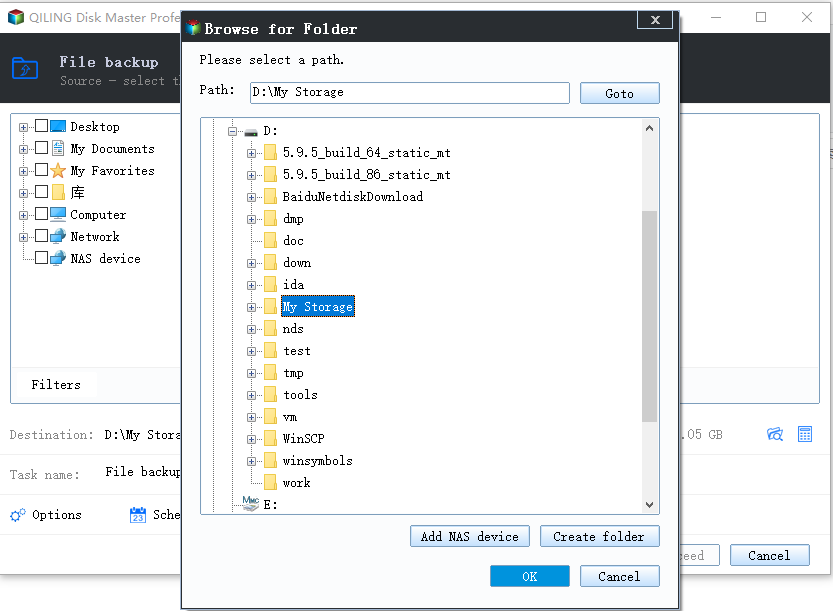
Step 4. To encrypt the backup with a password, click on the "Options" button in the "Backup Options" section, allowing you to add an extra layer of security to your backup. This will give you the option to customize the backup process further according to your needs.
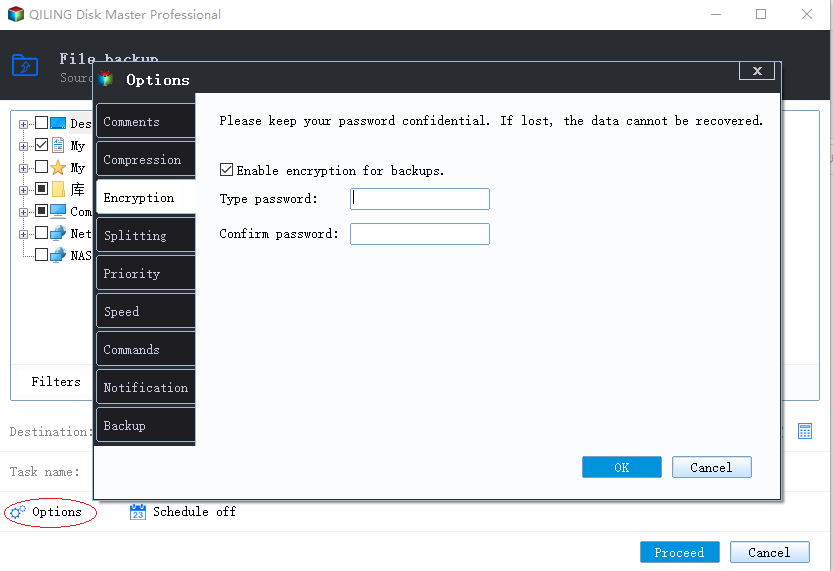
To specify the backup schedule, click on "Backup Scheme" and choose the schedule type, such as daily, weekly, or monthly, and set the start time and date for the backup to begin. This will ensure that the backup is performed at the designated interval and time, allowing for a consistent and reliable backup routine.
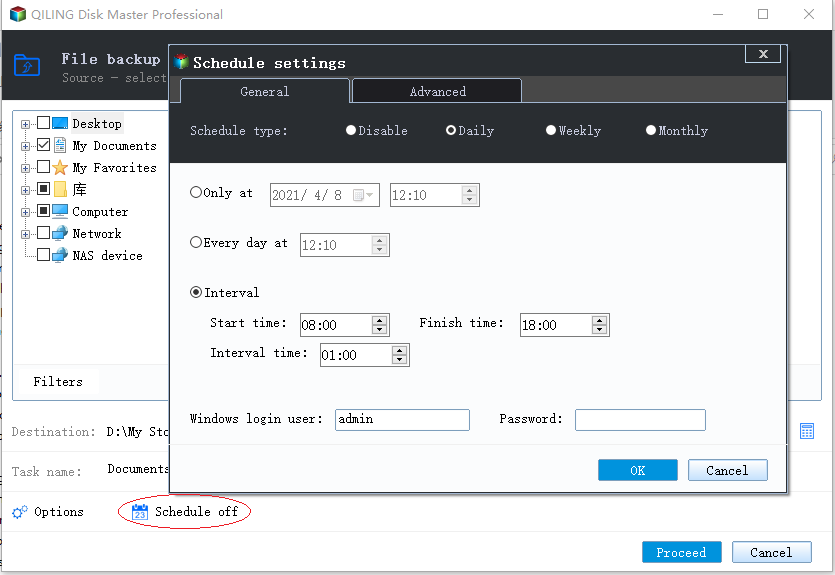
Step 5. The backup may be stored on a local disk, Qiling's online service, or a Network-Attached Storage (NAS) device.
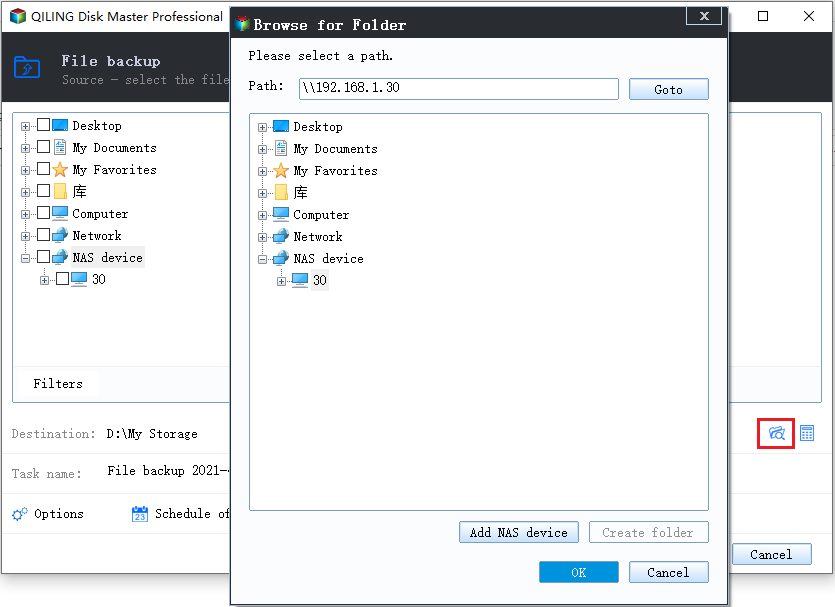
Step 6. Qiling Backup allows customers to back up data to both a third-party cloud drive and its own cloud drive.
To back up data to a cloud drive provided by a third party, select Local Drive, scroll down to add Cloud Device, and then add and log in to your account.
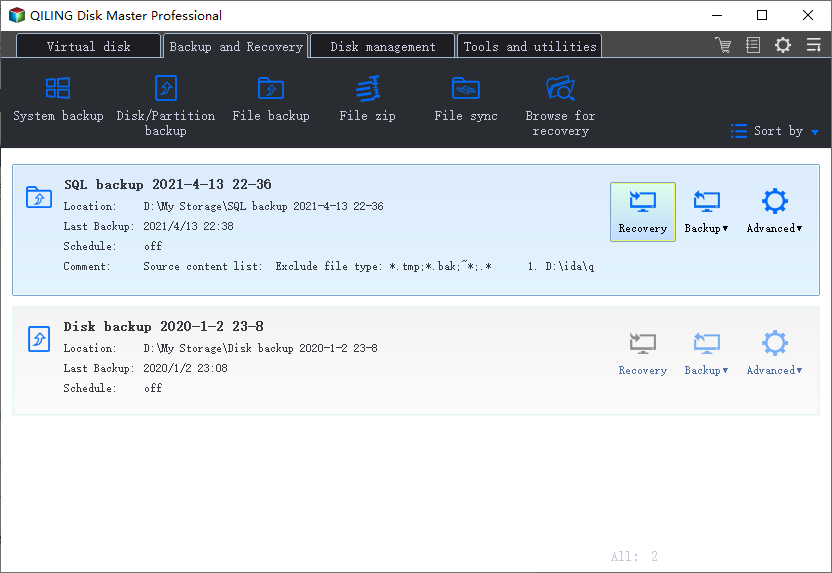
Step 7. To start the backup process, click Proceed. After the backup is finished, it will be displayed as a card on the left side of the panel. You can then click the backup job to manage it further.
Conclusion
Degoo offers the most storage facility, but it's a backup system. Other cloud drive products offer free storage between 2 to 100GB, but with limitations and expiry dates. To get full access to free cloud storage, prioritize using backup and combine clouds to synchronize and back up your files, allowing you to access up to 100 GB of free storage.
FAQ on 100GB Free Cloud Storage
Is Degoo 100 GB for lifetime?
Degoo offers 100 GB of free cloud storage, allowing users to store, access, and share files, photos, and movies across various devices. The service also enables computer backup, with no storage limits and the option to keep data indefinitely. However, users must be aware that Degoo may delete inactive accounts after 90 days.
How much does 1TB of OneDrive cost?
OneDrive plans start at $1.99 per month for 100 GB of storage, with additional storage available for purchase in 50 GB increments up to 1 TB, which can be subscribed for $69.99 per year.
Related Articles
- Can You Reinstall Windows Without Losing Programs (Check the Answer!)
- The Best Disk Imaging Software for Windows 11
- Best Restore Point Creator for Windows & How to Use
- 3-Minute Understanding SSD Cache in Windows 10/11: Is It Worth It?
- SD Card Easy Transfer Tool
The best free SD card easy transfer tool allows for effortless data and file transfer between SD cards, as well as between other storage devices like computers, USB flash drives, external hard drives, and more. - How to Use Seagate Backup Plus Slim on Windows [2022 Tips]
An ultimate guide for those who are using Seagate hard disk or storage. This post looks at how to use Seagate Backup Plus on Windows and how you can effectively back up data. If you find it difficult, check out recommended software that makes it even easier.
Products
Articles & Tutorials
- Data Recovery
- Data Backup
- File Recovery
- File Backup
- System Backup and Restore
- Disk and Partition Clone
- Technical articles
- Mobile articles
- Disk Master Help
- Windows Data Recovery Tutorials
- Windows Secure Delete Tutorials
- Windows Partition Management Tutorials
- Windows File Backup and Restore Tutorials
- Windows System Backup and Restore Tutorials
- Windows Disk Backup and Restore Tutorials
- Windows Clone Tutorials