How to Clone a Dual-Boot Windows and Linux Drive
A dual-boot machine keeps Windows and Linux on the same disk, with GRUB or another boot loader choosing between them at startup. Cloning only one partition leaves the other system without the boot files it expects.
This guide explains how to copy the whole dual-boot drive onto a new SSD, keep the partition order intact, and repair the boot menu if the copy starts in only one operating system.
PAGE CONTENT
- Why a Dual-Boot Drive Needs a Full Disk Clone
- Inspect the Partition Layout Before You Clone
- Prepare the Target Drive
- Clone the Dual-Boot Disk with Qiling Disk Master
- Fix and Verify the GRUB Boot Menu
- FAQs About Dual-Boot Cloning
- Back Up Windows Before You Clone
Why a Dual-Boot Drive Needs a Full Disk Clone
- Boot files live outside both systems. The EFI system partition holds the Windows and Linux loaders together.
- GRUB points to partition numbers. If the copy renumbers or drops a partition, the menu entries stop working.
- Linux partitions are not visible to Windows. Ext4 and swap volumes still have to be copied at block level.
- Order matters more than size. A clone that keeps the same sequence avoids boot-file mismatches.
- Backing up one system is not enough. A Windows image leaves the Linux side on the old disk.
Choosing disk clone instead of partition clone is what keeps both operating systems and the shared boot partition together.
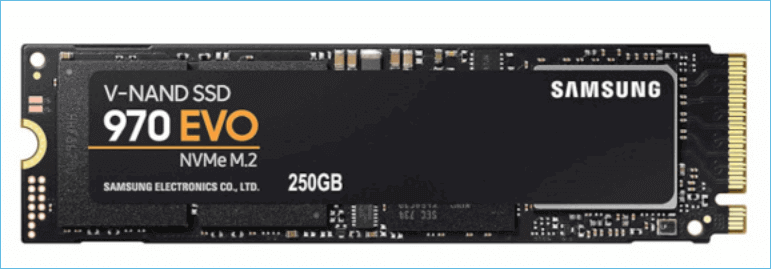
Inspect the Partition Layout Before You Clone
- Open Disk Management. Note the EFI partition, the Windows volume, and any recovery partition.
- List the Linux partitions. Use lsblk or GParted to identify root, home, and swap volumes.
- Measure the used space per volume. The new SSD must hold every partition, not only the Windows one.
- Record the boot order. Write down which entry starts first so the new disk can match it.
- Note the partition style. Almost all dual-boot machines built for UEFI use GPT.
A short written layout saves guesswork when the cloned disk starts in only one system.
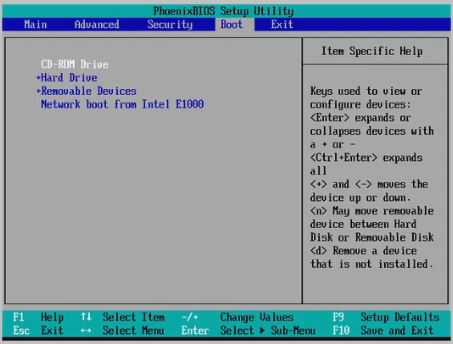
Prepare the Target Drive
- Connect the new SSD. Use a free SATA port, an M.2 slot, or a USB enclosure.
- Leave it unformatted. The clone writes the partition table, so pre-formatting only adds steps.
- Disable Fast Startup in Windows. A hibernated Windows volume cannot be read consistently.
- Suspend BitLocker if it is on. Pause protection so the copied Windows partition stays readable.
- Use mains power. A laptop that sleeps during the copy can leave it half written.
A clean, idle target and an unlocked Windows volume are the two conditions the wizard cares about.
Clone the Dual-Boot Disk with Qiling Disk Master
Qiling Disk Master works from Windows and copies every partition on the disk, including those it cannot read. Download and install it first.
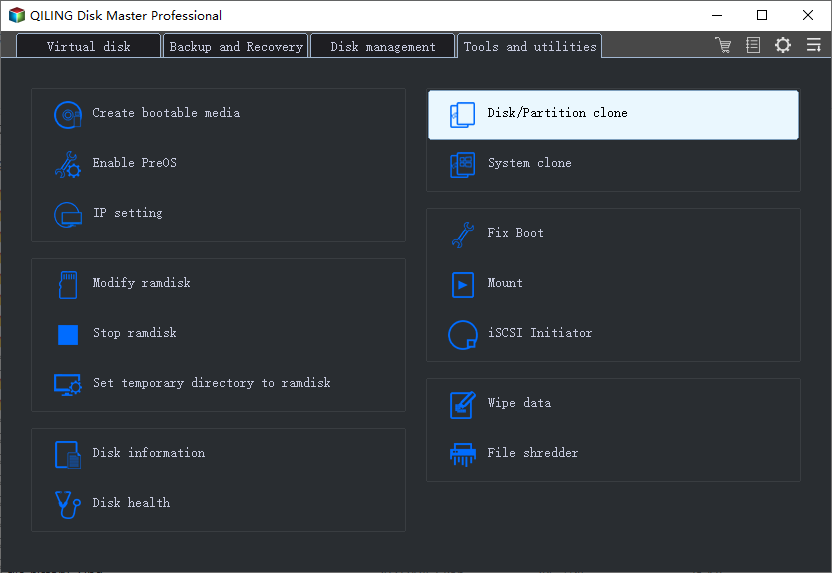
Step 1. Open Qiling Disk Master, choose Clone, and then select Disk Clone.
Step 2. Select the dual-boot disk as the source and click Next.
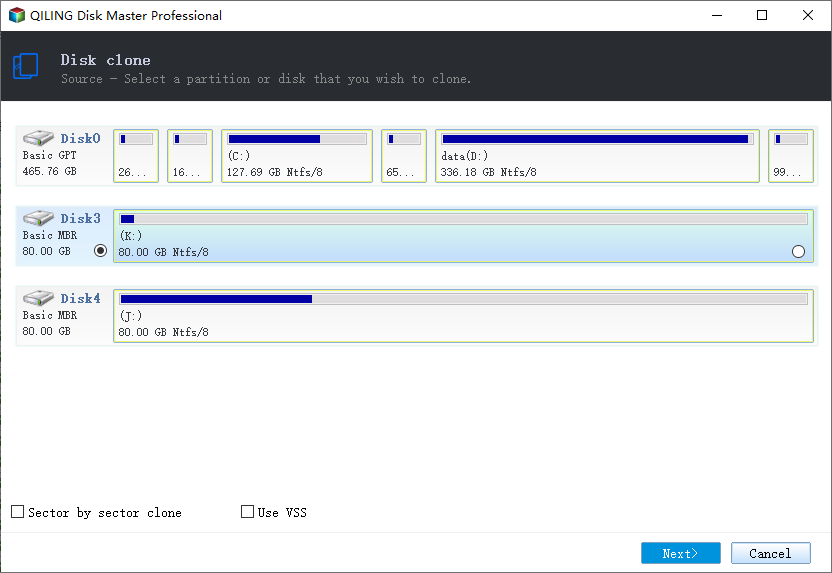
Step 3. Select the new SSD as the destination and confirm that its data will be replaced.
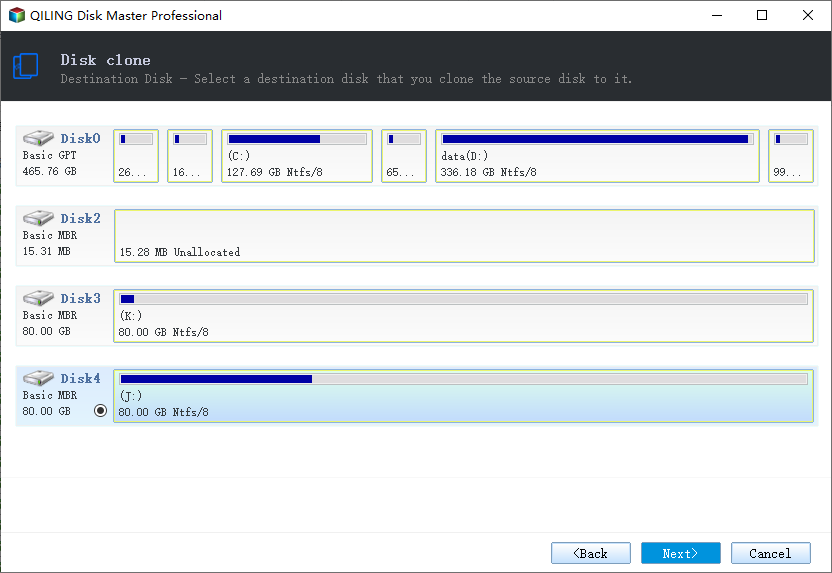
Step 4. Check that every partition is listed in the same order, then choose Sector by Sector Clone so the Linux volumes are copied exactly and the boot config matches the original offsets.
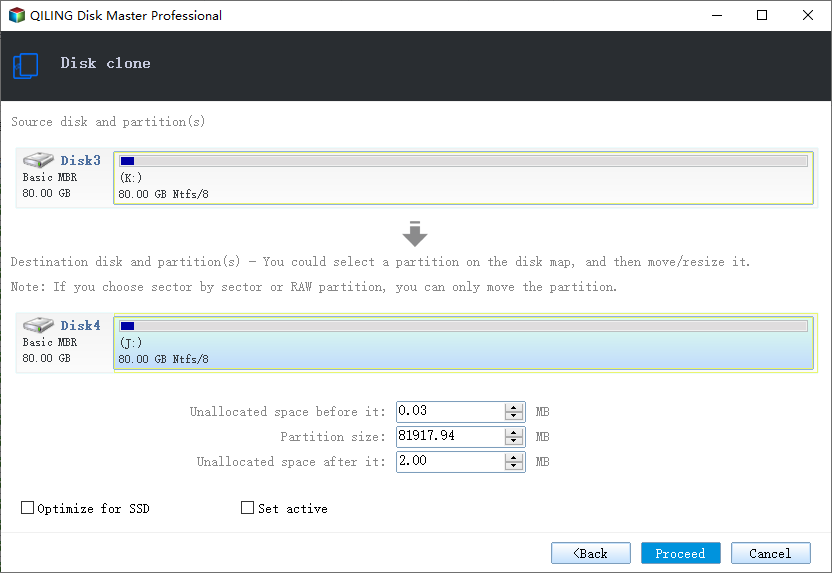
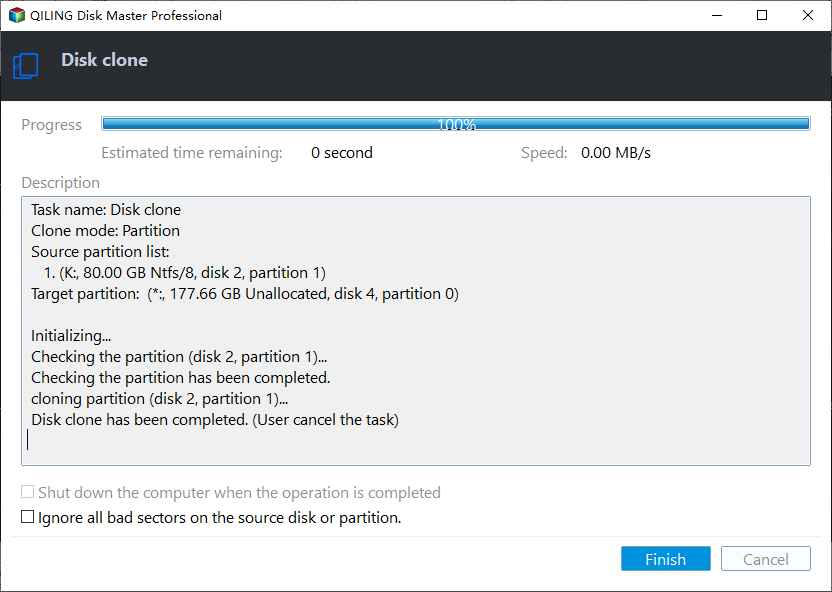
Step 5. Click Proceed, wait until the copy finishes, and shut down before you change the hardware.
Fix and Verify the GRUB Boot Menu
- Boot with both disks attached. The first start tells you which loader survived the copy.
- Check the UEFI entry. Look for a Linux or Windows Boot Manager entry that points to the new disk.
- Rebuild GRUB if it is missing. Boot a Linux live session and run update-grub or grub2-mkconfig.
- Reinstall the Windows loader if needed. Use bcdboot from a Windows recovery drive to restore the EFI files.
- Test both systems twice. Restart once more and choose each operating system from the menu.
If the Windows side refuses to start, the fixes in Cloned Drive Wont Boot Fix cover the EFI and boot-order cases.
FAQs About Dual-Boot Cloning
Can I clone only the Windows partition?
You can, but the Linux system on the same disk stays behind and GRUB will point to partitions that no longer exist.
Will GRUB still work after the clone?
It usually does when the partition order is identical. If not, rebuild the menu from a Linux live session.
Does the Linux swap partition need copying?
Copying it is harmless, and a sector-by-sector clone keeps it. A new swap volume can also be created later.
Can I clone a dual-boot disk to a smaller SSD?
Only when every partition fits. Shrink the Linux volumes first, since Windows tools cannot resize ext4.
Do I need to reinstall either system?
No. A full disk clone preserves both installations; only the boot menu may need a repair.
Back Up Windows Before You Clone
Before changing drives or partitions, create a full Windows backup. Qiling Disk Master creates a system image you can restore from.
Step 1. Open Qiling Disk Master and select System Backup to include Windows and the boot partitions.
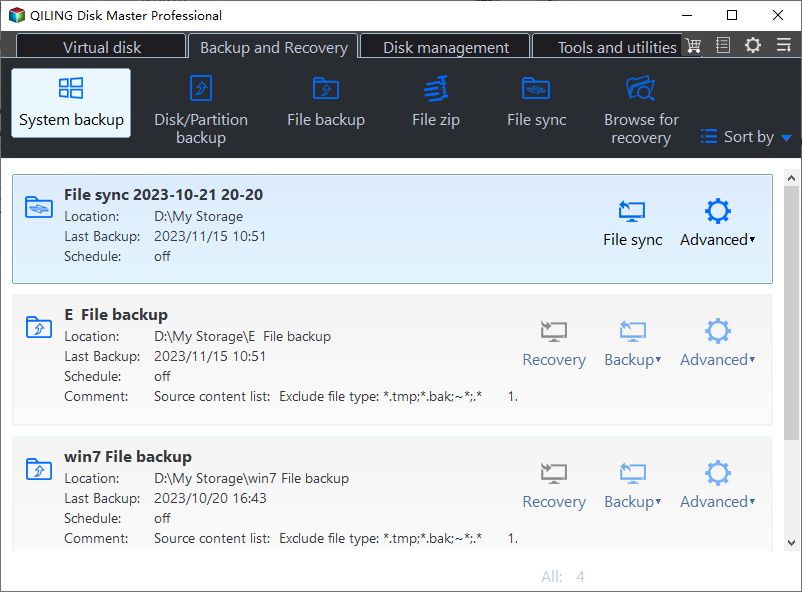
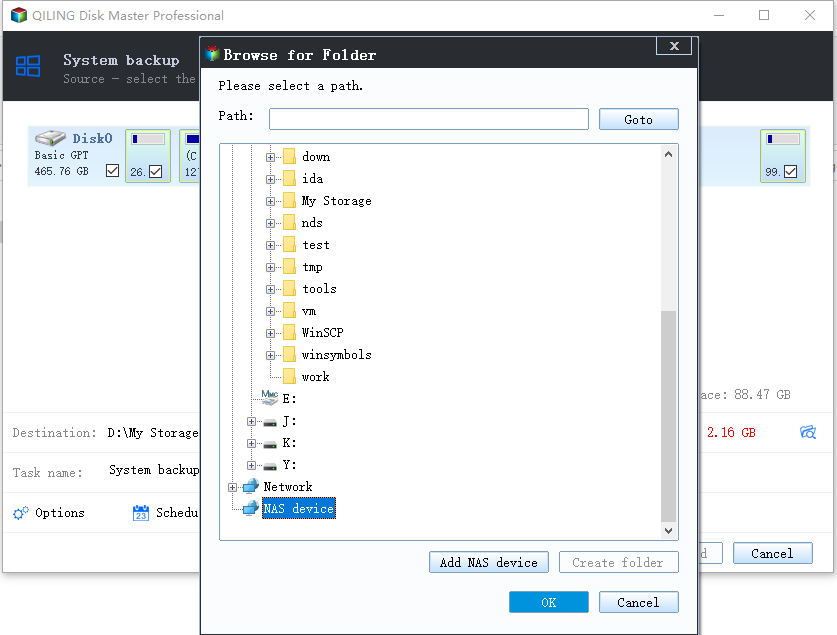
Step 2. Save the image to a drive other than the dual-boot disk and start the backup.
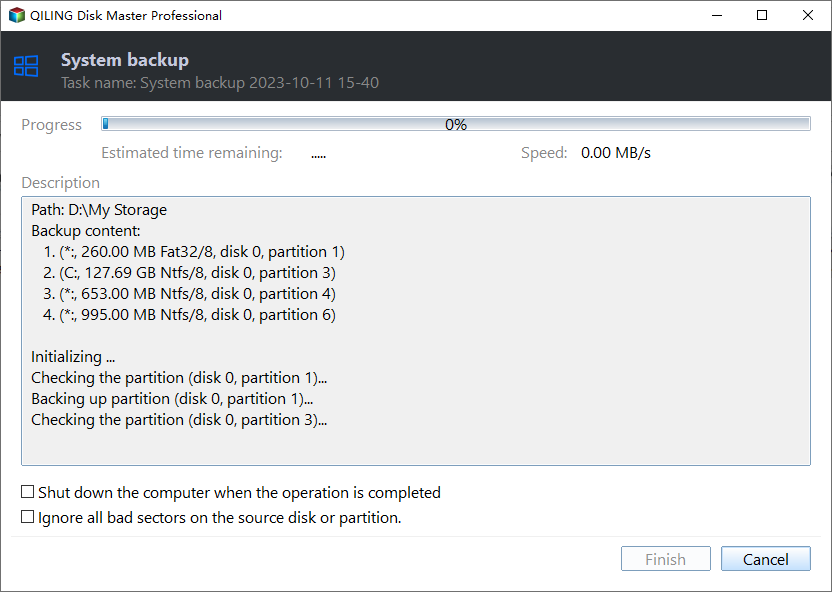
Step 3. Click Proceed to start the system backup and wait patiently until it finishes. You can also tick Shut down the computer when the operation is completed to power off automatically.
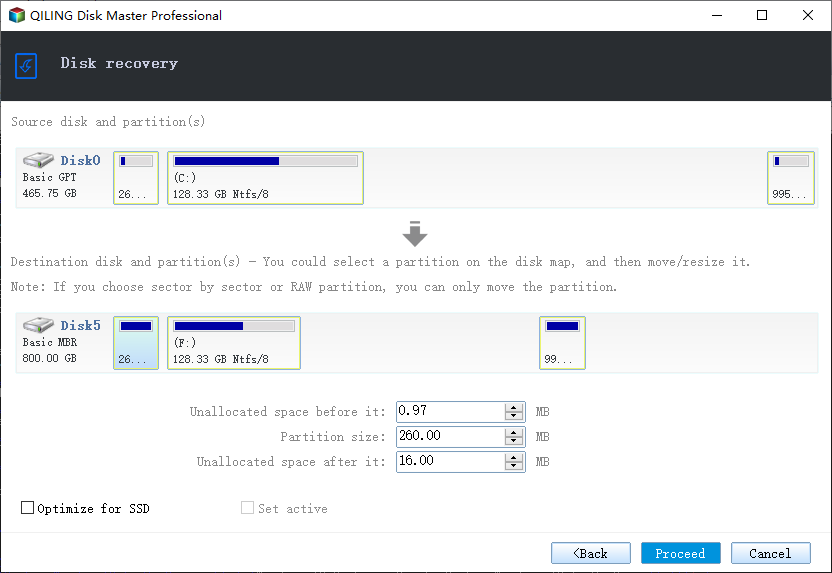
Step 4. If the dual-boot copy will not start either system, restore the Windows image and clone again.
Conclusion
A dual-boot disk clones in one pass when you copy the whole disk instead of a single partition. Note the layout first, close Windows Fast Startup, suspend BitLocker, then clone every partition in the original order with Qiling Disk Master and sector-by-sector copying for the Linux volumes. Boot with both drives attached, confirm the UEFI entry, and rebuild GRUB or bcdboot if one loader is missing. Keep the old disk until both systems have started twice, and take a system image so a failed boot never costs the Windows side.
For more on moving whole systems, see How to Clone an MBR Disk to a GPT SSD, How to Clone an NVMe SSD to a Larger NVMe SSD, Cloned Drive Wont Boot Fix, and Does Cloning a Hard Drive Copy Windows.
Related Articles
- How to Clone a 2.5 SSD to M.2
Moving a system to another drive format keeps every partition. See the steps and the boot checks. - How to Clone Windows 10 to an External Hard Drive
An external copy of Windows can boot on the same PC. Learn the setup and the boot-menu step. - Clonezilla Alternative for Windows
Cross-platform disk imaging is possible without command-line steps. Compare the options. - How to Clone an SD Card for Raspberry Pi
Linux boot partitions need their own care. See how to copy a card and keep it bootable. - How to Clone the Windows Recovery Partition to a New SSD
Keep the repair menu working after the drive swap.
Products
Articles & Tutorials
- Data Recovery
- Data Backup
- File Recovery
- File Backup
- System Backup and Restore
- Disk and Partition Clone
- Technical articles
- Mobile articles
- Disk Master Help
- Windows Data Recovery Tutorials
- Windows Secure Delete Tutorials
- Windows Partition Management Tutorials
- Windows File Backup and Restore Tutorials
- Windows System Backup and Restore Tutorials
- Windows Disk Backup and Restore Tutorials
- Windows Clone Tutorials