Best External SSD for Steam Deck [2024 New List]
As game installation sizes continue to grow, with many games now requiring dozens of gigabytes, gamers are finding it essential to have the best external SSD to store their games. This is particularly crucial for console gamers, given the limited storage capacity on devices like the Steam Deck, which can be expanded using large external SSDs, making it a practical solution for expanding one's game library.
Are you looking for the best external SSD for your Steam Deck? This article will help you find a suitable option by comparing the pros and cons of different brands, making it easier to choose the right external SSD for your gaming needs.
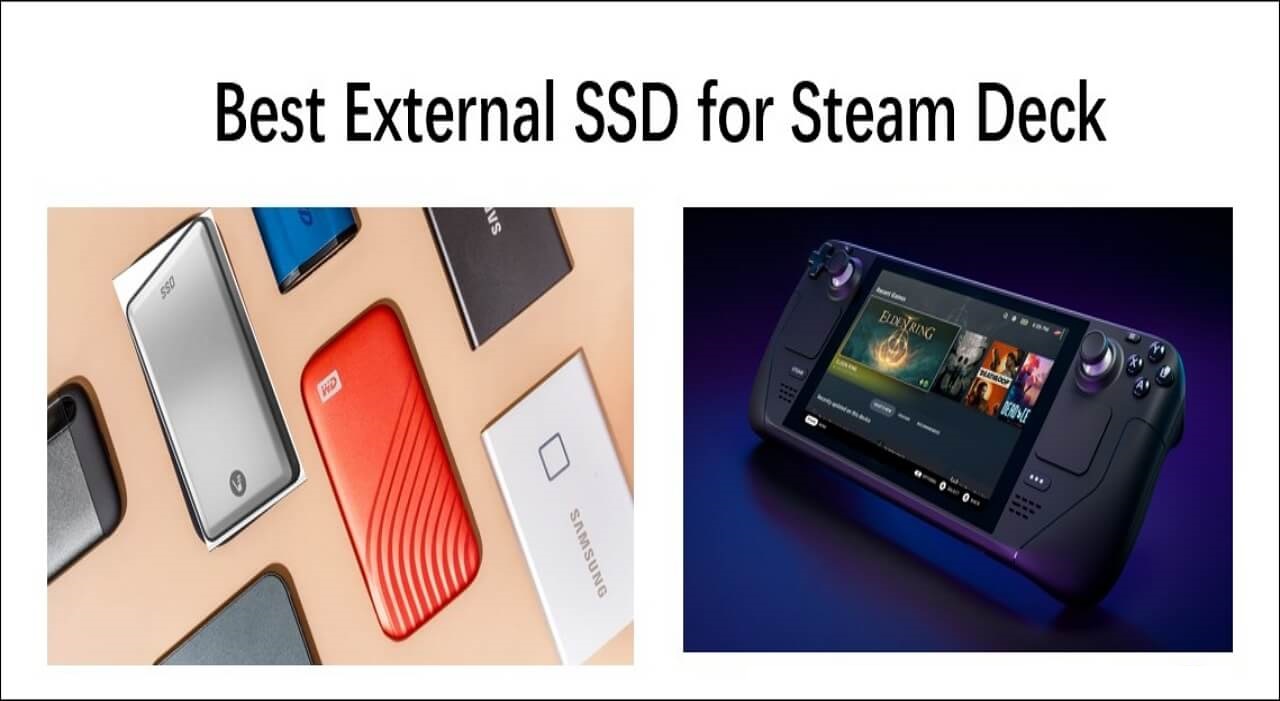
Overview of External SSD for Steam Deck
The Steam Deck is a handheld game console developed by Valve Corporation, released on February 25, 2022. It features a docked mode when connected to a monitor, allowing users to play PC games on a larger screen.
The Steam Deck, a portable gaming PC, requires an external SSD to enhance its performance and capabilities. This is because the Steam Deck's internal storage, while sufficient for casual gaming, may not be enough for demanding games or large game libraries. An external SSD can provide additional storage space, allowing users to install more games, and also improve loading times and overall system responsiveness.
- If your Steam Deck is running low on storage or you want to make your game library more portable, consider choosing an external SSD for your device. This can provide an easy way to expand your storage without the hassle of installing a drive, making it a convenient solution for your gaming needs.
- The second reason to choose an external SSD is that you can easily swap a portable external SSD between devices, making it a convenient option for sharing files or working on the go.
- Using an external SSD for your Steam Deck can potentially improve gaming performance, especially if the internal storage is slow or full.
Choosing the best external SSD for your Steam Deck is crucial, as different brands can meet various user needs. To make the right choice, consider factors such as storage capacity, speed, compatibility, and durability. By weighing these factors, you can select an external SSD that meets your specific requirements and provides optimal performance for your gaming experience on the Steam Deck.
Best External SSD for Steam Deck [Top 5 Checklist]
Choosing the best external SSD for Steam Deck can be overwhelming with numerous brands available. However, by considering factors such as price, capacity, read and write speed, connection, pros, and cons, users can make an informed decision. This guide will explore five types of brands offering external SSDs for Steam Deck, providing a comprehensive comparison to help users select the most suitable one for their needs.
Here are the top 5 external SSDs for Steam Deck, summarized in one paragraph:
The Samsung SSD T7 is the first external SSD for Steam Deck, offering fast speeds and reliable data storage for large files, making it ideal for storing games, movies, and business documents in a compact and durable package.
The below table shows you its price, pros and cons, and other specific information. After reading the table, you can learn more detailed information about Samsung SSD T7.
| Price |
|
| Capacity |
|
| Speed |
|
| Connectivity Technology |
|
| Compatible Devices |
|
| Pros |
|
| Cons |
|
If you're looking for an external SSD with a larger capacity, you can consider the Samsung SSD T7 Touch or the Samsung SSD T7 Shield, which offer capacities up to 2TB. The T7 Touch also features a touchscreen interface and a more premium design, while the T7 Shield is more rugged and water-resistant.
You may be interested in the following:
The VectoTech Rapid Portable SSD is a fast external storage option for Steam Deck users, offering faster data transfer speeds than traditional spinning hard drives. This makes it ideal for users who need to quickly move or copy files, such as photographers, videographers, gamers, and DJs, who can benefit from a reliable backup solution.
You can find the detailed specifications of the VectoTech Rapid in the table below:
| Price |
|
| Capacity |
|
| Speed |
|
| Connectivity Technology |
|
| Compatible Devices |
|
| Pros |
|
| Cons |
|
The VectoTech Rapid is a high-speed external SSD available in capacities ranging from 1TB to 8TB, with read and write speeds of up to 540MB/s. If you're looking for a more affordable option, you can consider other external SSDs that offer similar performance and features at a lower price point.
The Crucial X6 Portable SSD is a brand of external SSD for Steam Deck that offers up to 4TB capacity, making it suitable for storing large photo libraries, files, games, and movie collections.
The Crucial X6 Portable SSD is a compact and lightweight storage device that offers high-speed data transfer and secure storage. It is designed to be portable and easy to use, with a compact size that fits easily in a pocket or bag.
| Price |
|
| Capacity |
|
| Speed |
|
| Connectivity Technology |
|
| Compatible Devices |
|
| Pros |
|
| Cons |
|
The Crucial X6 Portable SSD is a compact and lightweight storage device that offers high-speed data transfer rates, a durable design, and a user-friendly interface, making it a reliable option for users who need to transfer and store large files on-the-go.
The WD P50 Game Drive SSD is a portable external SSD that allows you to access your game library anywhere, offering up to 2TB of capacity and a shock-resistant design. This means you can play your favorite games without having to clear space on your PC or console, and can easily take your games with you on the go.
Have you ever used this brand? How much do you know about the WD P50 Game Drive SSD? This table will show you some specific WD P50 Game Drive SSD features.
| Price |
|
| Capacity |
|
| Speed |
|
| Connectivity Technology |
|
| Compatible Devices |
|
| Pros |
|
| Cons |
|
The WD P50 Game Drive SSD is compatible with various devices, including laptops, gaming consoles, and desktops. If you're looking for a drive that also supports tablet PCs, there may be other suitable brands available.
You may want to know the following:
The Buffalo External SSD is the last brand of external SSD for Steam Deck, designed to handle multitasking such as rendering videos and backing up storage simultaneously. It features a USB 3.2 Type-A connector and a USB Type-C connector.
Buffalo is a well-known brand globally, and this table provides information about the Buffalo External SSD, including its price, capacity, read and write speeds, connection options, pros, and cons.
| Price |
|
| Capacity |
|
| Speed |
|
| Connectivity Technology |
|
| Compatible Devices |
|
| Pros |
|
| Cons |
|
The Buffalo External SSD is a high-performance storage device that offers a range of capacities, speeds, and compatibility with various devices. With prices ranging from $44.99 to $119.99, it's an affordable option worth considering based on your specific needs and budget.
To choose the best external SSD for you, consider the size and capacity you need, the interface type (USB-A, USB-C, or Thunderbolt 3), and the level of durability and protection you require. Look for models with high read and write speeds, such as those with USB 3.2 Gen 2 or Thunderbolt 3 interfaces, and consider the number of ports available on your device.
Further Reading: Install Windows on Steam Deck
Which Is the Best External SSD for Steam Deck
Choosing the best external SSD for your Steam Deck can be overwhelming, especially with so many great options available. After considering the top five external SSDs for Steam Deck, you may be wondering how to make a decision. Ultimately, the best brand for you will depend on your specific needs and preferences, but considering factors such as speed, capacity, and compatibility with your Steam Deck will help you make an informed choice.
Since each brand has its own advantages and disadvantages, the choice of which brand to choose depends on individual needs.
- If you have high requirements for external SSD capacity, you are advised to choose VectoTech Rapid for your storage needs.
- Buffalo External SSD is the best choice for you if you need to consider your own budget and do not have a large capacity requirement.
- For Steam Deck players and PC gamers, Samsung SSD T7, Crucial X6 Portable SSD, WD P50 Game Drive SSD, and Buffalo External SSD are great options, catering to different budgets.
- The WD P50 Game Drive SSD is the most suitable external SSD for a Steam Deck, especially if you have high expectations for the game experience, due to its fastest read speed.
Conclusion
The Steam Deck is a portable gaming console that allows users to play PC games on the go. When choosing an external SSD for the Steam Deck, there are five main brands to consider: Samsung, VectoTech, Crucial, WD, and Buffalo. Each offers unique advantages in terms of speed, capacity, and price.
If you think this guide is very helpful, you can share this guide on your social media to help others.
Related Articles
- What Is A NAS Storage? How Does NAS Work?
- Windows 11 Is Not Activated: How to Activate Windows 11 OS for Free
- An Overall View of Rosetta 2 Mac [Free Download]
- Qiling Disk Drives Stats 2 (Disk Number/Disk Types/C Drive Size) for 2024
- Top 8 Hard Drive Temperature Monitor Software for Windows [Pros & Cons]
Tracking hard disk temperature helps users take the right action. If overheating disk issues persist, users can use any of the hard drive temperature monitor software listed to take corrective measures. - [FIXED] How to Fix Hogwarts Legacy AutoSave Not Working
If you're experiencing issues with the Hogwarts Legacy autosave not working, you can try resolving the problem and recovering any disappeared game data. To fix the issue, you can refer to the article for guidance.
Products
Articles & Tutorials
- Data Recovery
- Data Backup
- File Recovery
- File Backup
- System Backup and Restore
- Disk and Partition Clone
- Technical articles
- Mobile articles
- Disk Master Help
- Windows Data Recovery Tutorials
- Windows Secure Delete Tutorials
- Windows Partition Management Tutorials
- Windows File Backup and Restore Tutorials
- Windows System Backup and Restore Tutorials
- Windows Disk Backup and Restore Tutorials
- Windows Clone Tutorials