Efficient Ways To Fix PS4 Disc Drive Not Working! Error Reading!
What Is a PS4 Disc Drive?
The PS4 was a huge success when it launched, outselling Microsoft's Xbox One X, which struggled in terms of sales volume.
Sony's success with its PlayStation devices, as well as other products, has been consistent over time.
Any mechanical component, including the PS4 and its disc drive, can sometimes fail or poorly perform. Your PS4 and its disc drive are no exception to that.

The PS4 has a read-The PS4 is a gaming console that supports Blu-ray and can playback HDR content. Its optical drive has a reading speed over three times faster than its predecessor, the PS3, and can even play 4K content on the PS4 Pro model.
The PS4 is a compact, portable computer and media player with impressive power and capabilities, featuring a CPU made up of two 28 nm quad-core Jaguar modules and a GPU with a theoretical peak performance of 1.84 TFLOPS.
The high-performance computer, with its impressive processing capabilities, is a testament to human innovation and engineering prowess. However, its compact design and immense power also imply a higher risk of component failure, which can lead to system crashes or even complete shutdowns.
If you're experiencing a PS4 disc drive reading error, it could be due to various reasons. The issue might be caused by a dirty or dusty disc, which can lead to reading errors. Additionally, a scratched or damaged disc can also result in reading errors.
You May Also Like: Xbox One Not Reading Disc
PS4 Disc Drive Not working: Specific Reasons
If your PS4's disc drive is not working, it may be due to a loose power cord, a broken power button, dust, or insects in the drive.
Let's take a closer look at each of these issues so you can better understand what's wrong and what you can do to address them.
Your PS4 disc drive reading error may be caused by a loose power cord, which is not properly plugged into the outlet or not properly connected to your PS4, causing the error.
If your devices are not turning on, the simple solution is to check if everything is connected properly, or simply unplug everything and plug everything back in properly. This can often resolve the issue.
Remove dust: If your PS4 has been turned off for a long time and won't turn on, it's probably due to dust buildup. To fix this, clean the area around your PS4, unplug any cables, and use compressed air to blow out any dust from the ports. Once clean, plug everything back in and try turning it on again.
Check your power source: If your PS4 is not working due to a faulty disc drive, try plugging it directly into a wall socket instead of an extension cable. Ensure the switches are turned on. If the issue persists, try using a different wall socket. This troubleshooting step can help determine if the problem is with the PS4 itself or the power source.
Broken PS4 power button: The touch-sensitive button on the original PlayStation 4 may stop working if it's been dropped or opened, potentially damaging the metal plate underneath the casing that touches the copper pad on the motherboard. This can cause the button to malfunction.
If your PS4 external hard drive is not working, you can try fixing it by removing the cover and putting the metal plate back in its place, or bending it again if it's only bent. If that doesn't work, you may need to replace it. You can find a full guide on how to fix it by clicking the link below.
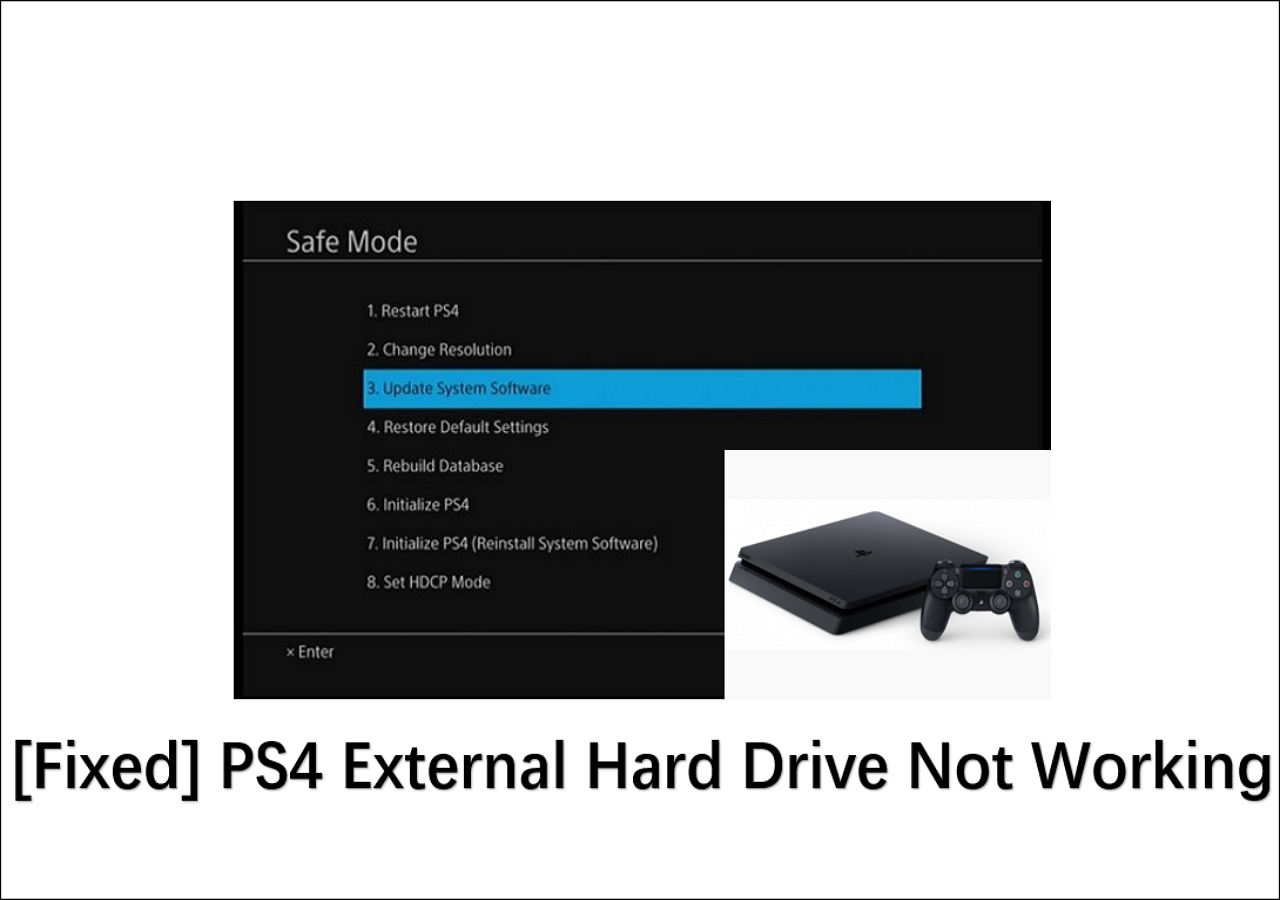
[Fixed] PS4 External Hard Drive Not Working/Recognized
No matter which case you belong to, Qiling will lead you to find the corresponding solution in the following content:
How To Fix PS4 Disc Drive Not Reading?
Here are the steps to fix a non-working PS4 disc drive:
Restart your PS4: If your PS4's disc drive is not working, try restarting the console. Unplug all cables, clean the cords and PS4 ports of dust, and then plug everything back in. Allow the PS4 to sit for at least 4-5 minutes before turning it back on. This simple troubleshooting step may resolve the issue.
Error code: If your PS4 shows an error code, write it down and search for it on PlayStation's official support website. If you get an error code like "SU-30746-0", which indicates a software update failure, you can reinstall the software update to resolve the issue.
If you see a hardware-related error code on your PS4, you can click on it to view the error details and follow the provided troubleshooting steps to fix the issue. If the problem persists, take your console to a nearby Sony service center for professional assistance.
Update your PS4 in safe mode: To update your PS4 in safe mode, follow these steps:
- To turn off your PS4, press the power button on the front of the console. This will shut down the system.
- After turning it off, press and hold the power button.
- Release the power button after it beeps two times.
- Connect your Dualshock controller to your PS4 using a USB cable and press the PS button on your controller.
- To update your PS4's system software in safe mode, select the option "Update System Software" from the menu. This will initiate the update process, which may take a few minutes to complete.
Final Words
- Recommendation
- Keep the area around your PS4 clean and tidy, and ensure it's updated with the latest software. Be cautious when opening it, as it's a delicate electronic device.
- Since a lot of powerful components are packed inside a small machine, it will get hot a lot, so we also recommend you turn on the AC during your gaming sessions.
We hope this guide has been helpful in resolving the PS4 disc drive reading error. If you're still experiencing issues, it may be worth trying the troubleshooting steps outlined in this guide again, or seeking further assistance from Sony's support team or a professional repair service. With patience and persistence, you should be able to get your PS4 up and running smoothly again.
Here are some PS4-related topics that you might enjoy:
PS4 Not Working FAQs
1. How do you know when your PS4 is dying?
If your PS4 is frequently crashing or displaying graphical glitches, it may be nearing the end of its lifespan, indicating a potential hardware failure.
2. Are PS4 disc drive married to the motherboard?
On older models (1xxx), the optical drive and motherboard are paired, so if you're replacing the optical drive, you should also replace the motherboard to ensure compatibility and functionality.
3. Can you replace the disk drive on a PS4?
Yes, of course, you can.
4. How long does a PS4 hard drive last?
Hard drives, including those in PS4 consoles, typically have a lifespan of 3-5 years, but can often last longer, as long as they are not subjected to excessive wear and tear.
Related Articles
- How to Keep Hard Drive Cool [Step-by-Step Guide]
- Recover Not Showing Up/Disappeared User Folder and Files in Windows 10
- Command R Not Working? 6 Ways to Fix It on macOS Ventura/Monterey/Big Sur
- How to Solve LG TV Not Recognizing USB [Ultimate Guide]
- How to Change Partition to Primary Using Diskpart
A primary partition is a partition on your hard drive or an SSD that contains Windows operating system and all the other important files and data. This article teaches you how to change partition to primary using Diskpart and provides a quick and easier way for you to change partition to primary. - How to Change Time and Date on Windows 10/11
Learn how to change time and date on Windows 10 or 11. Adjust time zone, sync internet time, and fix incorrect system clock.
Products
Articles & Tutorials
- Data Recovery
- Data Backup
- File Recovery
- File Backup
- System Backup and Restore
- Disk and Partition Clone
- Technical articles
- Mobile articles
- Disk Master Help
- Windows Data Recovery Tutorials
- Windows Secure Delete Tutorials
- Windows Partition Management Tutorials
- Windows File Backup and Restore Tutorials
- Windows System Backup and Restore Tutorials
- Windows Disk Backup and Restore Tutorials
- Windows Clone Tutorials